Phonics Apps for Kids: Best Tools to Build Strong Reading Skills
reviewed by Rachelle Bencio Yu
Updated on September 16, 2026
Key Points:
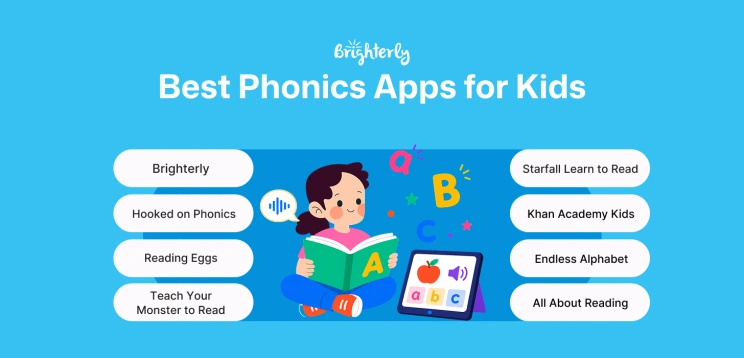
- Best for personalized phonics tutoring: Brighterly is a web-based platform offering live one-on-one lessons with phonics tutors and AI-powered lesson summaries that recap each session after it ends.
- Best free phonics apps: Khan Academy Kids, Teach Your Monster to Read, and Starfall Learn to Read.
- Best for structured phonics lessons: Hooked on Phonics and Reading Eggs.
- Best for learning letter sounds and vocabulary through play: Endless Alphabet.
- Best screen-free option: All About Reading.
Phonics apps help children connect letters with sounds and develop essential blending and decoding skills through interactive lessons, games, and videos. For learners who need personalized guidance, Brighterly combines live one-on-one phonics tutoring with digital tools that help families review each lesson. This guide compares the best phonics apps and learning platforms based on their age ranges, features, pricing, and pros and cons to help you choose the right option for your child.
Exploring alternatives?

Best Phonics Apps for Kids at a Glance
|
Best For |
Price (as of June 2026) |
Ages |
Platform |
Free Option |
|
|
Brighterly |
1:1 live sessions with a certified phonics tutor Free phonics worksheets and personalized support |
Starting at $17.70 per lesson (Based on a 12-month lesson plan, with a 20% discount) |
K-12 |
Web-based |
Free demo class + worksheets |
|
Hooked on Phonics |
Structured phonics practice |
Starting at $14.99/month |
Pre-K – Grade 2 |
Apple, Android, Amazon |
First month available for $1 |
|
Reading Eggs |
Guided lessons and ebooks |
Starting at $9.99/month |
Ages 2-13 |
Apple, Android, Amazon |
30-day free trial |
|
Teach Your Monster to Read |
Free phonics games |
Free web version. App costs a one-time fee of $8.99 |
Ages 3-6 |
Apple, Android, Amazon |
Free web version |
|
Khan Academy Kids |
Completely free phonics app |
Free |
Ages 2-8 |
Apple, Android, Amazon |
Fully free |
|
Starfall Learn to Read |
Early phonics basics |
Limited free version. Full content costs $35/year |
Early learners |
Apple, Android, Amazon |
Yes (limited) |
|
Endless Alphabet |
Letter sounds and vocabulary |
Full version costs around an $8.99 one-time fee |
Early learners |
Apple, Android, Amazon |
Yes (limited) |
|
All About Reading |
Screen-free phonics learning |
Starting at $119.95 |
Pre-K – Level 4 |
Physical program with optional apps |
No |
Disclaimer: Pricing, ages, and all other information were taken from the official websites in June 2026.
How strong are your child’s phonics skills?
Take a quick quiz to check your child’s reading knowledge and spot areas where they may need extra practice.
Explore Brighterly Learning Experience
Learn exactly how Brighterly helps students thrive through expert sessions, online tools, and proven feedback from thousands of satisfied parents
Brighterly
Brighterly is an online learning platform, offering one-on-one lessons with phonics tutors and free phonics worksheets.
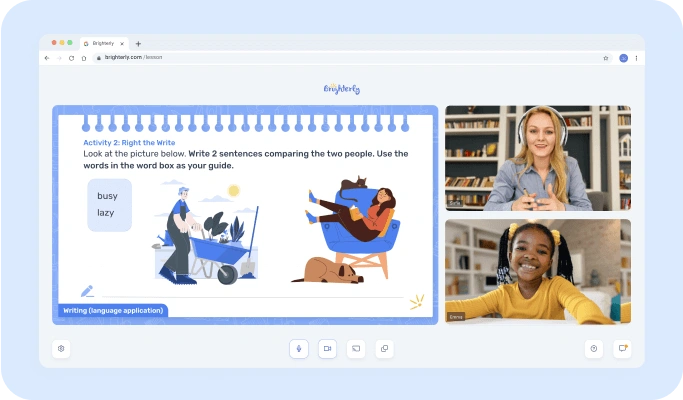
Best for: Learners who need extra practice with worksheets + personalized human support
Price (as of June 2026): Pricing plans start at $17.70 per lesson. This is based on Brighterly’s 12-month plan, which includes 2 lessons per week and a 20% discount. Brighterly’s phonics worksheets are free to download for everyone.
Ages: K-12
Key Features
- One-on-one online classes with phonics tutors
- Personalized and research-based, using the Science of Reading principles
- Free diagnostic test and weekly progress tracking
Brighterly Pros and Cons
|
Pros |
Cons |
|
Personalized learning and live feedback Free worksheets for everyone Competitive prices for one-on-one tutoring |
No self-study option apart from worksheets |
Hooked on Phonics
Hooked on Phonics is a subscription-based phonics app featuring games, videos, and ebooks.
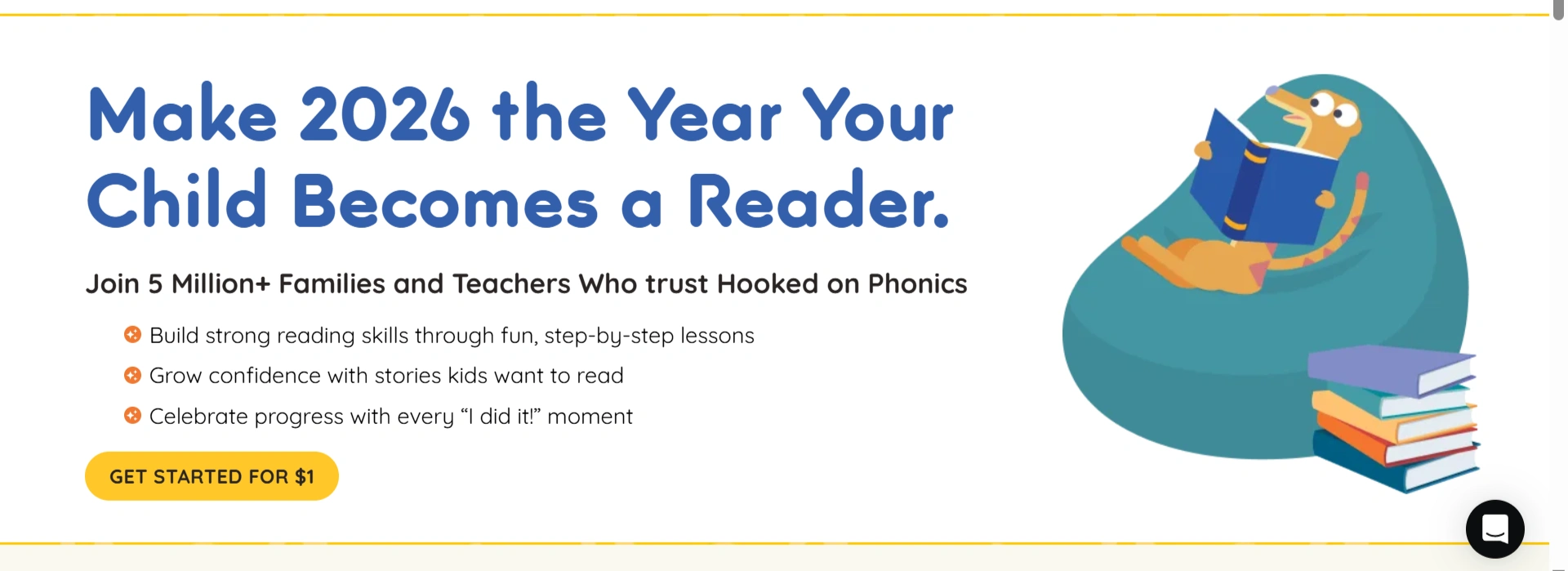
Best for: Structured phonics practice
Price (as of June 2026): Hooked on Phonics’ pricing is $14.99 for one month, $69.99 for 6 months, and $129.99 for 12 months. If you’d like to try it out, you can get it for $1 for your first month.
Ages: Pre K – Grade 2
Platform: Apple, Android, Amazon
Key Features:
- Self-paced app featuring games, videos, and songs
- Physical practice materials shipped monthly
- Covers “Pre-Reading” (pre-K), “Learn to Read” (Grade 1), and Spelling (Grades 1-2)
Hooked on Phonics Pros & Cons
|
Pros |
Cons |
|
Structured approach Cancel at any time Add up to three learners to one subscription |
Only covers up to Grade 2 |
Reading Eggs
Reading Eggs combines lessons, games, and over 4,000 online books for children aged 2 to 13.
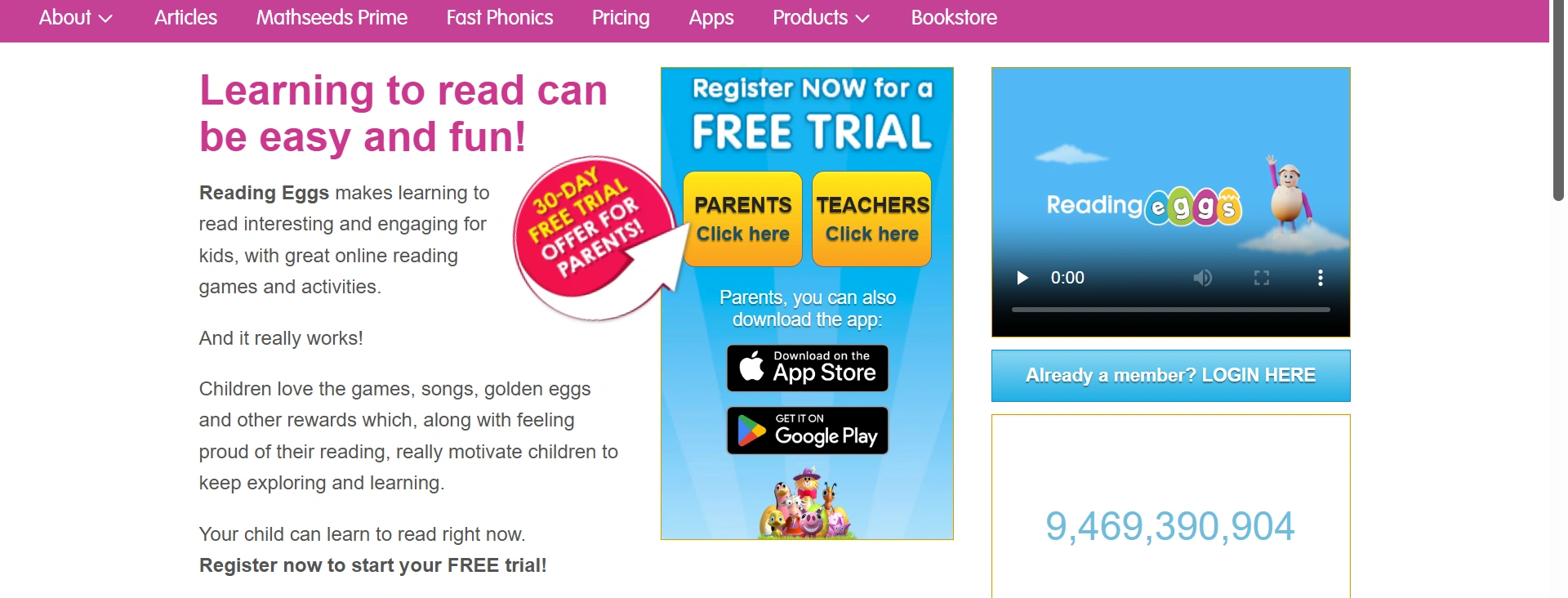 Best for: Guided lessons and ebooks
Price (as of June 2026): Reading Eggs’ pricing for its Reading Only program is $9.99 per month on a monthly plan, and $5.83 per month on a yearly plan. There is a 30-day free trial.
Ages: 2 to 13
Platform: Apple, Android, Amazon
Key Features:
- A dedicated phonics program called Fast Phonics, featuring videos and games
- Supporting materials include books, printable worksheets, and progress reports
- Available in British English, Australian English, or American English
Reading Eggs Pros & Cons
|
Pros |
Cons |
|
Includes lessons, printable worksheets, and books 30-day free trial Add up to 4 children per subscription |
The gamified approach might distract some children and result in excess screen time
|
Teach Your Monster to Read
Teach Your Monster to Read offers game-based phonics activities, such as decoding, sight words, and blending sounds, featuring fun monster cartoons.
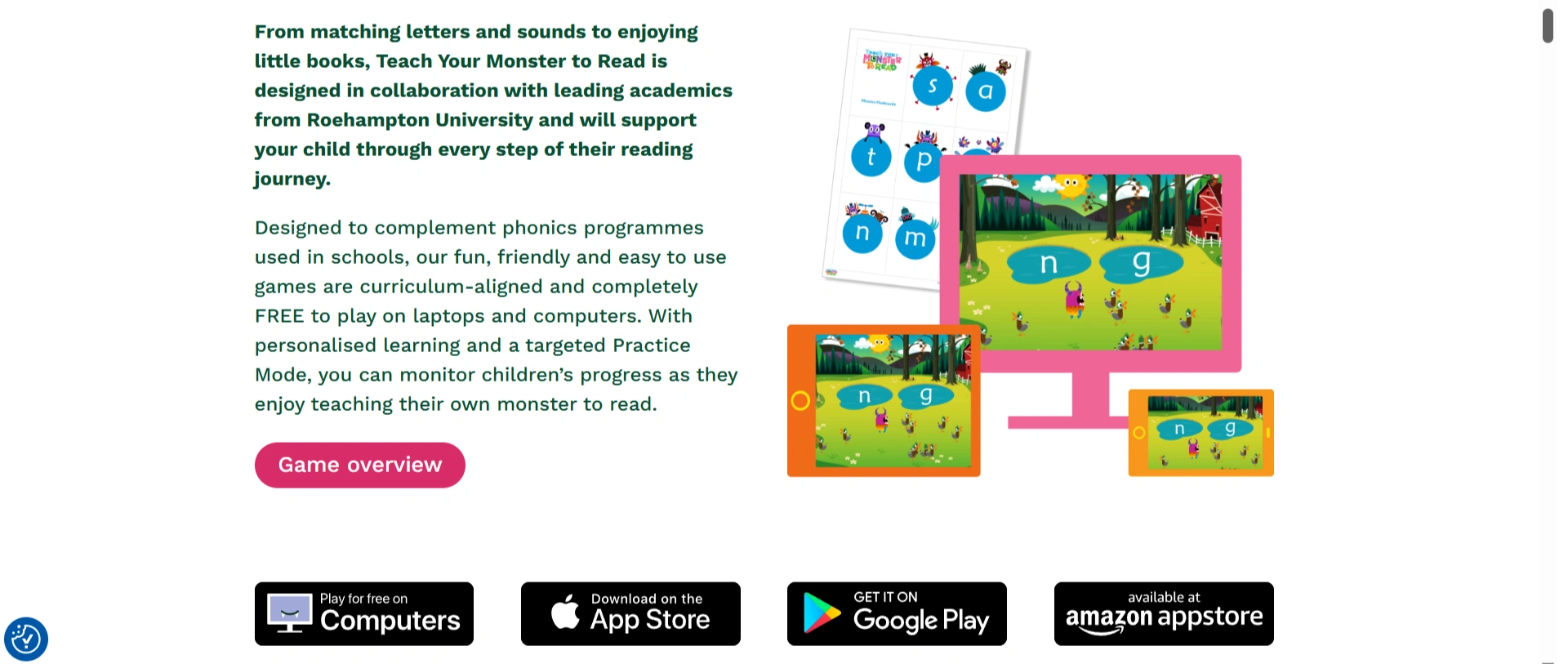
Best for: Free phonics games
Price (as of June 2026): If you use the web version, Teach Your Monster to Read is completely free, making it one of the best free phonics apps. Its app requires a one-time fee of $8.99.
Ages: Teach Your Monster to Read focuses on early learners aged 3-6 who are just learning to read. For later stages, it offers another game called Reading for Fun.
Platform: Free web-based version and paid Apple, Android, and Amazon apps
Key Features:
- Game-based lessons
- Uses repetition to reinforce early reading skills
- Progress charts
Teach Your Monster to Read Pros & Cons
|
Pros |
Cons |
|
Engaging, game-based format Free on desktop and an affordable one-time fee for apps Encourages independent practice |
May be demotivating for learners with skill gaps
|
Khan Academy Kids
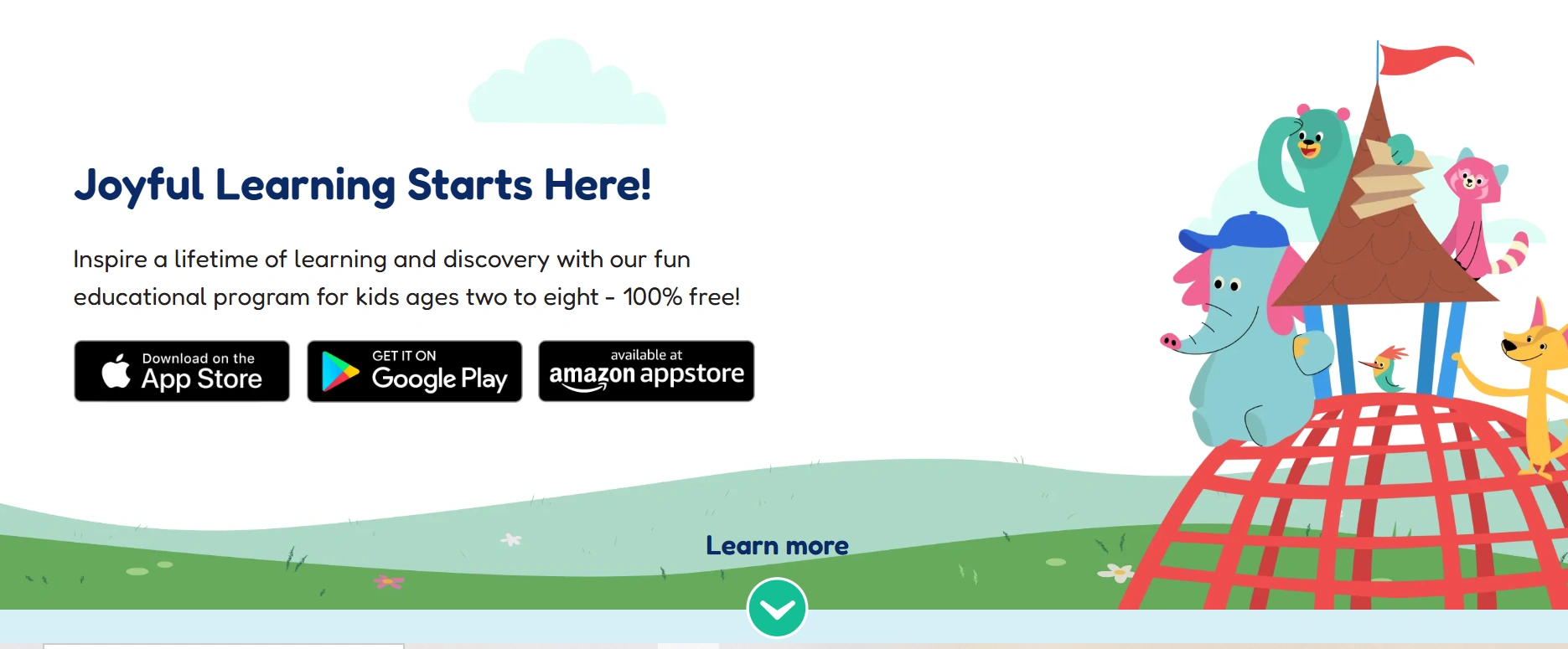
Khan Academy Kids is one of the best free phonics apps for kids, offering games, books, and videos for various levels.
 Best for: Free option
Ages: Ages 2 to 8
Platform: Apple, Android, Amazon
Key Features:
- Free access to reading lessons
- Interactive stories, books, and educational games
- Progress reports
Khan Academy Kids Pros & Cons
|
Pros |
Cons |
|
Completely free with no ads or subscription fees Offers other subjects and later grades Engaging activities for early learners |
Limited physical practice materials and personalized feedback
|
Help your child build stronger reading skills
Personalized reading lessons can help kids practice phonics, decoding, and comprehension with more confidence.
Starfall Learn to Read
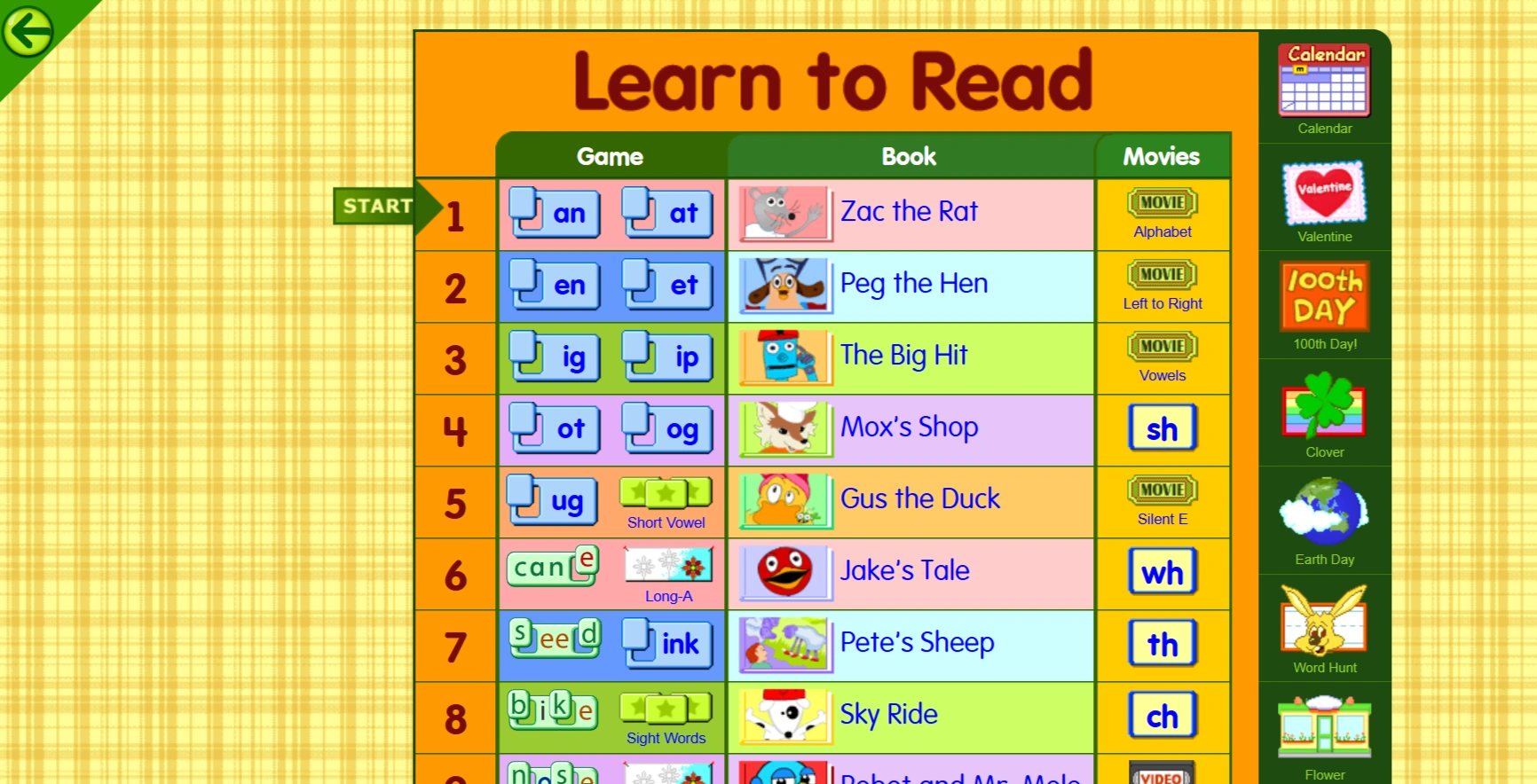
Starfall Education’s Learn to Read is a free app aiming to help children learn how to read while having fun.
 Best for: Early phonics basics
Price (as of June 2026): Starfall has a limited free version. You can access its full content for $35 per year.
Ages: Early learners. Students who want to improve reading fluency can use Starfall’s “It’s Fun to Read” program.
Platform: Apple, Android, Amazon
Key Features:
- Designed with struggling readers in mind
- Games, activities, and books
- Focus on early learners, making it one of the best phonics apps for kindergarten for independent practice
Starfall Learn to Read Pros & Cons
|
Pros |
Cons |
|
Strong focus on foundational phonics skills Good introduction to reading basics Good free version and an affordable paid version |
Graphics and app design are old and less engaging
|
Endless Alphabet
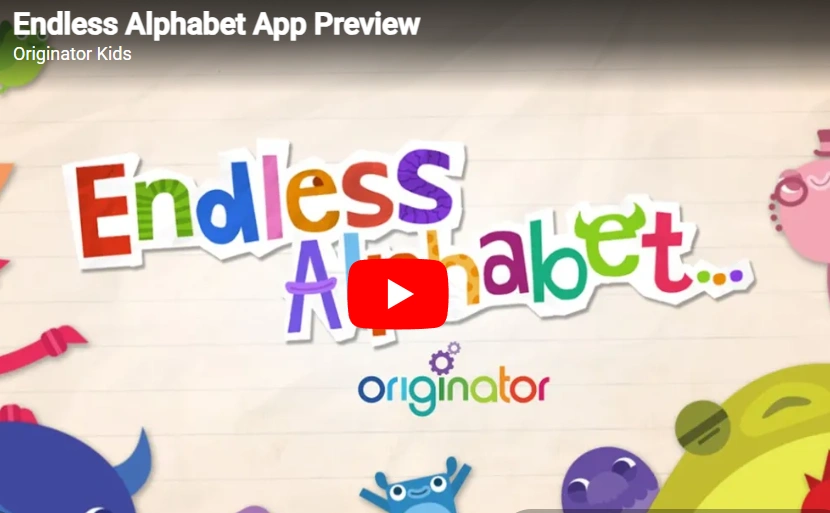
Endless Alphabet is an interactive app designed to introduce children to letters, phonics, and vocabulary through playful animations and word activities.
Best for: Letter sounds and vocabulary
Price (as of June 2026): You can download Endless Alphabet for free, but you’ll only be able to view certain letters. To unlock all letters, you’ll need to pay a one-time fee of around $8.99, depending on your location.
Ages: Early learners
Platform: Apple, Android, Amazon
Key Features:
- Animated letters that introduce letter sounds, pronunciation, and meanings
- Vocabulary-building activities
- Focuses on early language development
Endless Alphabet Pros & Cons
|
Pros |
Cons |
|
Engaging animations for early learners, part of phonics apps for kindergarten Builds vocabulary alongside early reading skills Affordable one-time fee |
Not a complete phonics curriculum, so best used alongside another resource No progress tracking |
All About Reading
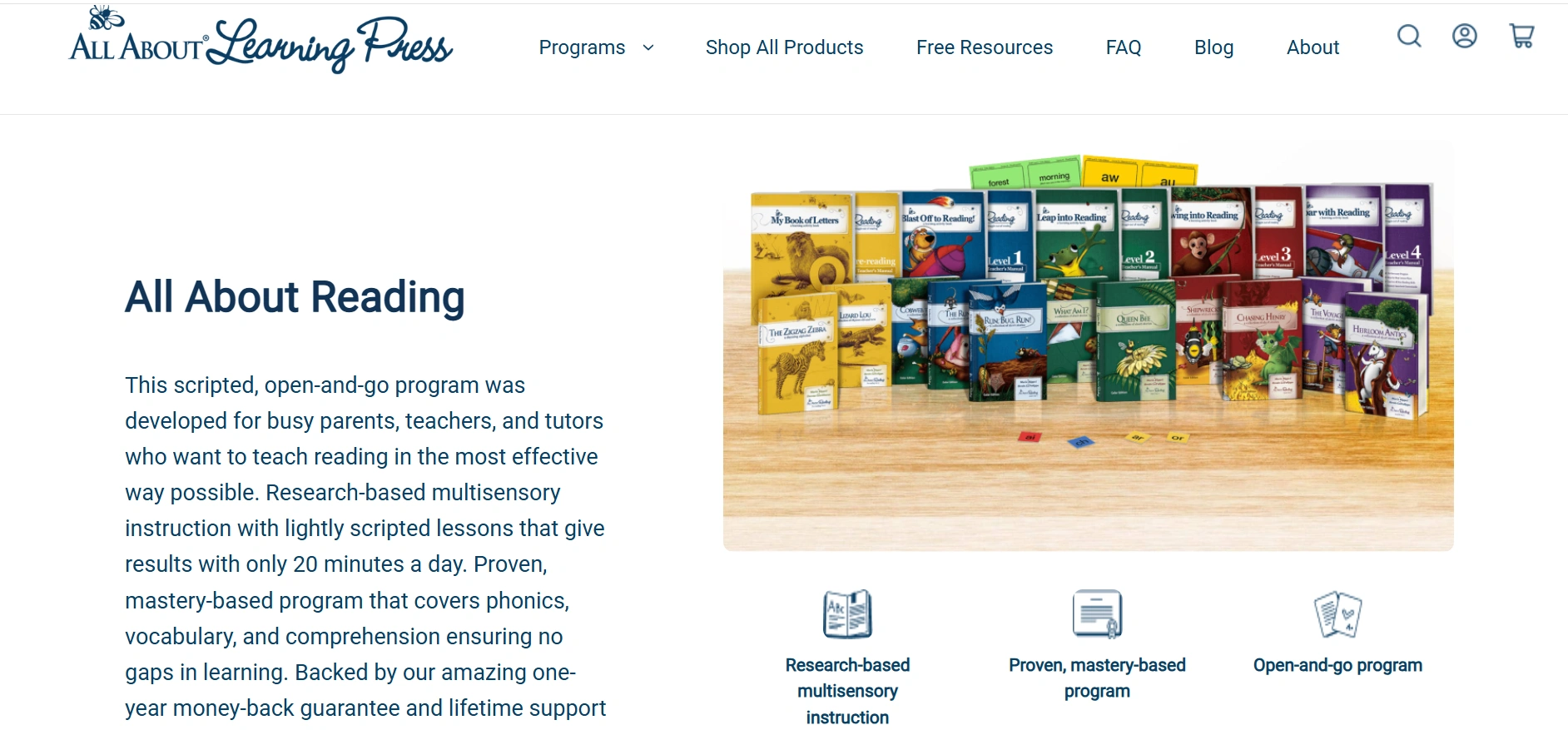
All About Reading is a reading program covering phonics, vocabulary, and comprehension, which consists of books and three optional apps.
Best for: Screen-free learning
Price (as of June 2026): All About Reading Pre-Reading Program costs $119.95, all other levels cost $159.95.
Ages: There are five levels from Pre-K to Level 4. They’re not grade or age-based, so students need to take level tests to find the right fit.
Platform: Reading programs should be purchased separately. You can then download All About Reading’s three accompanying apps, which are available on Apple, Android, and Amazon. The apps are optional, so if you want to stay screen-free, there’s no need to download them.
Key Features:
- Built on the Orton-Gillingham approach
- Easy-to-use teachers’ guides for homeschooling parents, explaining synthetic phonics teaching techniques
- Includes physical lesson plans, flashcards, decodable text, and books
All About Reading Pros & Cons
|
Pros |
Cons |
|
Screen-free with optional apps Activities support different learning styles Possible to see progress with 20 minutes a day, ideal for busy families |
More expensive than digital apps Parents need to be involved in the process |
What to Look for in a Phonics App
Already have an app in mind? Here’s a checklist to see if it’s the best phonics learning app for you:
- Vet the app’s creators, and look for programs built by literacy specialists, academics, or tutors.
- Check if it covers your child’s grade level.
- Confirm it teaches letter sounds, blending sounds, and decoding in an engaging way
- Match the app features to your child’s needs. To build motivation, look for game-based apps. For struggling readers, choose a structured program.
- Test a free demo or a trial if possible.
How to Choose the Right Phonics App for Your Child
Here’s how to choose the best phonics app based on your child’s age, level, and budget:
- Preschool vs early elementary: Game-based apps may be enough for preschoolers, while elementary school is when phonics and reading get more serious. The best phonics apps for 2nd graders, for example, must include structure and ideally, personalization.
- Reader type: Struggling readers will benefit most from personalized apps, while readers who are on track with phonics can use gamified options to make learning a habit.
- Free vs paid: Consider your budget and how much you’re willing to invest in phonics apps.
- Screen use: If you’d like to limit screen time for your kids, screen-free options or those with low screen time per day, which could be 15 minutes per day, 2 games per week, 2 lessons per week, etc.
Conclusion
For younger learners, structured phonics apps like Hooked on Phonics and Reading Eggs are a great start. If you’re looking for a free option, consider Khan Academy for high-quality resources, Teach Your Monster to Read for games, and Starfall for the basics. If your child has big skill gaps, wants to catch up at school, or improve performance, even the best app might fall short. In that case, it’s best to work with a tutor to get personalized feedback.
Curious about your child’s reading level? Take Brighterly’s reading test for free.
Frequently Asked Questions
What Are the Best Phonics Apps for Kids?
The best phonics apps for children are Hooked on Phonics, Reading Eggs, Teach Your Monster to Read, Khan Academy Kids, Starfall Learn to Read, Endless Alphabet, and All About Reading. They’re all included for different reasons:
- Best complementary learning option: Brighterly
- Best free phonics app: Khan Academy
- Best phonics apps for preschoolers: Hooked on Phonics and Reading Eggs
- Best game-based app: Teach Your Monster to Read
Are Phonics Apps Effective for Teaching Kids to Read?
Phonics apps for kids help build early reading skills, improve pronunciation, and develop confidence with reading. They’re effective for making reading a habit, but to close skill gaps or progress fast in phonics, one-on-one live instruction works best.
At What Age Should a Child Start Using Phonics Apps?
Children can start using phonics apps around ages 3-5, focusing on alphabet recognition and hearing sounds in words. There are many good reading apps for kindergarten for that. For early elementary school, consider combining a comprehensive reading program with a game-based app.
Can a Free Phonics App Replace a Reading Tutor or Classroom Instruction?
Free phonics apps are great for extra practice, but they don’t replace reading tutors or classroom instruction. A tutor can identify why a child is struggling, adjust lessons to their needs, and offer feedback, which is the key to improving reading.
How Much Screen Time Is Appropriate for Phonics Practice?
The American Academy of Pediatrics (AAP) recommends considering the quality of screen time, not just the quantity. In that sense, using a phonics app is a positive form of screen time, so the appropriate screen time depends on your child’s age and level and what you’re comfortable with.
What Is the Difference Between Phonics and Phonemic Awareness?
Phonics is the way of teaching reading, writing, and recognizing letters. Phonemic awareness is the ability to hear different sounds.
Do Phonics Apps Work for Kids With Dyslexia or Reading Difficulties?
Phonics apps can help with dyslexia or reading difficulties, but it depends on the app and how it is used. Children with reading difficulties benefit most from personalized tutoring, which combines phonics, reading comprehension, and spelling.

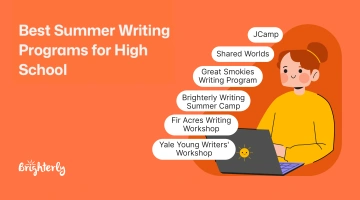
Summer writing programs for high schoolers are a great opportunity to improve writing, become a more confident communicator, and sharpen organizational skills. If you’re a parent or a student looking for summer writing programs, this guide covers the 26 best writing programs in 2026 and breaks down the application processes, program dates, deadlines, and fees. […]
Jul 07, 2026
A summer break sounds good, but long periods without reading cause a big summer setback. If you want to prevent a “brain drain” and keep your reading skills sharp, this curated reading list for high school students will help. High School Summer Reading List 2026 An optimal summer reading list for high school mixes classics, […]

Jul 08, 2026
Math & reading from 1st to 12th grade
Looking for homework support for your child?
Choose kid's grade

Math & Reading for Grades 1–12
Build real confidence for your child with a Brighterly math or reading tutor.