Best Reading Apps for K-12 Students
reviewed by Laila A. Lico
Updated on September 9, 2026
Key Points:
- The best reading apps for kids include interactive stories, read-aloud features, progress tracking, and reward systems that keep them motivated to read more.
- Brighterly is a web-based reading app for K-12 learners, combining personalized 1:1 teaching with an online reading tutor, US standards-aligned lessons, AI Lesson Summaries, homework support, and free reading resources.
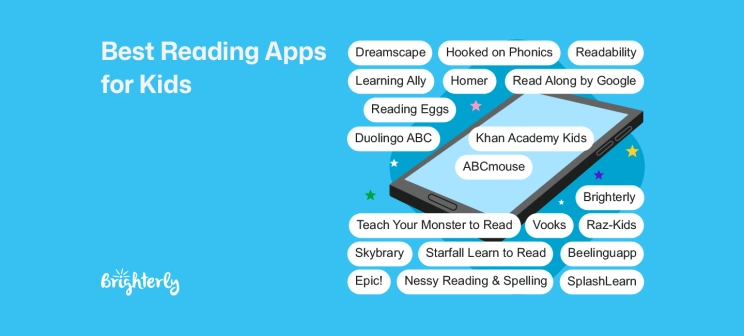
- Teach Your Monster to Read, Hooked on Phonics, ABCmouse, Duolingo ABC, Starfall, Endless Reader, and Read Along are strong reading apps for kindergarteners.
- Elementary schoolers can try Khan Academy Kids, Reading Eggs, Raz-Kids, Epic!, Homer, Skybrary, Vooks, and SplashLearn.
- For older students looking for apps to improve reading fluency, vocabulary, and comprehension, Nessy, Readability, Dreamscape, and Brighterly are useful choices.
- Beelinguapp is built for children with a solid reading foundation in two or more languages, while Learning Ally helps readers with dyslexia.
Finding the right reading app for kids can be tricky: some apps focus on phonics, others build fluency, vocabulary, comprehension, or simply help children read more often. This guide reviews the 20+ best reading apps for kids in 2026, including phonics games, read-aloud tools, digital libraries, dyslexia-friendly apps, and tutor-supported reading apps like Brighterly.
Best Reading Apps at a Glance
|
App |
Platform |
Ages |
Live tutor |
Offline |
Price (Sept 2026) |
|
Brighterly |
Web app |
K-12 |
✅ |
❌ |
From $141.60 per month |
|
Teach Your Monster to Read |
iOS, Android, web |
Preschool – Kindergarten |
❌ |
✅ |
$8.99 one-time app purchase |
|
Khan Academy Kids |
iOS, Android |
Pre-K – Grade 2 |
❌ |
❌ |
Free |
|
Duolingo ABC |
iOS, Android |
Pre-K – Grade 2 |
❌ |
❌ |
Free |
|
Hooked on Phonics |
iOS, Android |
Pre-K – Grade 2 |
❌ |
❌ |
From $14.99 per month |
|
Reading Eggs |
iOS, Android, web |
Pre-K – Grade 6 |
❌ |
❌ |
From $8.33 per month |
|
ABCmouse |
iOS, Android, web |
Pre-K – Grade 2 |
❌ |
❌ |
From $14.99 per month |
|
Learning Ally |
iOS, Android, web |
Pre-K – Grade 9 |
❌ |
❌ |
$11.25 per month |
|
Raz-Kids |
iOS, Android (Kids A-Z app) |
Grades K-5 |
❌ |
❌ |
From $13.25 per month |
|
Epic! |
iOS, Android, web |
Grades K-8 |
❌ |
❌ |
From $5.25 per month |
|
Read Along by Google |
Android, web |
Grades K-4 |
❌ |
✅ |
Free |
|
Nessy Reading & Spelling |
Web |
Mid-K – Grade 6 |
❌ |
❌ |
$10.50 per month |
|
Homer |
iOS, Android |
Preschool – Grade 3 |
❌ |
❌ |
From $6.66 per month |
|
Starfall Learn to Read |
iOS, Android, web |
Preschool – Grade 2 |
❌ |
❌ |
Free |
|
Dreamscape |
iOS, Android, web |
Grades 3-8 |
❌ |
❌ |
Free |
|
Skybrary |
iOS, Android, web |
Preschool – Grade 2 |
❌ |
✅ |
From $6.99 per month |
|
Readability |
iOS, Android |
Grades K-6 |
❌ |
❌ |
From $19.99 per month |
|
Vooks |
iOS, Android, web |
Preschool – Grade 2 |
❌ |
✅ |
$4.99 per month |
|
Endless Reader |
iOS, Android |
Preschool – Grade 3 |
❌ |
❌ |
Add-ons from $5.99 |
|
Beelinguapp |
iOS, Android |
Grade 6+ |
❌ |
❌ |
From $7.99 per month |
|
SplashLearn |
iOS, Android, web |
Preschool – Grade 3 |
❌ |
❌ |
From $7.99 per month |
* Cost for Brighterly implies 2 lessons/week, 12-month plan, and 20% discount.
Note: Looking specifically for apps that focus on understanding what a child reads — including inference, main idea, and comprehension practice? See top reading comprehension apps.
Exploring alternatives?

Explore Brighterly Learning Experience
Learn exactly how Brighterly helps students thrive through expert sessions, online tools, and proven feedback from thousands of satisfied parents
Brighterly Reading
Age group: K-12
Best for: kids who need live reading practice, tutor feedback, and a consistent reading routine
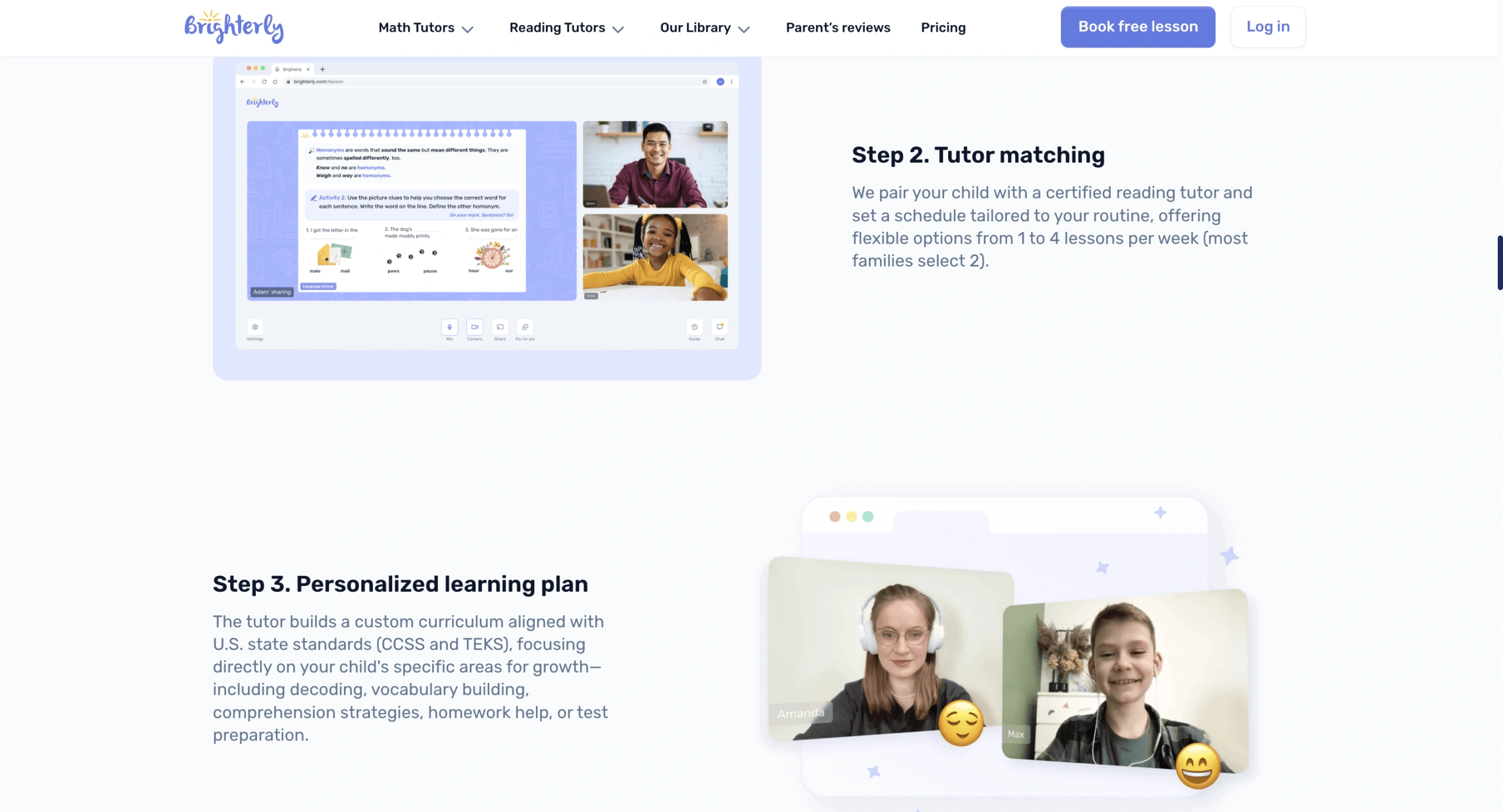
Our web-based reading app is for families who want more than a digital book library or a phonics game. At Brighterly, we connect students with a dedicated ELA tutor (or a reading tutor for dyslexia students if need be). Your child will get live 1:1 lessons (personalized yet aligned with US state standards), practice between lessons with AI Lesson Summaries, homework help, and free reading resources.
For younger readers, we can support early reading foundations like phonics, word recognition, and fluency. For older students, we can help with vocabulary, reading confidence, comprehension, and discussing texts more clearly.
Features
- Live 1:1 reading classes with tutors
- Reading-level support based on the child’s needs
- AI Lesson Summaries after lessons
- At-home activity recommendations
- Homework support
- Free reading worksheets and practice resources
- Support for phonics, fluency, vocabulary, comprehension, and reading confidence
Brighterly Pricing
We offer free reading resources, including worksheets and practice materials. The first tutor-led lesson is also free and can help identify the child’s current reading level. Ongoing personalized 1:1 reading lessons are paid, with pricing plans (as of September 2026) starting from $17.70/lesson if you opt for a 12-month plan with 2 lessons/week, now 20% off. The final cost depends on the selected plan and lesson frequency.
Pros and Cons
| Pros | Cons |
|
Personalized tutor support, AI-powered follow-up, standards-aligned lessons, free reading resources |
Not a standalone mobile game or offline digital library app |
An app with a real reading tutor
Live 1:1 lessons plus AI Lesson Summaries between sessions — first lesson free.
Teach Your Monster to Read
Age group: Preschool – Kindergarten
Best for: Early readers, phonics practice
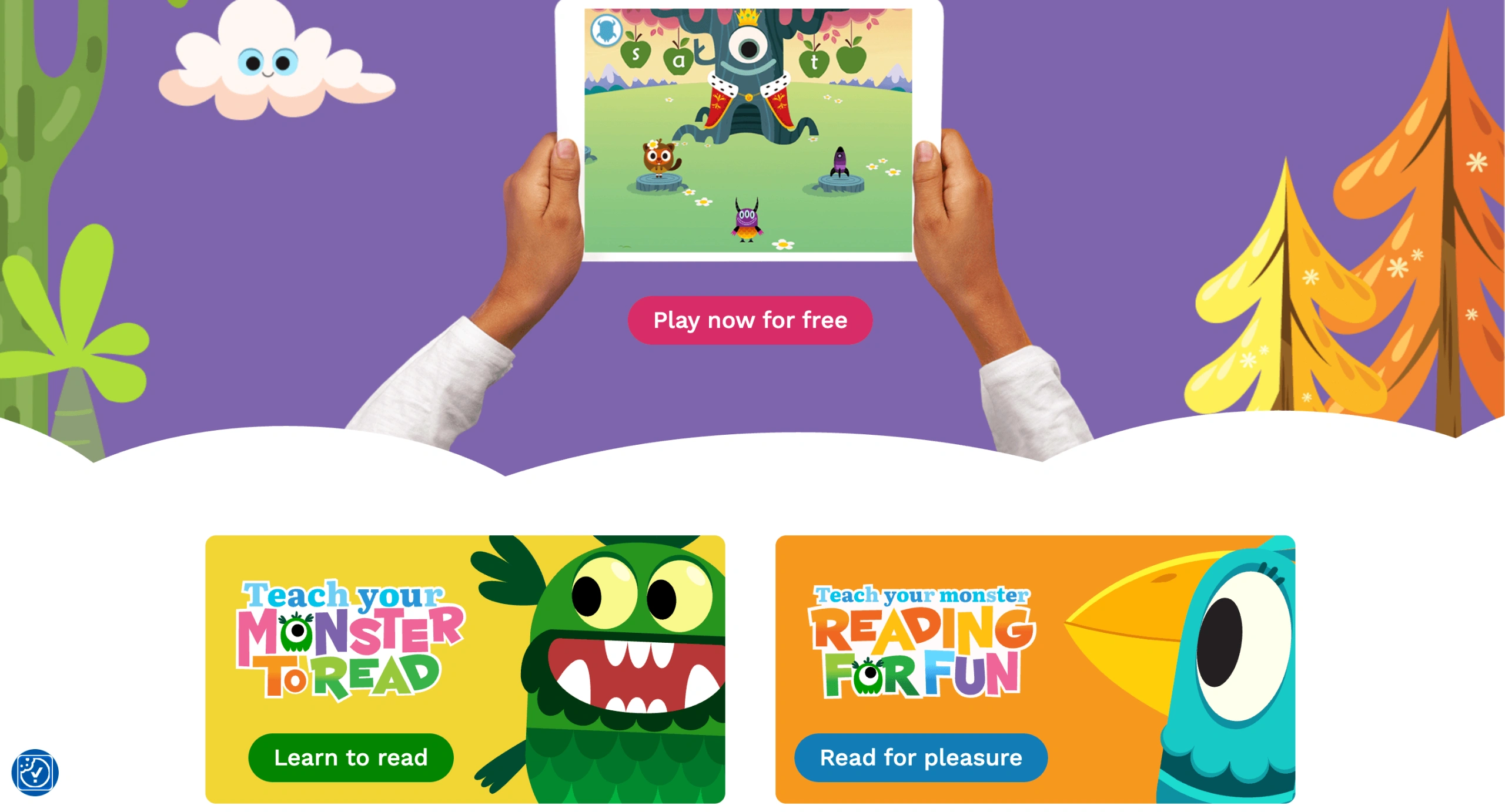
Teach Your Monster to Read combines phonics with storytelling – children don’t just memorize sounds, they use them to move their monster forward through fun quests. It covers everything from letter recognition to reading short sentences for kids aged 3-6, making them forget they’re “learning” because the experience feels like play.
Features
- Interactive games teach phonics and sight words
- Fun characters motivate children to keep practicing
- Progress tracking allows parents to see improvements
Teach Your Monster to Read: Pricing
In September 2026, the mobile app requires a one-time purchase of $8.99 to unlock full content, or children can play on the website for free with limited content.
Pros and Cons
Generally, parents love the platform, though some Reddit reviews in 2025 find the British English sounds a bit confusing for their kids.
| Pros | Cons |
|
Highly engaging and interactive |
The app can be too fast for preschoolers |
|
Supports phonemic awareness development |
Screentime may need to be limited, as the app can be too engaging |
|
Kids can access the app for free from the website |
Like many self-paced children’s reading apps, Teach Your Monster to Read is built around pre-recorded practice and games. For children who also need live feedback, families can pair gamified practice with tutor-led reading support, such as Brighterly’s 1:1 reading lessons.
Khan Academy Kids
Age group: Pre-K – Grade 2
Best for: early learning under strict limits
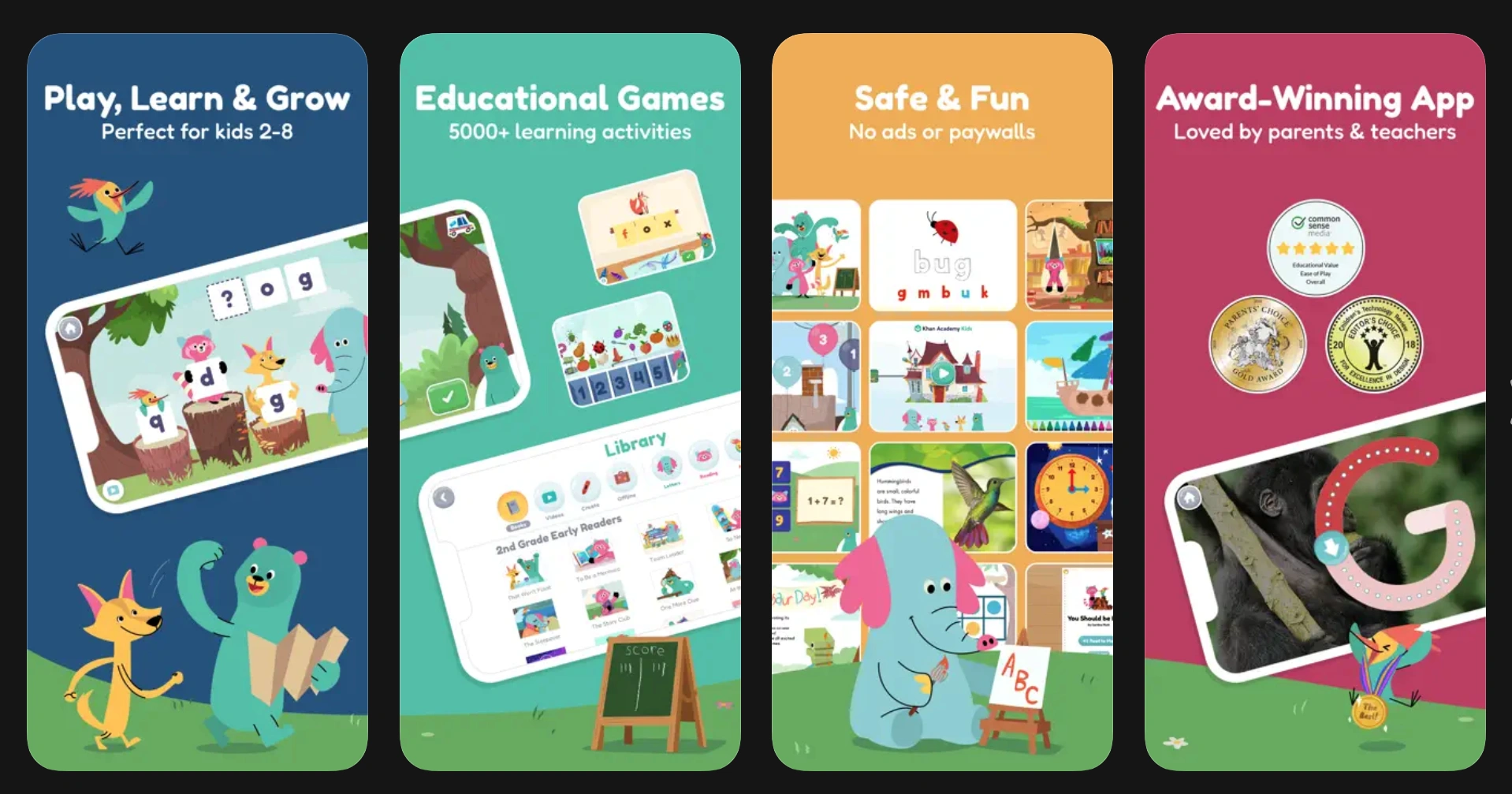
Khan Academy Kids is a free service that helps kids to read with vibrant characters, interactive stories, and playful exercises. Whenever the concept feels tricky, the app offers explanations, which is among the efficient reading comprehension strategies for beginners.
Features
- Playful yet structured learning approach
- Thousands of learning activities and fun characters to engage kids
- Kids can learn other subjects beyond reading
Khan Academy Kids: Pricing
Khan Academy Kids is a free app without paywalls or distracting ads.
Pros and Cons
Parents on the Apple Store and on Reddit highly praise Khan Academy, although some note that it lacks parental controls.
| Pros | Cons |
|
High-quality educational material across various subjects |
Might be overwhelming due to the vast amount of content |
|
Interactive exercises and practice problems to reinforce learning |
Requires constant internet access |
|
Flexible learning pace to help kids enhance reading skills steadily |
Lack of parental control |
Duolingo ABC
Age group: Pre-K – Grade 2
Best for: reading beginners who struggle with letters
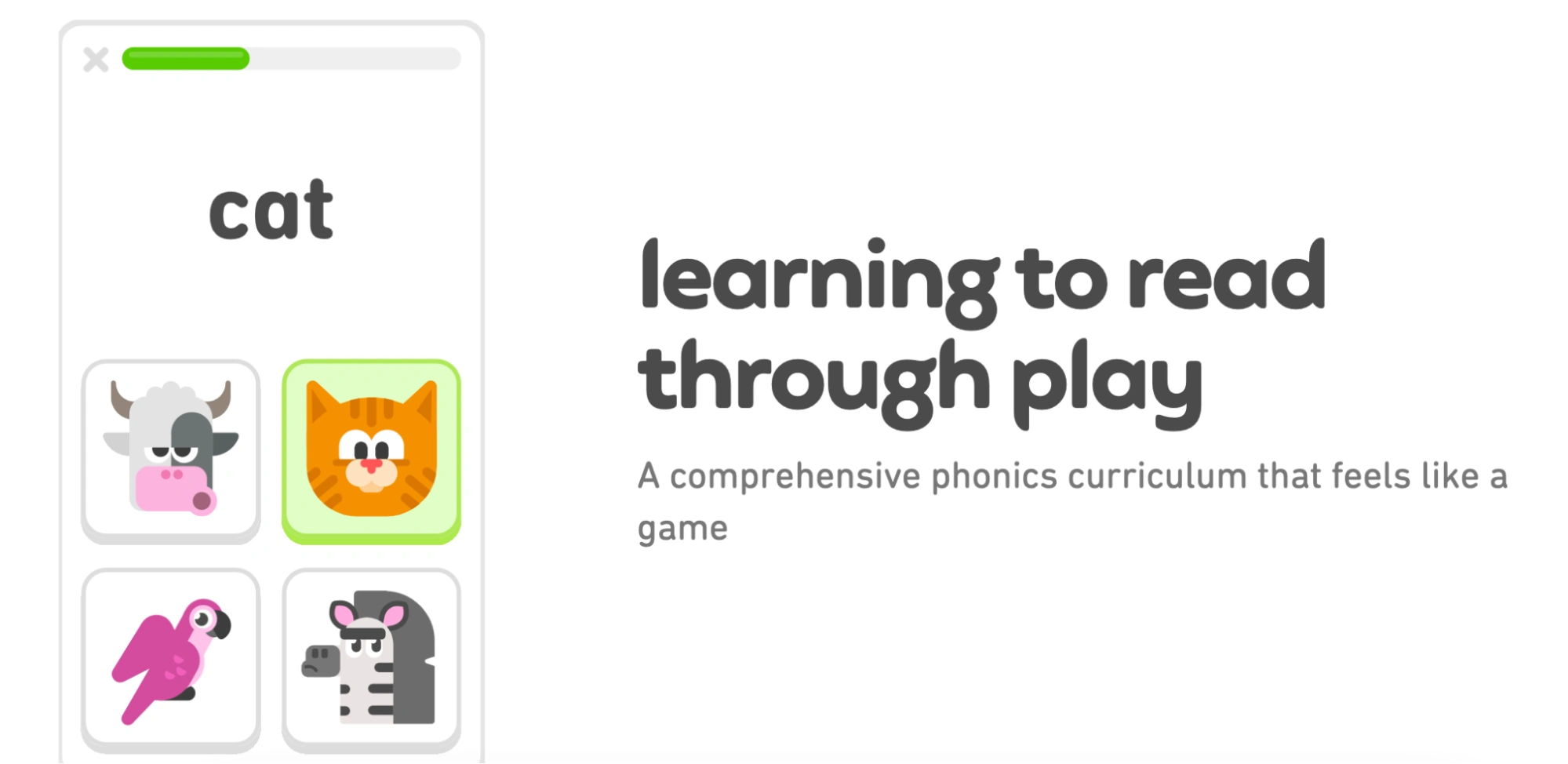
To help young kids learn to read – Duolingo ABC focuses on phonics and sight words, as well as practice handwriting and vocabulary. Similar to the methods applied in its highly popular app for learning languages, Duolingo ABC involves bite-sized teaching and vibrant characters to make learning fun.
Features
- Engaging kids to learn to read through play
- Level-by-level steady advancement
- PreK-Grade 2 reading curriculum for homeschool includes phonics, phonemic awareness, reading comprehension, fluency, and vocabulary
Duolingo ABC: Pricing
The app is free and, in contrast to the basic Duolingo app, has no ads.
Pros and Cons
Reddit users generally agree that Duolingo ABC is a great app, with some parents criticizing it for making it hard to review the material learned.
| Pros | Cons |
|
Highly interactive learn-to-read game |
Cannot replace a real teacher and a real book |
|
Absolutely free |
Progress-oriented rather than foundation-building approach |
|
Help to advance from not knowing how to read to Grade 2 proficiency |
Hooked on Phonics
Age group: Pre-K – Grade 2
Best for: building foundational phonics skills
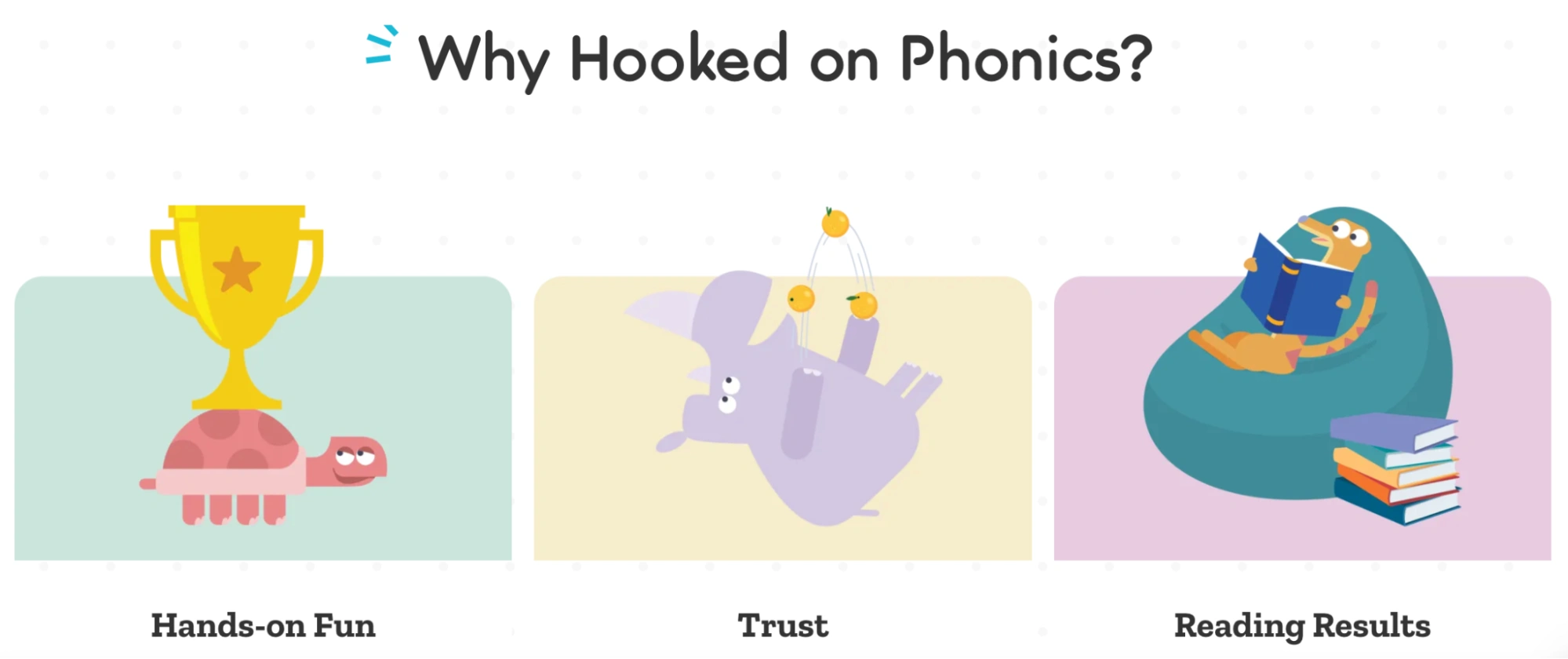
Hooked on Phonics offers clear, step-by-step reading classes to learn phonics, recognize words, and master basic reading comprehension. To make the process engaging, the program includes interactive games, songs, and storybooks to encourage joyful independent learning.
Features
- Phonics-based lessons
- Interactive reading games
- Progress tracking for parents
Hooked on Phonics: Pricing
As of September 2026, you may subscribe to HOP for 1 month ($14.99), 6 months ($69.99), or commit to a 12-month subscription for $129.99. Yet feel free to get familiar with the app first for $1 (30-day almost free trial).
Pros and Cons
Reddit users say that even short lessons on the app deliver noticeable results, though some mention that the app occasionally freezes.
| Pros | Cons |
|
Structured lessons that build upon each other |
Requires a subscription after the free trial, and canceling can be tricky |
|
Offers books to keep learning while limiting the kids’ screen time |
Sometimes the app freezes |
|
Engaging approach with proven results for decades |
Focuses on sight words that may not suit all the learners |
Reading Eggs
Age group: Pre-K – Grade 6
Best for: developing phonics and foundational reading skills
Reading Eggs is a fun, game-based app that helps children build reading skills gradually. Among many interactive reading apps for kids, Reading Eggs’ songs, animations, and online lessons keep kids highly engaged. While more advanced readers might find some exercises easy, it’s an excellent choice for elementary-aged children to strengthen phonics, vocabulary, and reading comprehension with confidence.
Features
- Phonics-based lessons
- Interactive reading game
- Reading program that sets foundational skills
Reading Eggs: Pricing
The Reading Eggs app offers a 30-day free trial. Afterward, you can purchase either the monthly subscription for $13.99 or the annual plan for $99.99 (valid for September 2026).
Pros and Cons
On Reddit, parents note that children quickly learn phonics with the app, but one user mentioned that it teaches a British accent.
| Pros | Cons |
|
Structured lessons that build upon each other, with reports for parents |
Requires a subscription after the free trial |
|
Engaging and interactive content |
Some parents report overstimulation in children |
|
Downloadable reading comprehension worksheets for home practice |
Accent choice requires careful consideration |
ABCmouse
Age group: Pre-K – Grade 2
Best for: parents looking for a gamified learning experience to help with reading and other subjects
ABCmouse is one of the leading kids reading apps. Its colorful interface and interactive learning approach help parents teach kids to read. Designed for children aged 2-8, it adopts puzzles and creative activities to entertain and help them acquire new skills.
Features
- Reading curriculum that teaches from phonics to storytelling
- Customized learning paths that adapt to student progress
- Reward system
ABCmouse Pricing
After a 30-day free trial, the subscription starts from $14.99 per month, as of September 2026.
Pros and Cons
Based on the ABCmouse reviews on Reddit, parents appreciate the exercises for children, though some say the program isn’t worth the money, as their kids quickly lost interest.
| Pros | Cons |
|
Engaging curriculum that blends reading with interactive learning |
Older kids may outgrow it quickly |
|
15 years of research behind the reading program |
Some activities feel repetitive after a few weeks |
|
Engaging design with constant updates |
Pair any app with a tutor
Turn self-paced app time into real progress with a matched reading tutor.
Learning Ally
Age group: 4-14 years
Best for: readers with learning disabilities
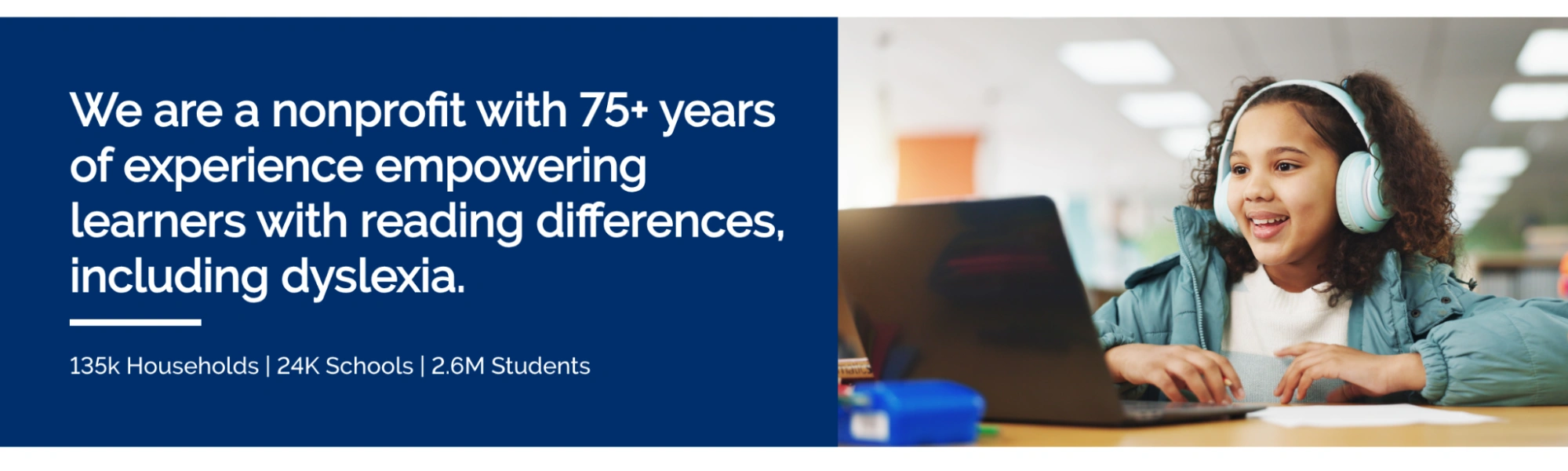
Learning Ally offers a collection of read-aloud audiobooks that help kids with reading differences like dyslexia. Relying on scientific research and decades of philanthropic work, Learning Ally helps kids efficiently overcome their learning difficulties as they can see and listen to the text they read simultaneously.
Features
- Different reading speed levels to adjust the read-aloud feature
- Working with the real books
- Focus on making reading accessible to kids with learning difficulties
Learning Ally: Pricing
In September 2026, the price for a Learning Ally subscription is $135 per year, so you can access learning materials like a 90-day literacy plan for free.
Pros and Cons
Reddit users find Learning Ally rare and useful, but some note it’s hard to navigate the app and contact their support.
| Pros | Cons |
|
Extensive library of audiobooks |
Hard to resume where you left off |
|
Suitable for children with reading difficulties |
Each book has a different narrator’s voice |
|
Adjustable reading speed for steady progress |
Customer support can be slow |
Raz-Kids
Age group: K–5 Grade
Best for: kids who benefit from reading aloud
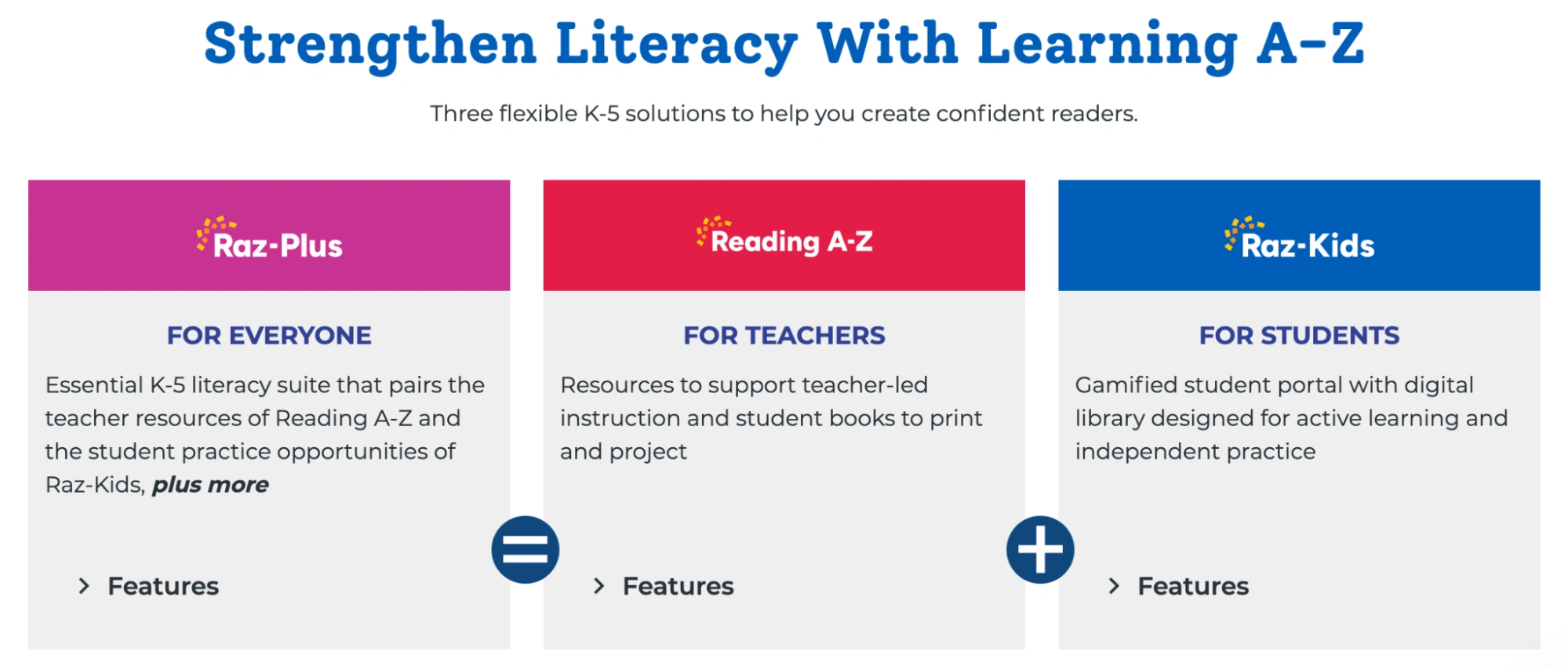
Raz-Kids is a reading platform for children from kindergarten to grade 5, accessible through the Kids A-Z app and used by many US schools and families. It offers a large library of leveled e-books, interactive quizzes, and a fun rewards system. A favorite feature among parents is that kids can record themselves reading aloud to build confidence, and the app tracks all the books and exercises they’ve completed.
Features
- Ability to record reading and playback for self-assessment
- Teacher and parent dashboards to monitor progress
- Quizzes and comprehension checks after each book
Raz-Kids Pricing
The Kids A-Z app itself is free to download, but access requires a subscription to the full Raz-Plus program, which costs $158.99-299.99 per year, as of September 2026. The subscription acts as an all-in-one pass, giving access to the entire program.
Pros and Cons
Raz-Kids has many positive Reddit reviews. Parents praise how engaging the games are, though some find registration tricky and rather costly.
| Pros | Cons |
|
Children can record themselves reading aloud to build confidence |
Registration can be tricky |
|
Interactive quizzes and a reward system |
Subscription is relatively expensive |
|
Tracking tools for parents |
Some parents may find the interface a bit overwhelming for younger children |
Epic!
Age group: Elementary – middle school
Best for: kids who want to dive into a certain genre at their own pace
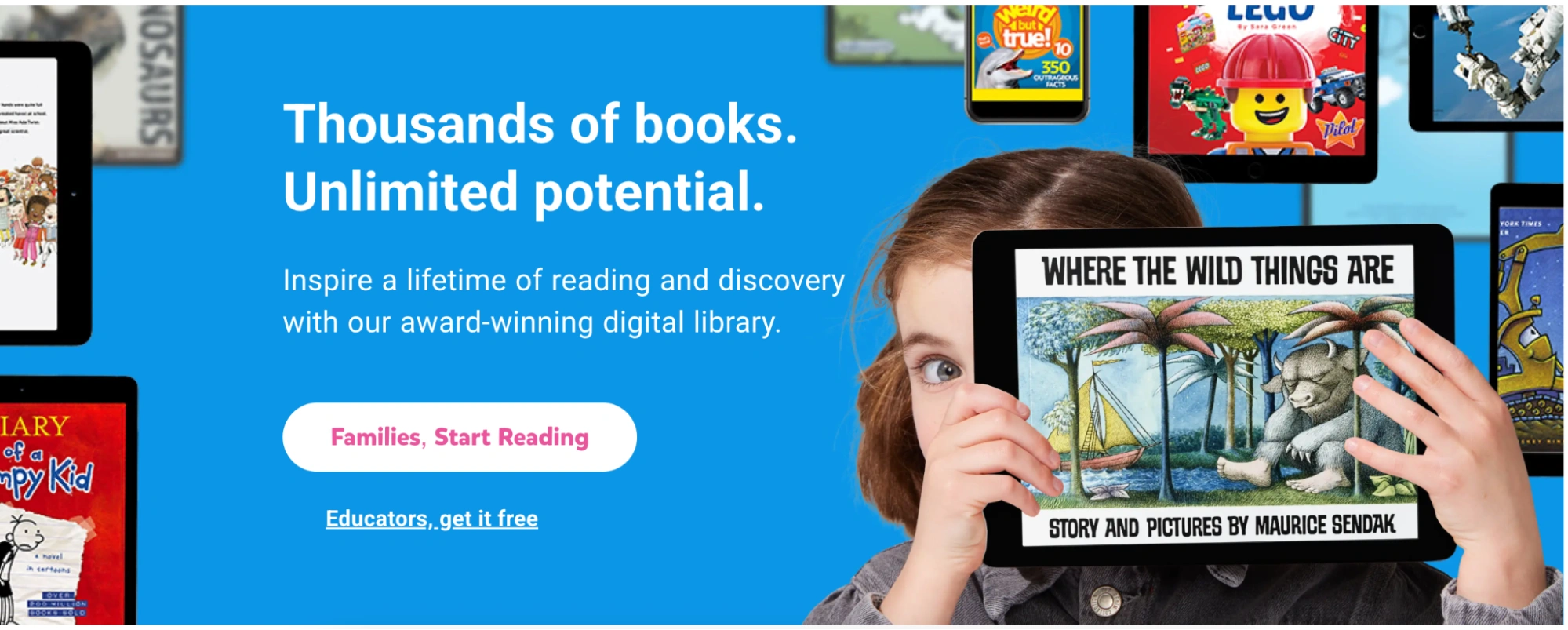
Epic! is a kids reading app that works as a digital library with thousands of children’s books to read or listen. The algorithm offers smart recommendations so kids can explore their favorite genres and fall in love with books at their own pace.
Features
- Library of over 40,000 e-books, audiobooks, learning videos, and graphic novels of different genres
- Dictionary Lookup tool to learn new vocabulary
- Reading buddies and badges to support progress
Epic! Pricing
Epic! is free for educators and offers a 7-day free trial for parents. After that, the two subscription modes include a monthly plan for $13.99 and an annual plan for $84.99 per year (with the option to pay $62.99 for the first year) – all verified for September 2026.
Pros and Cons
On Reddit, users say Epic is a convenient app, but note that new releases are infrequent and sometimes costly.
| Pros | Cons |
|
Extensive library of books and audiobooks. Plus, it is convenient for traveling |
New releases are infrequent |
|
Convenient for traveling |
Can be expensive |
|
Engaging app design |
Read Along by Google
Age group: 5-9 years old
Best for: kids who don’t know how to read and need read-aloud support
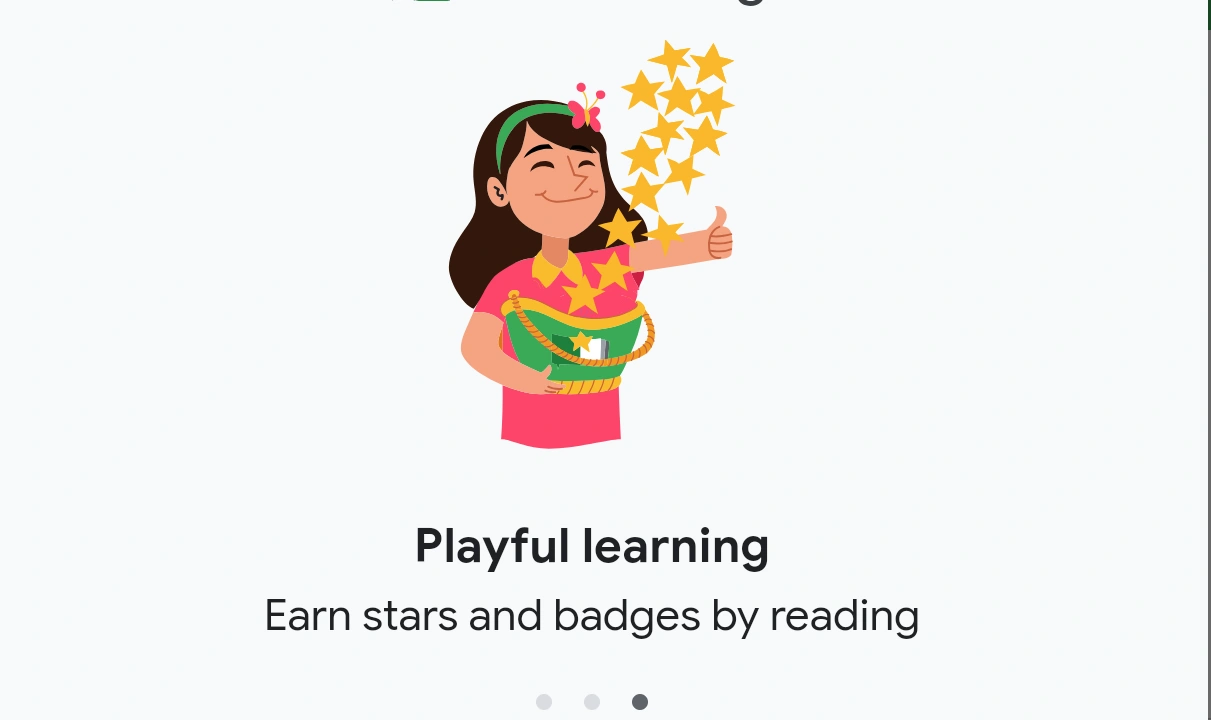
Read Along is among the best AI tools for school, which is especially helpful for building foundational literacy skills. Applying the read-along strategy, it can help even toddlers enjoy the books and prepare them for learning how to read.
Features
- Real-time feedback and reward system
- Hundreds of Read Along books for kids available, categorized by topics of kids’ interest (animals, family, friends, etc.)
- Can work offline
Read Along: Pricing
Read Along is one of the best learn to read apps free to use. It has no ads or subscription plans.
Pros and Cons
Based on Google Play information, the app has a vast library and an intuitive interface, but it is still limited to a specific audience and a learning need.
| Pros | Cons |
|
Hundreds of stories available in nine different languages |
Children are expected to have some basic alphabet knowledge |
|
Interactive progress system with prizes |
Cannot provide live tutoring support |
|
Works for free and online |
Nessy Reading and Spelling
Age group: Elementary – middle school
Best for: parents looking for reading programs for kids that combine reading, writing, and typing
Nessy Reading and Spelling is an award-winning learn-to-read app, focused on covering the reading program from mid-K to Grade 6. The Science of Reading approach suits children of different learning styles and approaches, and it can be used as one of the best learning program for dyslexia.
Features
- Focus on children who struggle with dyslexia (though helpful to all the students)
- Structured reading programs for ages 4-6 and 6-11
- Separate curriculum on reading, writing, and touch-typing and spelling
Nessy Reading And Spelling: Pricing
As of September 2026, Nessy offers an annual subscription that costs $126 per year, with an option to apply for a free trial and pay less by subscribing to more than one child.
Pros and Cons
Based on Reddit reviews, Nessy is a frequent choice for parents of dyslexic children, though not all of them are totally satisfied with the program.
| Pros | Cons |
|
Helps both dyslexic and non-dyslexic children |
Can be hard for some children |
|
Teaches reading, spelling, and writing |
Parents frequently refer to other apps for more books |
|
Online game type program with proven results |
Homer
Age group: 2-8 years old
Best for: parents looking for a reading app support that can grow with their child
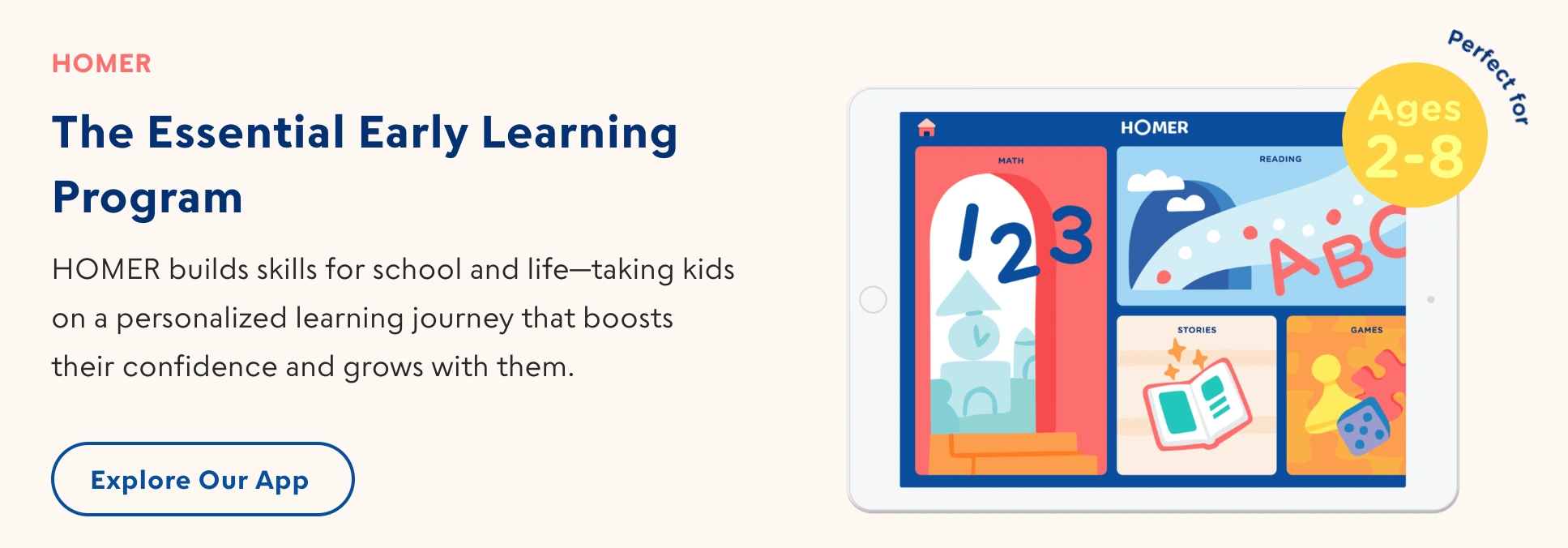
Homer is a highly personalized reading app designed to adapt to the kid as they grow and get more reading skills. The program is divided into five levels (toddler, preschool, pre-K, early learner, and growing learner) to lay the necessary reading foundation and build essential skills on top of it.
Features
- Among leveled reading apps with a five-stage curriculum that teaches from exploring letters to practicing phonics
- Explicit, systematic, and sequential approach to reading instruction
- Ability to learn math, social & emotional learning, and creativity on the app
Homer Pricing
After a 30-day trial, parents can choose between a $12.99 per month or a $79.99 per year subscription plan (verified for September 2026).
Pros and Cons
Based on the Google Play reviews, Homer offers a highly interactive and enjoyable learning experience, although some tech glitches and bugs may come in the way.
| Pros | Cons |
|
Engaging learning game for kids |
The app may freeze and lacks clear UX buttons |
|
Initial assessment to adjust the learning plan to the kid |
The app description may be confusing, as it isn’t a free app |
|
A good option to start early in learning how to read |
App onboarding may be frustrating |
Starfall Learn to Read
Age group: Preschool – Grade 2
Best for: emergent readers looking for several apps to learn to read
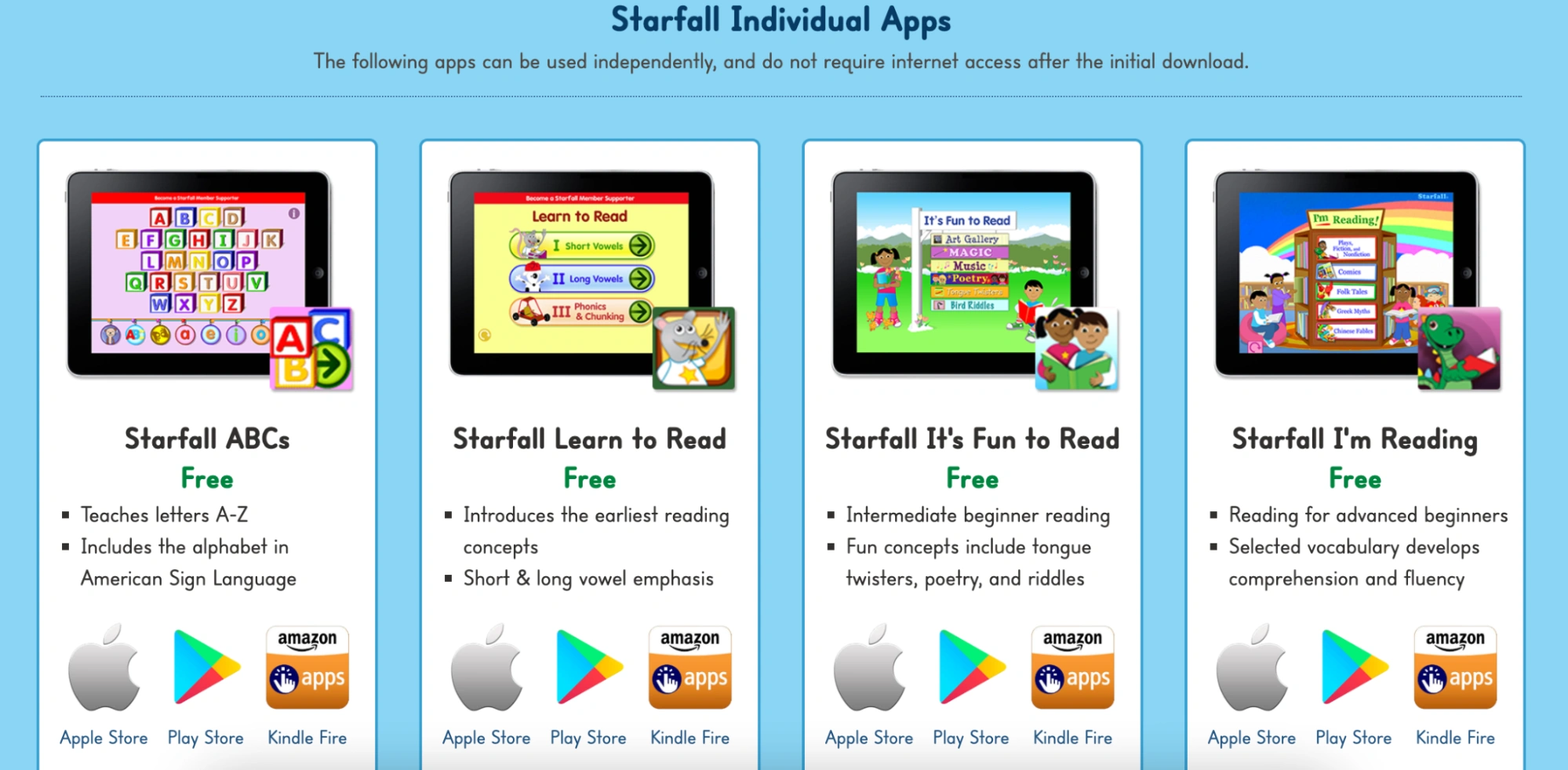
Starfall offers a collection of free reading apps for kids, with its Learn to Read edition suitable to start reading on the basis of letter recognition. Later, kids can access more sophisticated reading programs, including understanding poetry and more complex words.
Features
- Three levels: short vowels, long vowels, and phonics & chunking
- Interactive games and movies to make learning more engaging
- Pronunciation trainer
Starfall Learn To Read: Pricing
Starfall’s selection of reading apps for students, including Learn to Read, is totally free.
Pros and Cons
Parents on Google Play are highly satisfied with the app quality, considering that it is free. Minor criticism on Reddit mentions outdated interface, compared to competitors with paid subscription.
| Pros | Cons |
|
High-quality curriculum |
Website interface looks outdated |
|
Free app with no ads and distractions |
The curriculum covers only the basics |
|
Engaging teaching for young kids |
Dreamscape
Age group: Grade 3-8
Best for: reading comprehension practice over reading foundation
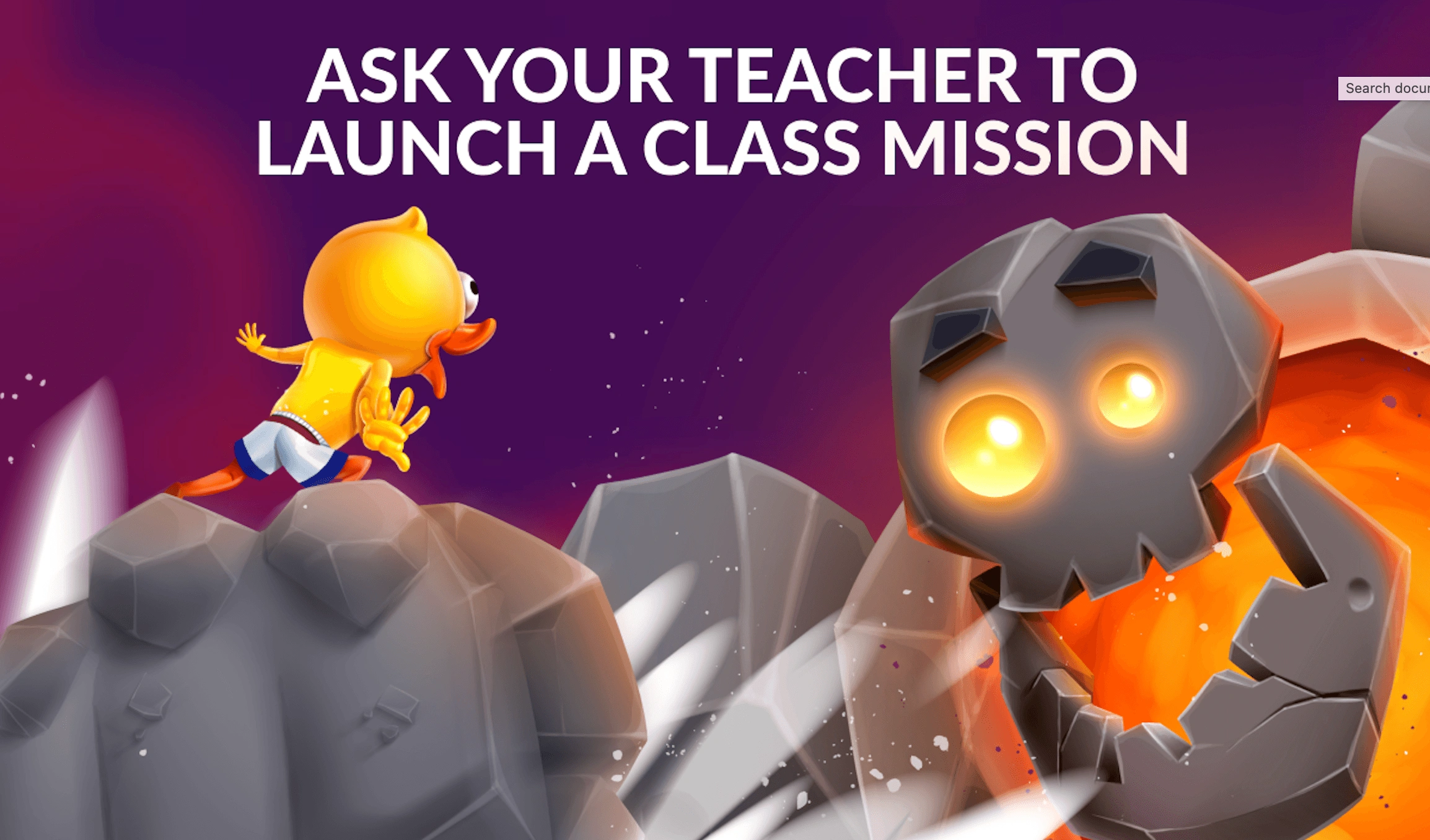
Dreamscape is a strategy game where kids are offered to read short passages and answer questions related to reading comprehension to proceed. The aim of this approach is to help kids advance their literacy on top of foundational skills.
Features
- The game staged in the realm of dreams with reading comprehension questions as quests
- The task is to defend “dwell” from “reveries” by training your troops
- Available as a web browser game and an app
Dreamscape Pricing
The game itself is free, with an option to purchase premium features or in-game coins.
Pros and Cons
Parents on Google Play are generally satisfied with the game, while some criticism about bugs also occurs.
| Pros | Cons |
|
Highly engaging and fun game |
Some bugs may distract |
|
Helps kids who are not fond of reading train the skill |
Many users compare it to Clash of Clans |
|
Satisfactory experience and interesting concept |
Skybrary
Age group: Preschool – Grade 2
Best for: themed reading with kids designed for young readers
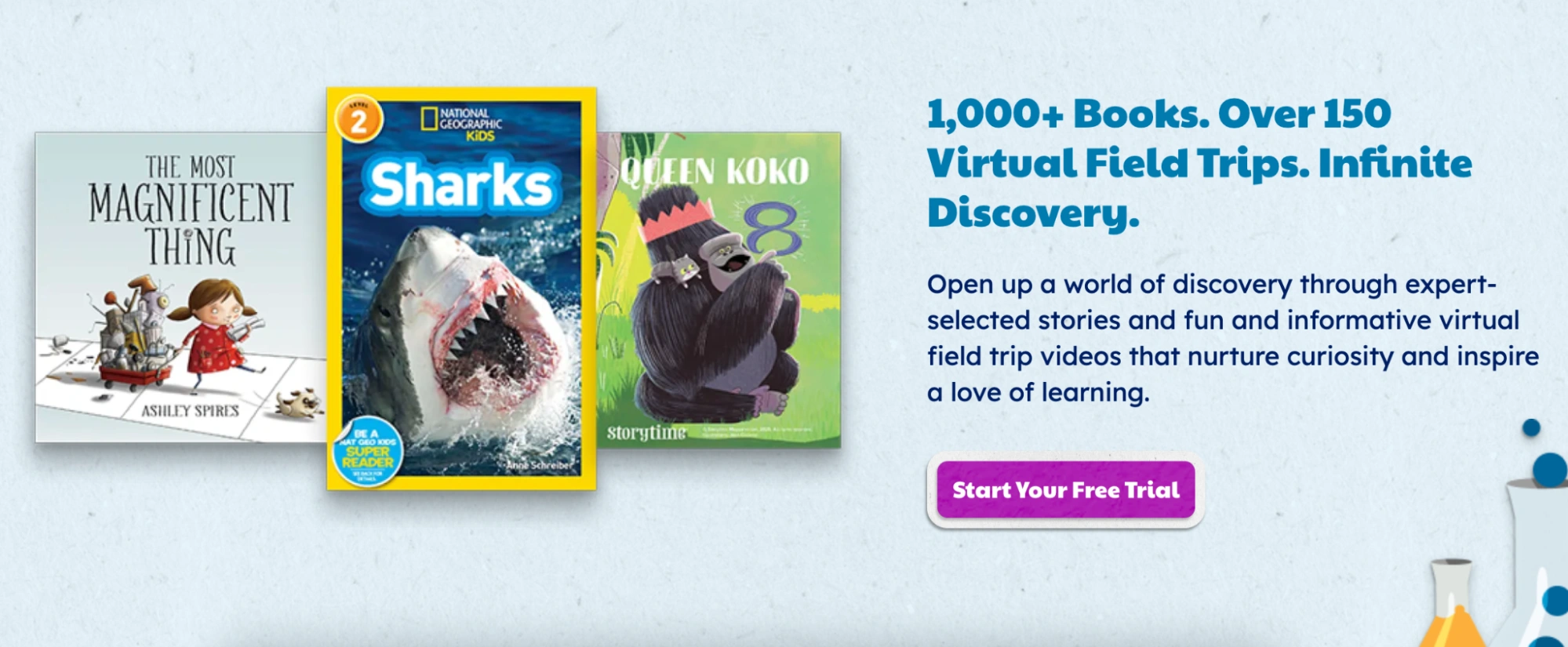
Skybrary is among good educational apps for kids that is built around books for learning the reading skills. The great advantage of its approach is a wide collection of videos that helps kids enjoy books without distraction, overwhelm, and by following smart recommendations
Features
- 1,000+ e-books and 150+ virtual field trip videos available
- Offline mode available
- Optional Read-to-Me narration and text highlighting
Skybrary Pricing
Skybrary offers a free basic plan and membership subscription that are available after a 30-day free trial. Pricing plans as of September 2026 include a $6.99 per month monthly subscription and a $49.99 per year annual plan.
Pros and Cons
Parents on App Store leave mostly 5-star reviews for Skybrary, mentioning slight bug inconveniences as disadvantages
| Pros | Cons |
|
Interactive stories, supplemented with helpful videos |
Several pop-ups and voiceovers may open at once |
|
Engaging experience for kids |
Bugs may be stressful for children with reading disabilities |
|
High-quality content |
Readability
Age group: Grades K – 6
Best for: reading foundation and learning English as a second language
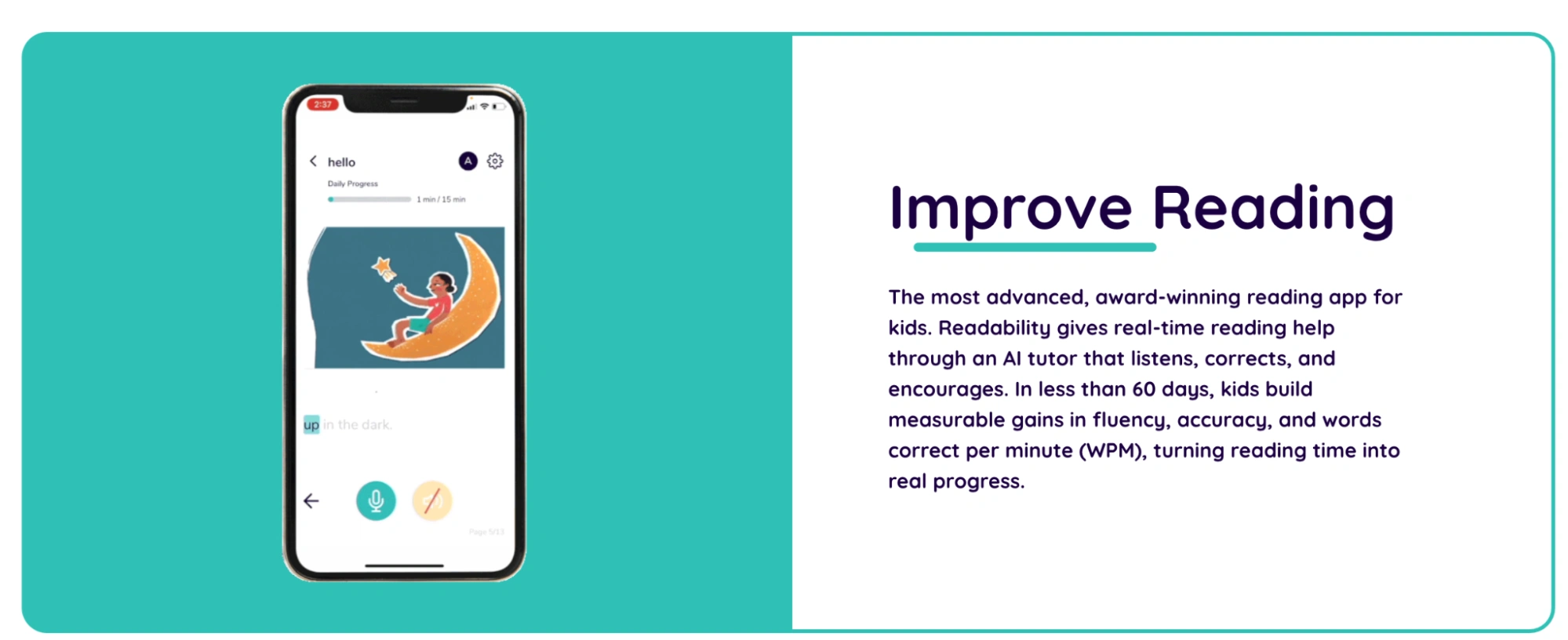
Readability is an AI reading tutor that assists with establishing reading foundation, enhancing reading comprehension, and building vocabulary. While it’s targeted on helping mainly elementary and middle schoolers, older students who struggle with reading can also benefit from it.
Features
- AI interactive voice-based questions & answers technology
- Progress tracking and personalized reading lists
- Content difficulty adjusts to the student’s level
Readability Tutor Pricing
After a 30-day trial, the subscription to Readability app costs $19.99 per month, as of September 2026.
Pros and Cons
Overall, Readability is considered a good reading app for kids, while some educators on Reddit share sharp criticism to the technology.
| Pros | Cons |
|
Helps with building fluency and comprehension |
AI technology doesn’t control and fix all the mistakes kids make |
|
Great customization for the library |
Kids may see ads on the app |
|
Boosts confidence in struggling readers |
Vooks
Age group: Preschool – Grade 2
Best for: animated storybooks as learn-to-read materials
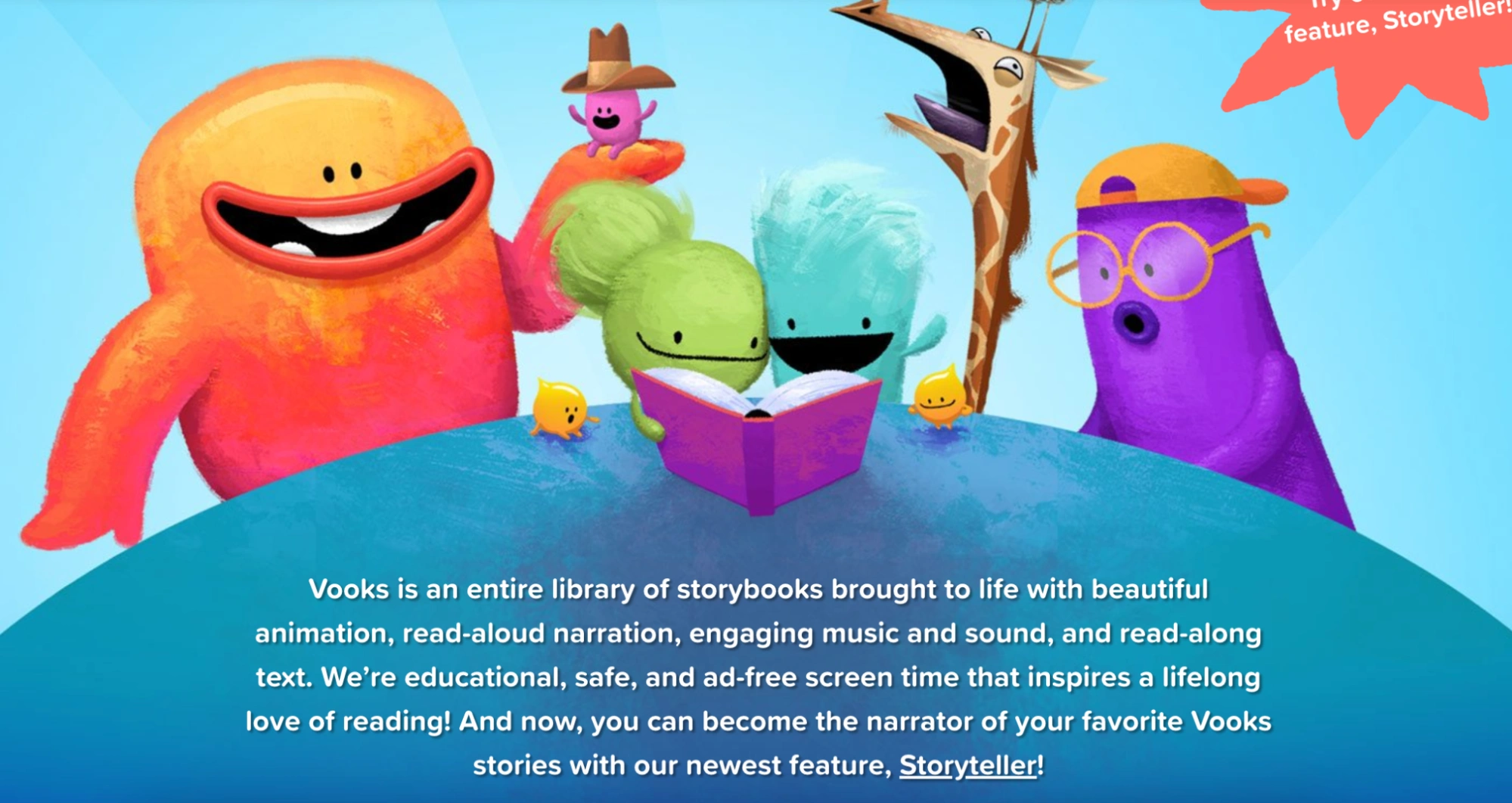
Vooks is a streaming library with animated digital books titled storybooks. They are designed for the youngest learners to keep them engaged and entertained.
Features
- Read-aloud narration and music
- Over 350 storybooks
- Storyteller feature to narrate a book to your child in your voice
Vooks Pricing
After a 7-day trial, the pricing plans as of September 2026 include a monthly subscription for $4.99 per month and an annual subscription for $49.99 per year.
Pros and Cons
Google Play reviewers are highly satisfied with Vooks, although some negative reviews are mostly revealing disappointment that it’s a paid app
| Pros | Cons |
|
Great app for the young kids |
Stories are not easy to find in places other than Vooks |
|
Stories that kids connect with and fall asleep to |
Need to subscribe to switch off ads and access more stories |
|
Song library that corresponds with the stories |
Offline mode available on the paid plan only |
Endless Reader
Age group: Preschool – Grade 3
Best for: practicing spelling with the game
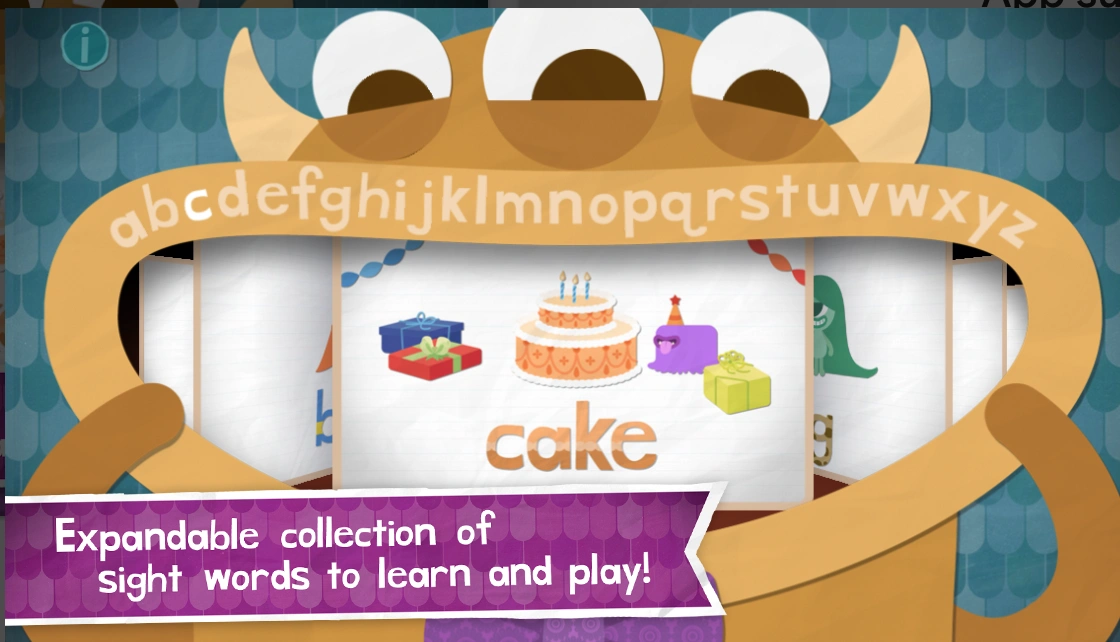
Endless Reader is a highly entertaining reading app with fun monsters that help children with spelling sight words. For kids who struggle with letter recognition, the developer has an app titled Endless Alphabet.
Features
- App dedicated to practicing sight words
- Monsters and interactive puzzles to entertain the youngest learners
Endless Reader: Pricing
Kids can practice 6 sight words for free, with extra word packs available starting from $5.99, as of September 2026.
Pros and Cons
Endless Reader doesn’t have many reviews, but most of the feedback left on the App Store is very positive.
| Pros | Cons |
|
Engaging sounds and quizzes |
Once kids get excited, parents need to constantly pay for new bundles |
|
Fun game to play |
Ads may appear |
|
Smooth in-app experience |
Beelinguapp
Age group: 11 years and older
Best for: students who are learning several languages
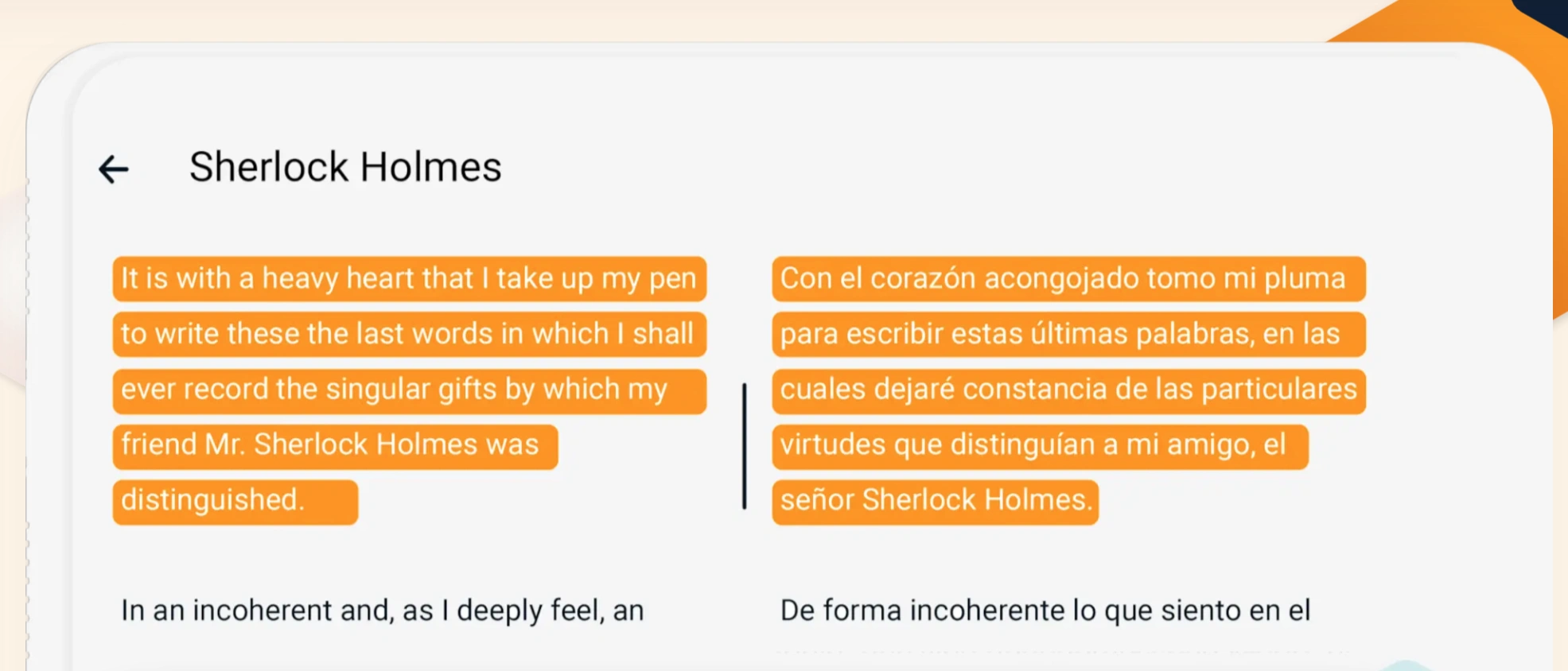
Beelinguapp is a language learning app designed for kids who already have a strong reading foundation in two languages and are ready to practice them simultaneously. The in-app library includes articles, music, and books to practice with different formats.
Features
- Stories, audiobooks, and books for different reading levels
- Native speaker narration in 23 languages
- Interactive quizzes to solidify new knowledge
Beelinguapp Pricing
Beelinguapp is offering a basic free plan with ads and paid subscription for $7.99 per month or $49.90 per year (verified for September 2026), with some discounts and trial promos available.
Pros and Cons
Users left both positive and negative reviews on Google Play, stating it’s a very helpful app yet may have some technical issues.
| Pros | Cons |
|
A great app to learn languages |
Voice in some stories may sound robotic |
|
Big library of sources in different formats |
May cause inconveniences in getting refund and canceling the subscription |
|
The idea and approach behind the app are helpful |
The system may not register or clear the progress |
SplashLearn
Age group: Preschool – Grade 3
Best for: learn-to-read gamified curriculum
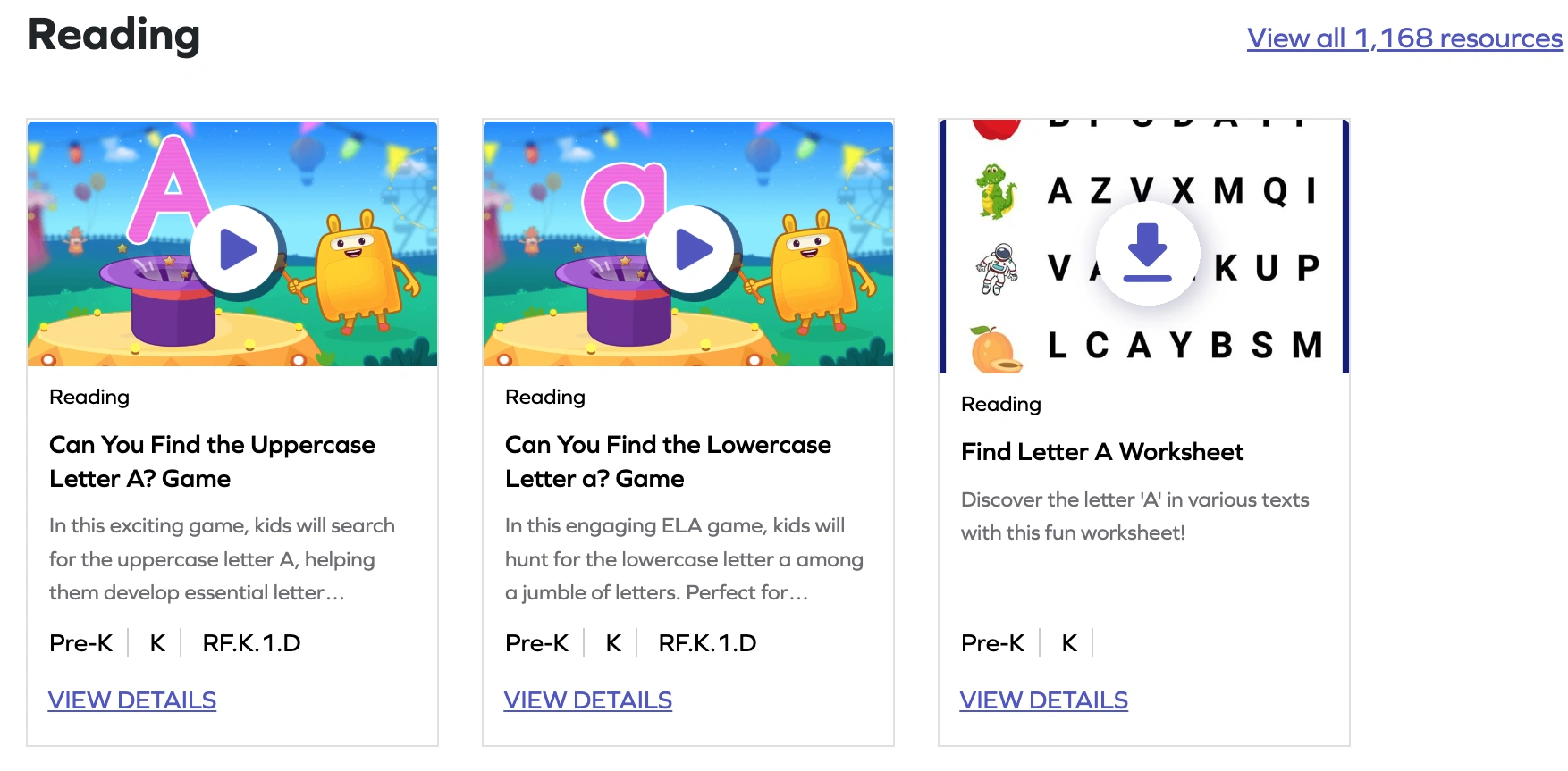
SplashLearn is a gamified learning app designed as an add-on to school or homeschool program. For young readers, the program includes practicing letter recognition, sight words, phonics, and reading comprehension.
Features
- Over 8,000 learning games and other activities on the app
- Individualized learning path based on the current level of a child
- Printable materials like sight word worksheets available
Splashlearn Pricing
After a 7-day trial, parents can pay the SplashLearn cost for its reading program starting from $7.99 per month, as of September 2026.
Pros and Cons
SplashLearn reviews on most platforms are positive, while Trustpilot reviewers criticize it for payment-related issues.
| Pros | Cons |
|
Free 3 activities per day are available on the free plan |
May charge an annual subscription cost automatically after a 7-day trial |
|
Kids enjoy the in-app experience |
Annual payment of $100 may reoccur even after cancellation |
|
Helps with increasing reading speed |
Note: If you’re looking for free reading resources that work directly in a browser and don’t require an app download, see best free reading websites for kids.
Best Reading Apps – Reddit Picks
The Reddit reviewers have noted that different apps help with different learning goals, meaning in particular that the best preschool reading apps and those for elementary students do differ.
For preschoolers, parents on Reddit in 2025 praise Teach Your Monster to Read, noting that kids enjoy learning with its funny monsters.

Another Parent’s Choice Leader on Reddit (2025) is Duolingo ABC, known for its simple interface, clear tasks, and being completely free.

Among the best free reading apps for kids at this age, according to Reddit commenters in 2025, is Starfall.

For elementary students, many parents on Reddit in 2025 mention Hooked on Phonics on Reddit for its game-based learning and colorful design, which is great for preschoolers too.

Also, Reddit commenters in 2025 praise Khan Academy Kids for its well-organized, hands-on activities that suit different ages.

For older students, Reddit parents in 2025 recommend Nessy and Reading Eggs as decent choices, as they focus on reading comprehension and enhancing vocabulary.

How to Choose a Reading App
The best reading app for kids depends on your child’s age, reading level, and learning goal. Preschoolers often need playful phonics practice, elementary students benefit from structured lessons and read-aloud support, and older learners may need stronger vocabulary, fluency, comprehension, and book access.
Here is how to choose the right reading app from the list:
- If your goal is early reading through play ➡️choose Teach Your Monster to Read, Duolingo ABC, ABCmouse, or Starfall.
- If you’d like a structured reading program ➡️go for Khan Academy Kids, Hooked on Phonics, Reading Eggs, or Raz-Kids.
- If your child needs live reading practice and personalized tutor feedback ➡️consider Brighterly.
- For the child with dyslexia or reading differences ➡️pick Learning Ally or Nessy Reading and Spelling.
- If you strive for independent reading and access to more books ➡️go for Epic!, Skybrary, Vooks, or Beelinguapp.
Choose the app that matches your child’s current need: phonics, fluency, vocabulary, comprehension, book access, dyslexia support, or personalized 1:1 reading help.
Try a free reading lesson to see whether a personalized reading plan with a tutor is the right fit for your child.
Frequently Asked Questions
Are Reading Apps Good for Kids, or Do They Replace Real Practice?
Reading apps provide valuable support for kids, although whether they enhance or replace traditional practice depends on the format and how you use them.
Among self-paced apps’ pros, gamification and interactive stories help kids build foundational phonics, along with fluency and vocabulary. On the downside, pre-recorded games can’t replace real human interaction or physical books. Some digital games might lack foundation building and catching all the errors a child makes.
Combine digital practice and real teacher guidance for meaningful instruction, real-time feedback, homework support, and reading comprehension discussions.
What Is the Best Free Reading App for Kids in 2026?
- Khan Academy Kids is best for comprehensive early learning with thousands of interactive activities and playful exercises in multiple subjects.
- Duolingo ABC is best for beginners learning letters, phonics, sight words, handwriting, and vocabulary on gamified lessons.
- Read Along by Google is best for kids who need read-aloud support and real-time AI feedback.
- Starfall Learn to Read is best for emergent readers building foundational skills, employing phonics apps without ads or distractions.
Which Reading App Is Best for a 6-Year-Old?
The best apps to help kindergarteners read are Teach Your Monster to Read and Hooked on Phonics, which focus on phonics, letter recognition, and early reading confidence. ABCmouse, Duolingo ABC, and Starfall are also strong options for kids who enjoy colorful and game-like learning.
Other most recommended reading apps for elementary school students are Khan Academy Kids and Raz-Kids because they combine structured lessons with interactive exercises. Reading Eggs and Epic! can also work well for this age group. Brighterly is a strong option for elementary learners who need personalized 1:1 reading support, tutor feedback, and help building reading confidence.
What’s the Difference Between a Reading App and a Reading Website?
Reading apps are software for mobile phones and other devices that kids may use for self-paced practice. They feature interactive games, read-aloud tools, progress tracking, downloadable offline access, and reward systems – all helps kids create and stick to a regular reading routine.
Reading websites, on the other hand, are browser-based digital platforms that you may access on a desktop or laptop and use their digital libraries, printable worksheets, and browser games.
Do Reading Apps Work for Kids With Dyslexia?
Yes, reading apps work for children with dyslexia when they offer specialized features and structured learning approaches:
- Dyslexia-specific platforms – like Learning Ally – provide read-aloud audiobooks that enable kids to see and listen to text simultaneously. Nessy Reading and Spelling, too, employs a structured ‘Science of Reading’ approach covering also writing and touch-typing.
- Multi-format adaptations – meaning platforms that support dyslexic learners integrate features (like adjustable reading speeds, text-to-speech narration, reading-level customization, and flexible 1:1 tutoring options – e.g., Brighterly or Outschool) – help overcome learning differences and build reading confidence.


How good is your kid at reading? It’s hard to determine without some objective criteria and valid numbers at hand. To assist you here, check out the most recent reading statistics from 2018 to 2026 worldwide, on the national US level, and by state. At the end of this article, you’ll find the top 10 […]

Sep 01, 2025

Dyslexia happens in about 1 to 5 kids, yet it often goes unnoticed. The good news is that dyslexia and reading can function together once you learn to approach the condition correctly. As someone who has been tutoring for years, I’ve composed this guide to give you a glimpse into the topic. Key points: Dyslexia […]

Sep 03, 2025
Math & reading from 1st to 12th grade
Exploring alternatives?
Take a short quiz!
Choose kid's grade