Best for school vocabulary learning: Vocabulary A-Z works well for K–5 classroom instruction, while Wordela and Vocabulary.com combine custom word lists with structured practice for school-age learners.
Best for flashcards and memorization: Anki offers the most customizable spaced-repetition system, while Quizlet is easier for students who prefer ready-made study sets, flashcards, tests, and interactive study modes.
Best for learning English vocabulary in context: WordUp focuses on useful everyday words and personalized recommendations, while Word of the Day supports short daily vocabulary practice and Lingui combines flashcards with CEFR-based word learning.
Best for learning vocabulary through another language: Memrise combines vocabulary with native-speaker videos and broader language practice, LingQ teaches words through authentic reading and listening, and Drops is a good choice for short, visual, gamified sessions.
Best for test-prep vocabulary: Magoosh Vocabulary Builder is a strong free option for GRE, SAT, TOEFL, and academic vocabulary, while Ultimate Vocabulary Builder covers vocabulary for GRE, SAT, GMAT, TOEFL, IELTS, and other standardized tests.
Best for exploring words and word relationships: Linked Words works as a reverse dictionary for synonyms, related terms, and rhymes, while VocabMagic provides additional vocabulary games and learning resources for school-age students.
For children who need more than independent app practice, Brighterly offers personalized 1:1 reading & writing support.
The best vocabulary app depends on the learner’s goal: Vocabulary A-Z is best for K–5 classroom vocabulary, Anki is best for customizable spaced-repetition flashcards, Magoosh is best for GRE vocabulary practice, and WordUp is best for building everyday English vocabulary. For children who need personalized support rather than just app practice, Brighterly reading program is a better fit because a live tutor can identify vocabulary gaps and teach new words in reading and writing context.
Best Vocabulary Apps at a Glance – Free & Paid Quick Picks
Best For
Audience
Learning Method
Free Option
Price
Vocabulary A-Z
K–5 classroom vocabulary instruction
Elementary students and teachers
Teacher-led lessons, custom word lists, games, quizzes, and printable practice
2-week free trial
Paid annual subscription ($108-125)
Quizlet
Creating and studying custom vocabulary sets
Students, teachers, and independent learners
Flashcards, practice tests, study modes, and retrieval-based activities
Free plan available; annual plans include a free trial
Quizlet Plus: $35.99/year; Plus Unlimited: $44.99/year
Wordela
Custom vocabulary and spelling practice
School, homeschool, and independent learners
Custom word lists, flashcards, spelling practice, and adaptive review
Free Forever plan
VIP: $4/month; Homeschool: $9/month
WordUp
Building practical English vocabulary in context
English learners, especially teens and adults
Personalized word recommendations, real-world examples, spaced repetition, and contextual practice
Free version available
$9.49–149.99/year
Vocabulary.com
Learning vocabulary through adaptive practice and topic-based word lists
School-age students, test-takers, and adult learners
Adaptive vocabulary questions, custom and premade word lists, games, and progress tracking
Limited free website access
$12.99/month; $39.99/6 months; $59.99/year
Anki
Fully customizable spaced-repetition study
Teens, college students, test-takers, and advanced independent learners
Custom flashcards with spaced repetition, media, tags, and shared decks
Free on desktop, web, and Android
AnkiMobile for iOS: $24.99 one-time
Memrise
Learning vocabulary as part of a broader language-learning program
Teen and adult language learners
Vocabulary practice, native-speaker videos, listening activities, grammar practice, and AI conversations
Limited free version
$24.99/month or $61.99/year; lifetime offers vary
LingQ
Learning vocabulary through authentic reading and listening content
Intermediate and advanced language learners
Reading and listening to real content, saved vocabulary, transcripts, and review activities
Free basic plan
Premium: $14.99/month, $119.99/year, or $215.76/24 months
Drops
Short, visual vocabulary practice
Casual and visual language learners
Illustrated vocabulary, gamified exercises, and short daily sessions
Free tier with 5 minutes of practice every 10 hours
Premium pricing varies by subscription platform and region
Word of the Day
Building a daily English vocabulary habit
Teens and adults
Daily words, definitions, examples, quizzes, games, and spaced-repetition review
Limited free access
Monthly Premium: $9.99; annual offers start from $49.99
VocabMagic
Supplemental academic vocabulary resources
Elementary, middle, and high school students and teachers
Vocabulary games plus printable, digital, and physical learning materials
VocabMagic Quiz app is free
Additional learning materials are sold separately; prices vary by product ($2.95–766)
Magoosh Vocabulary App
Free GRE, SAT, TOEFL, and academic vocabulary practice
High school, college, and test-prep students
Multiple-choice vocabulary quizzes, difficulty levels, contextual examples, and spaced repetition
Fully free
Free
Ultimate Vocabulary Builder
Free standardized-test vocabulary practice
GRE, SAT, GMAT, TOEFL, IELTS, and other test-prep learners
Gamified vocabulary practice, flashcards, contextual examples, pronunciation, synonyms, and antonyms
Fully free
Free
Lingui
Quick English vocabulary practice with spaced repetition
English learners from beginner to advanced levels
Swipe-based flashcards, quizzes, CEFR-based vocabulary, and spaced repetition
Free version with daily limits
$3.99/week, $9.99/month, or $49.99/year
Linked Words – A Reverse Dictionary
Finding synonyms, related words, rhymes, and word connections
Writers, students, and advanced vocabulary learners
Reverse-dictionary search by definition, meaning, sound, rhyme, and word relationships
Fully free
Free with ads
* All statements and evaluations mentioned in this article are based on the information from official websites and profiles in download stores, as well as public user reviews in Google Play Store, App Store, TrustPilot, and Reddit in 2025-2026. All the pricing mentioned is verified on official websites and resources (as of August 2026).
Math & reading from 1st to 12th grade
Exploring alternatives?
Take our quick quiz to discover the perfect learning solution based on your child’s needs.
Brighterly is a better fit for children who need personalized vocabulary instruction rather than independent word drills. Apps are useful for memorizing and reviewing vocabulary, but a live 1:1 writing & reading tutor can identify which words and language skills a child struggles with, teach vocabulary in reading and writing context, and adjust practice in real time.
Explore Brighterly Learning Experience
Learn exactly how Brighterly helps students thrive through expert sessions, online tools, and proven feedback from thousands of satisfied parents
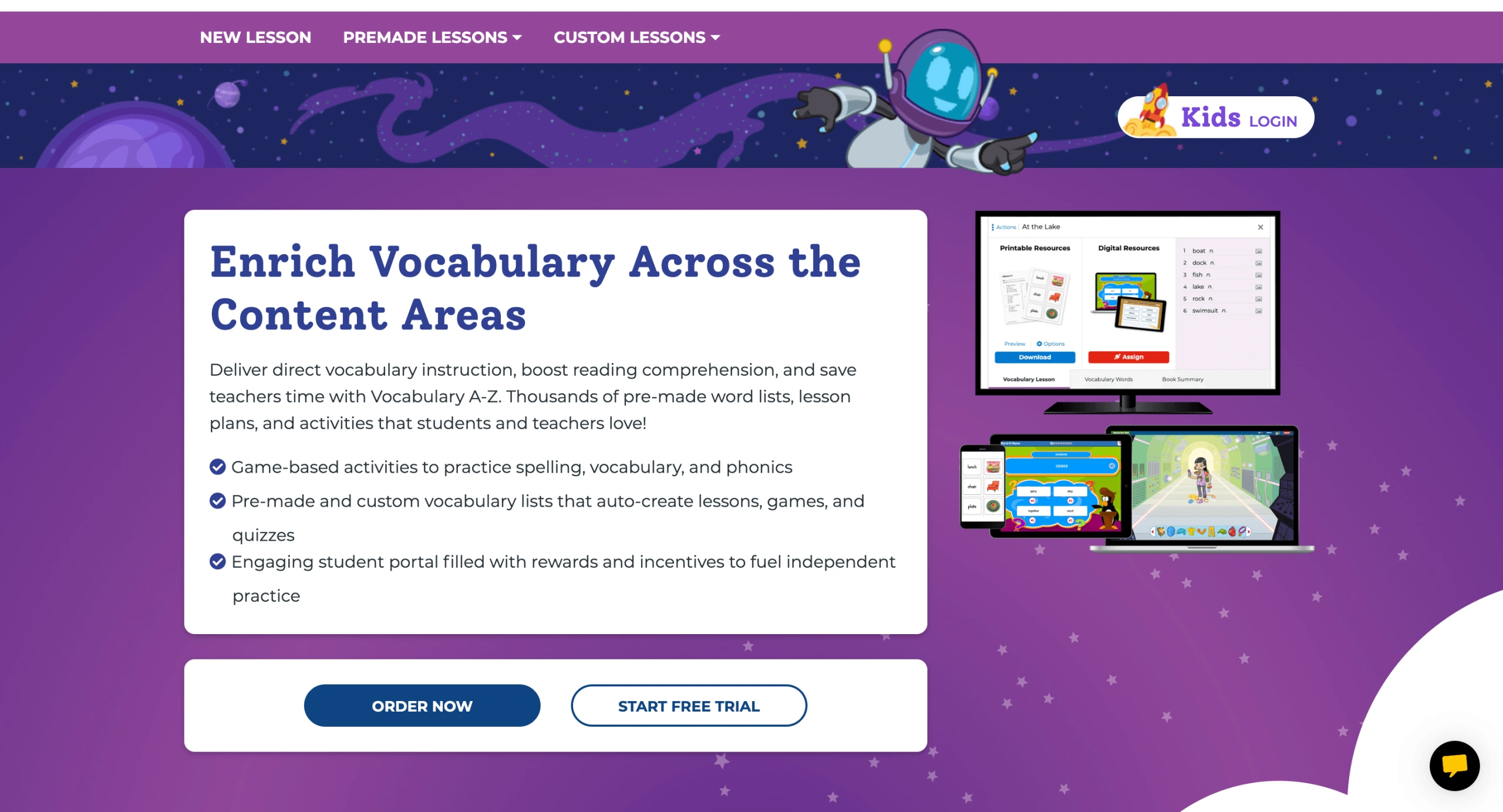
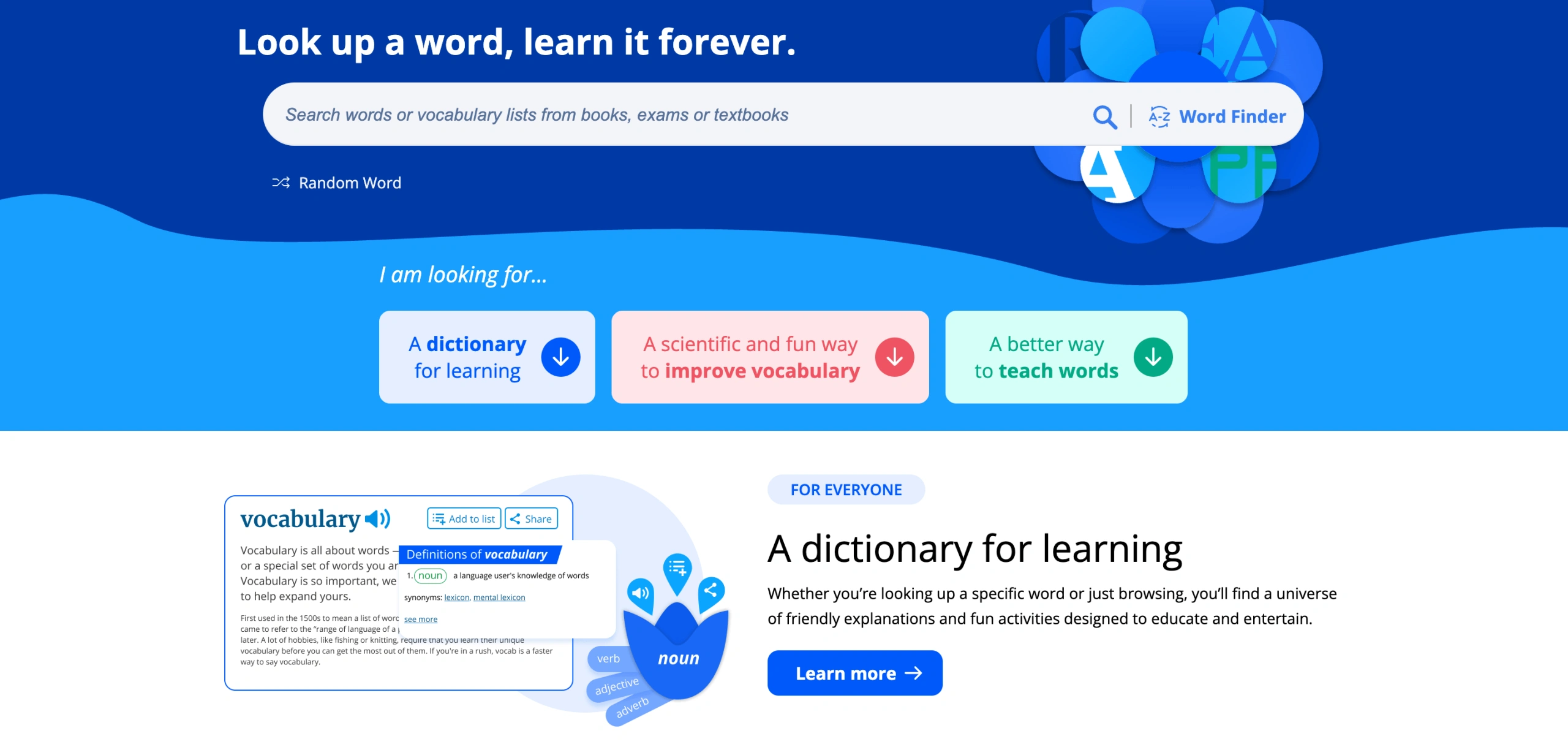
Previously known as VocabularySpellingCity, Vocabulary A-Z is a game-based educational service with plenty of helpful materials for K-5 teachers and students. It offers in-depth materials and printable, auto-generated five-day lesson plans that contribute to the kids’ vocabulary development and enrichment.
Features
Multiple subjects and courses, including reading, foundation, science, writing, and vocabulary.
Suitable for both teachers and kids
Professional learning opportunities for teachers
Note: You can help your kid improve their reading skills at home – find out about the six components of reading proficiency and learn multiple tips to master each related reading skill.
Pricing
As of August 2026, a yearly subscription to Vocabulary A-Z costs $108-125. You can purchase it after passing a 2-week free trial.
Vocabulary Learning App A-Z: Pros and Cons
Pros
Cons
Plenty of learning options (Foundations, Kids, Science, etc.)
Adaptable, research-based learning approach
Can be pricey as the service has only yearly subscription plans
Reading program
Grow vocabulary through personalized reading lessons
Brighterly enriches sessions with gamified activities that encourage deeper understanding.
Best for: Quick flashcard-based self-study and classroom games.
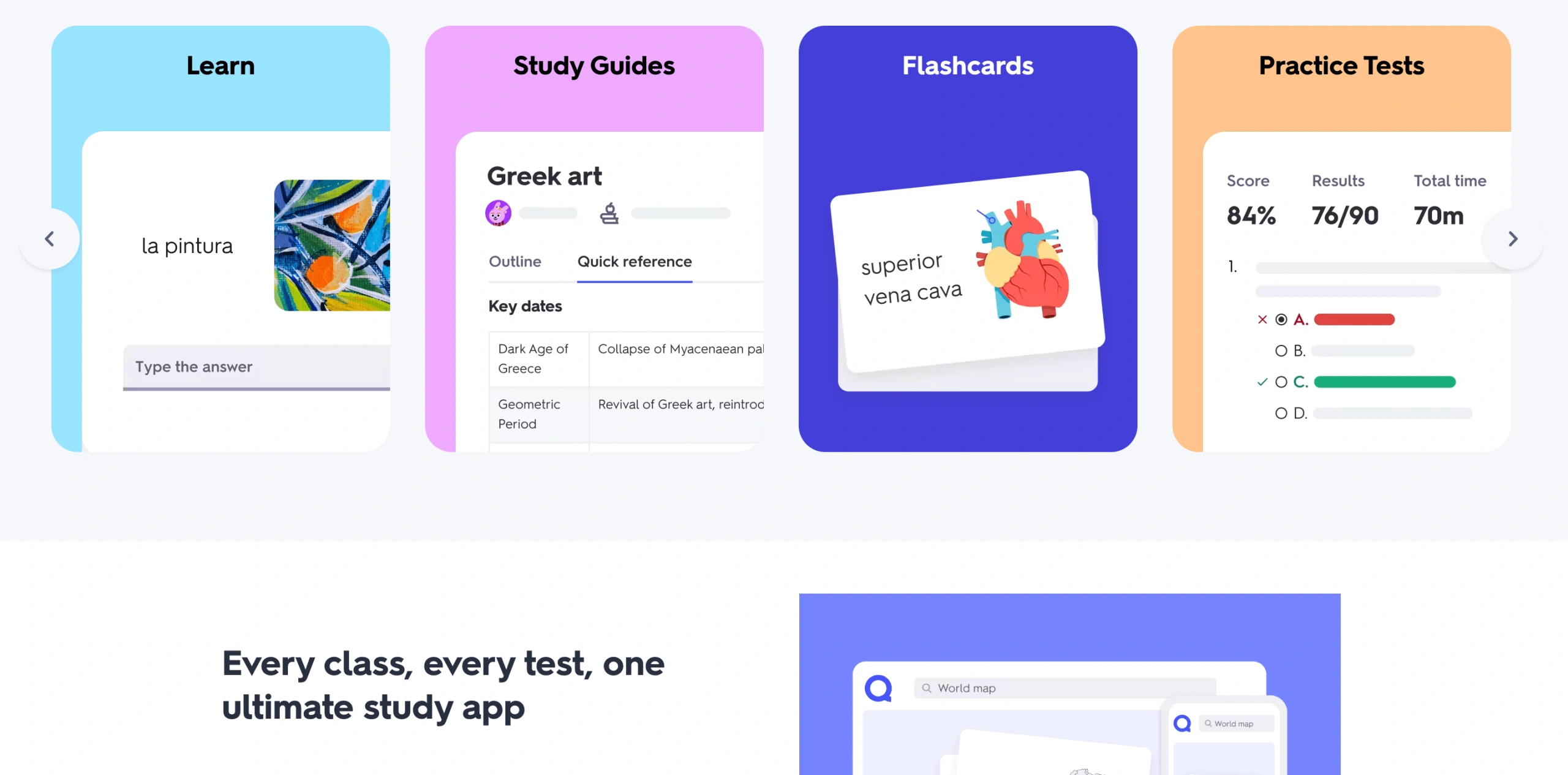
Quizlet is a freemium app that lets learners create flashcards to study new vocabulary, enabling teachers and students to improve their learning with fun and interactive tools. Quizlet also enables users to embed images and employ text-to-speech audio for precise pronunciation practice. To strengthen deck creation, the app allows text and spreadsheet imports, along with AI integrations that convert lecture notes or long documents into study guides.
Features
Free flashcard sets
A study mode differs from one another
Quizlet Live in-class games
Pricing
Quizlet offers two monthly subscription plans to choose from:
Quizlet Plus – $7.99 (monthly plan) or $2.99 per month but billed at $35.99/year
Quizlet Plus Unlimited – $9.99 per month or $3.75 but billed at $44.99/year
Quizlet Vocabulary Builder App: Pros and Cons
Pros
Cons
Quick and easy flashcard generating system
User-friendly study sets for classes
AI content can be inaccurate
Wordela Vocabulary Learning App
Best for: Students who want unlimited custom word lists.
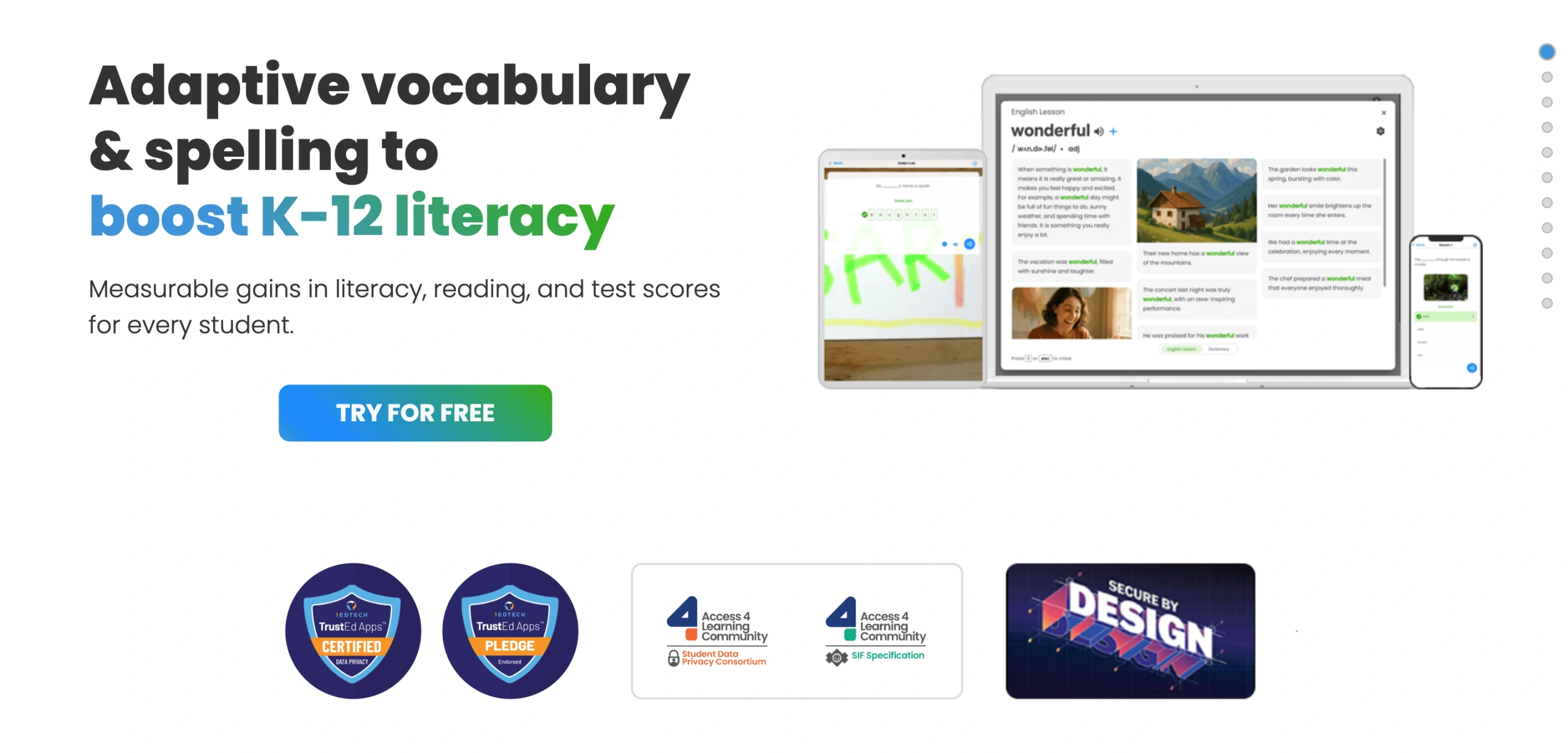
Wordela is a vocabulary-enhancing platform suitable for both regular and homeschooled students. Its adaptive AI learning engine monitors user performance and automatically adjusts review intervals, focusing precisely on a student’s persistent problem words. Wordela is simultaneously a vocabulary and spelling tool, featuring built-in phonetic transcriptions, plus ESL support, enabling users to choose their native language and, thus, receive cross-lingual translation assistance during exercises.
Apart from a free plan with multiple yet limited features, Wordela also offers two subscription options:
VIP – $4 per month
Homeschool – $9 per month
Wordela: Pros and Cons
Pros
Cons
Multiple learning opportunities and features
Creating and storing custom word lists
Potential inaccuracies in AI-generated content
WordUp
Best for: Advanced learners who want to track vocabulary progress.
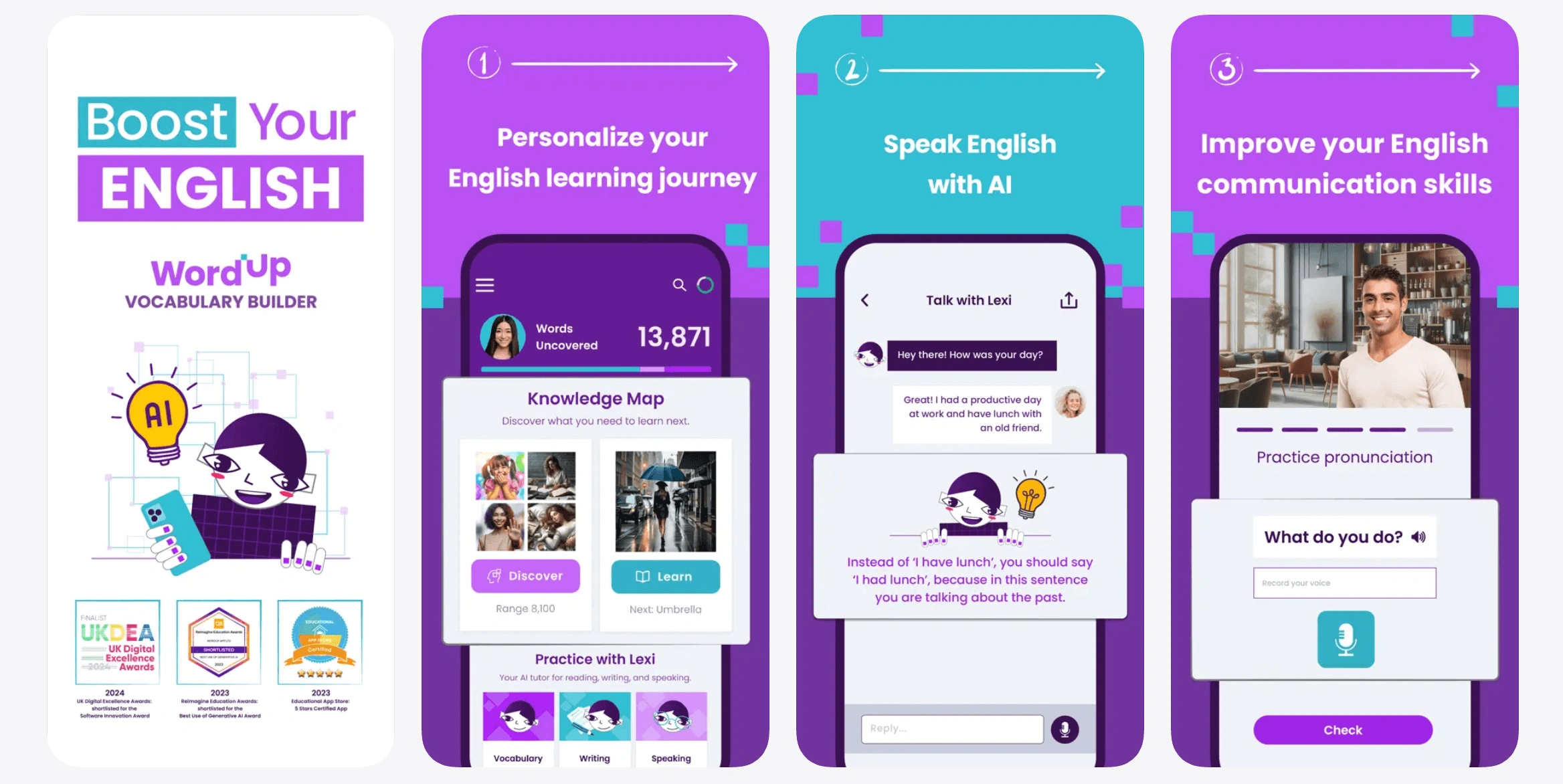
Being one of the best vocabulary apps (according to 2025 user reviews on the App Store) for personalized learning, WordUp is known for its Knowledge Map. This feature helps you to track your progress and plan your learning process accordingly.
Features
“Built-in” web vocabulary with the opportunity to listen to the right pronunciation and see the transcription together with the word’s meaning
An automated proficiency check to select the most suitable course tailored to your personal needs
Multi-platform accessibility with various enterprise options for companies and schools
Pricing
WordUp suggests the following pricing plans:
Monthly Pro – $9.49 per year
Annual Pro – $49.99 per year
Lifetime – $149.99 per year
WordUp Vocabulary Learning App: Pros and Cons
Pros
Cons
Multi-platform access
Knowledge Map to see where your English stands and how to advance
More suitable for advanced students
VocabMagic Free Vocabulary Learning App
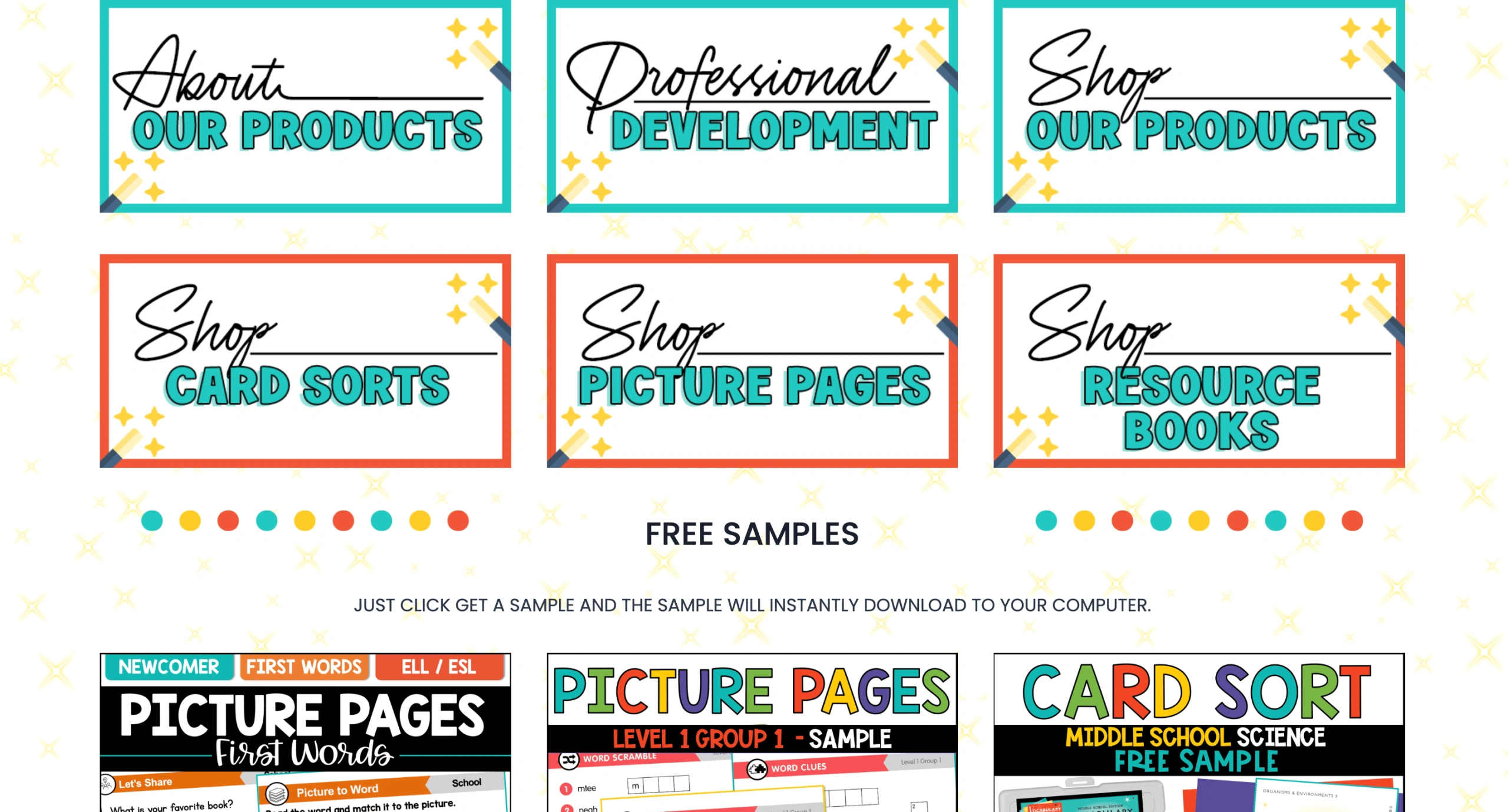
Best for: Kids and teachers looking for supplemental print + digital materials.
Founded by two renowned teachers with years of experience, VocabMagic is a reliable platform for those seeking extra help with academic vocabulary proficiency. It comes as a set of digital products and a VocabMagic Quiz app available on the Amazon Appstore.
Features
Offers physical and digital books and worksheets
Variety of subjects: from first words to math and biology
VocabMagic Quiz app
Pricing
VocabMagic Quiz is considered one of the best free vocabulary apps, although online and offline learning materials go at different prices, starting from $2.95 (shipping costs not included) and reaching over $766.
VocabMagic: Pros and Cons
Pros
Cons
Offers both digital and physical learning materials
Accessible prices that meet any budget
The app is available on Amazon only
Magoosh Vocabulary App
Best for: Students who want a free, structured way to build GRE-level vocabulary.
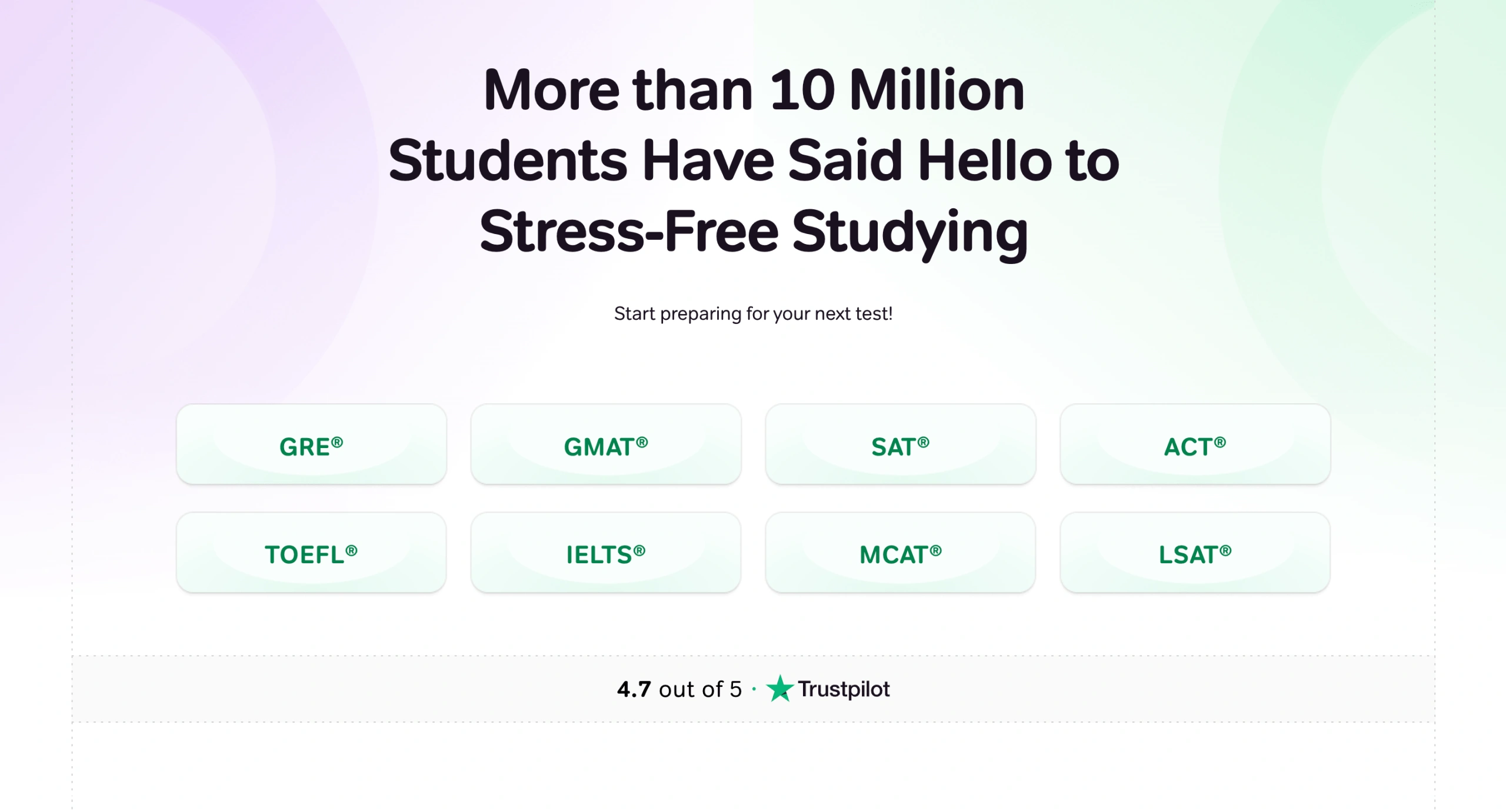
Magoosh Vocabulary Builder is a free vocabulary app designed primarily for students preparing for the GRE and other standardized tests. It includes more than 1,200 expert-selected words, with definitions and example sentences that help learners understand how each word is used in context.
The app organizes vocabulary into Basic, Intermediate, and Advanced levels and uses short multiple-choice quizzes to reinforce learning. As users answer correctly, they progress through increasingly difficult word sets, making the app useful for structured test-prep practice without requiring a paid subscription.
Features
More than 1,200 expert-selected vocabulary words
Definitions and example sentences for contextual learning
Basic, Intermediate, and Advanced difficulty levels
Quiz-based practice with built-in progress
Pricing
Free. Magoosh also sells separate comprehensive GRE prep plans, but these are not required to use the Vocabulary Builder app.
However, for a deeper practice, you can purchase one of its test prep programs:
1 month – $149
6 months – $179
Premium + Admissions – $219
Reading program
Affordable vocabulary building without breaking the budget
Lessons start from $17.70/lesson (20% off), 2 lessons/week, 12-month plan.
Primarily focused on test-prep vocabulary rather than everyday language
Limited customization compared with flashcard apps such as Anki or Quizlet
Does not provide personalized instruction or real-time feedback
Ultimate Vocabulary Builder
Best for: Budget-conscious learners preparing for standardized tests.
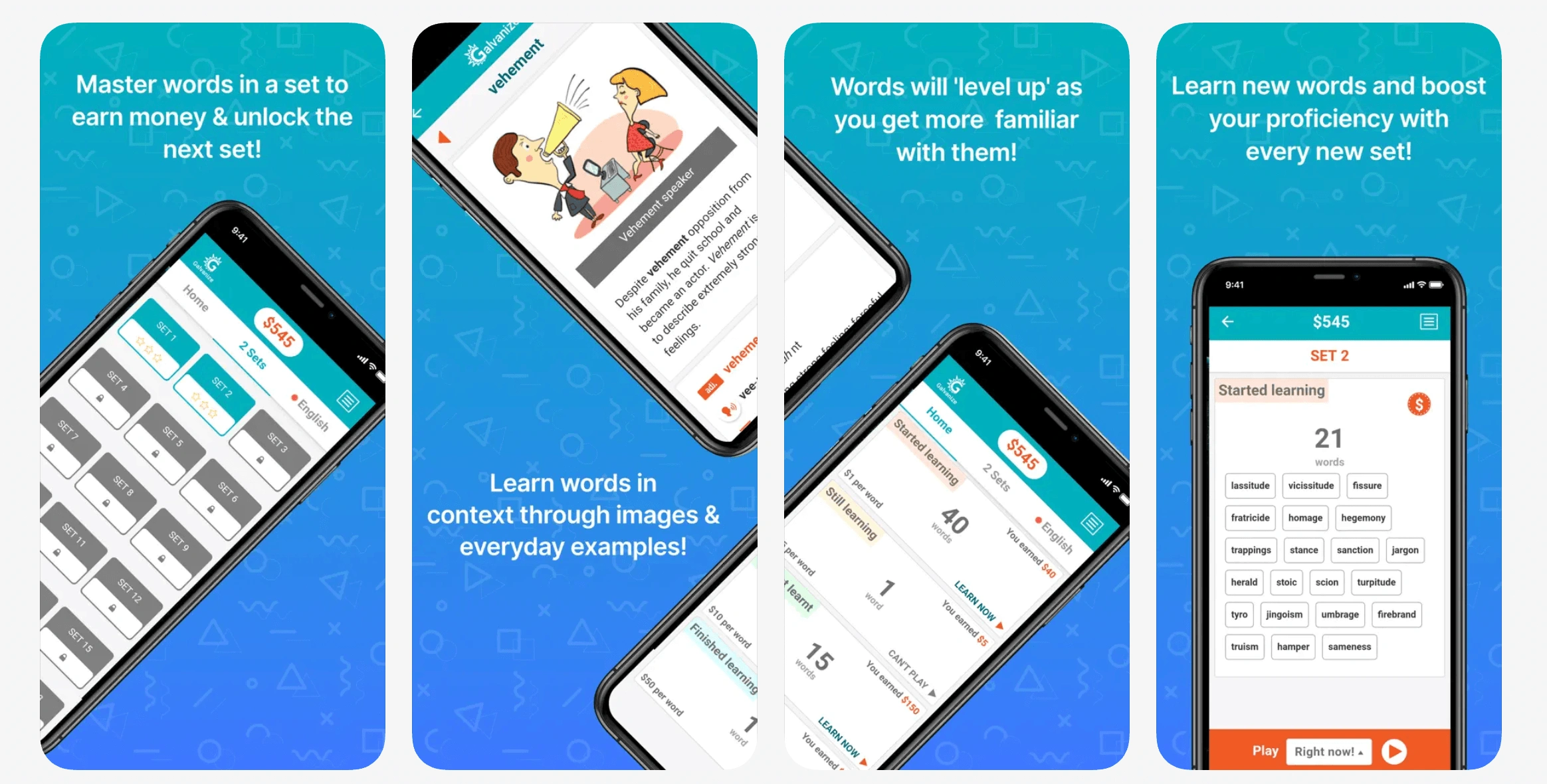
The Ultimate Vocabulary Builder is among the best vocabulary apps free of charge to help learn over 1500 new words. It’s a nice, slick way to learn advanced vocabulary, their meanings, and pronunciations.
Features
In-game currency earned by completing stages
Context-based word learning with real-life and fictitious examples
Test prep
Pricing
Free.
Ultimate Vocab Builder: Pros and Cons
Pros
Cons
Free and works offline
Multiple features and learning opportunities
Limited number of words
Vocabulary.com
Best for: Learners who want topic-based vocabulary lists and a free web version.
Vocabulary.com is an online learning resource with easily accessible free learning materials, an online vocabulary trainer, and pre-made word lists that can help you expand your vocabulary topic by topic.
Features
An adaptive learning engine – VocabTraine – automatically monitors and adjusts your further learning based on how well you retain and forget words.
Thousands of categorized word lists for literature, test prep, history, and news, plus the option to create and share your own custom lists.
Real-time team-based games and spelling modules.
Pricing
Vocabulary.com subscription goes in different packages:
1 month for $12.99
6 months for $39.99
12 months for $59.99
Vocabulary.com Best Vocab Learning App: Pros and Cons
Pros
Cons
Interactive events like Vocabulary Bowl to participate in global academic competitions and win rewards
Easily manageable VocabTrainer and word lists
Free trial available for 10 days only
Anki
Best for: Power users who want fully customizable flashcard decks.
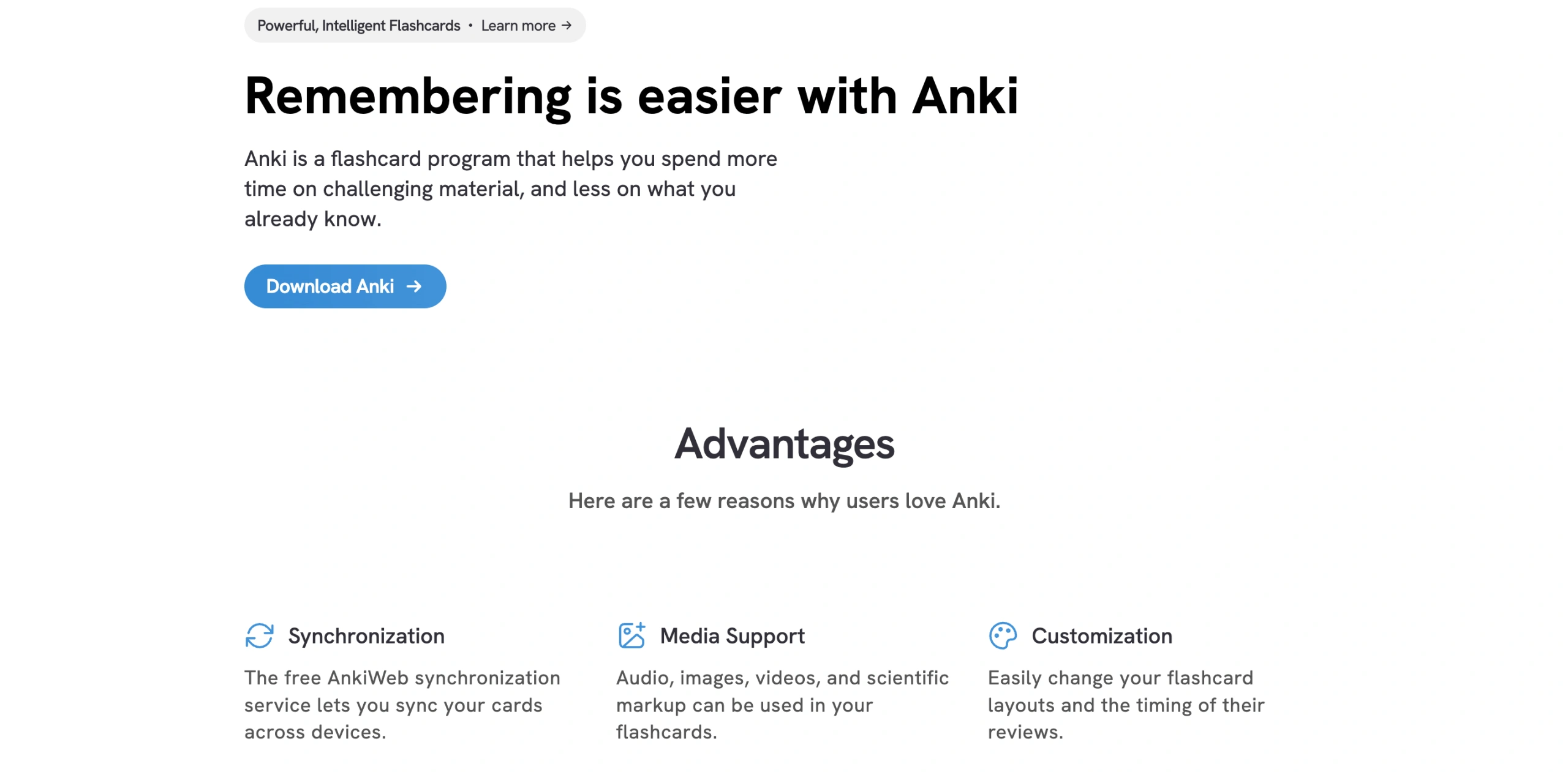
Anki is an open platform often considered the best app for vocabulary (according to 2026 user reviews on the App Store) learning using flashcards, as well as creating them.
Features
Support for large card decks — even 100,000+ cards
Search tool and custom categorization
Instant sync
Pricing
You can get Anki on the App Store for $24.99 (for Android and web, it’s free, though). It’s an upfront payment you process as you download it, with no free trial available.
Anki: Pros and Cons
Pros
Cons
Allows handling decks of over 100,000 cards
Supports video, audio, images, and scientific markup
Updates left by users can be inaccurate
Memrise
Best for: Goal-oriented learners who want an AI coaching layer.
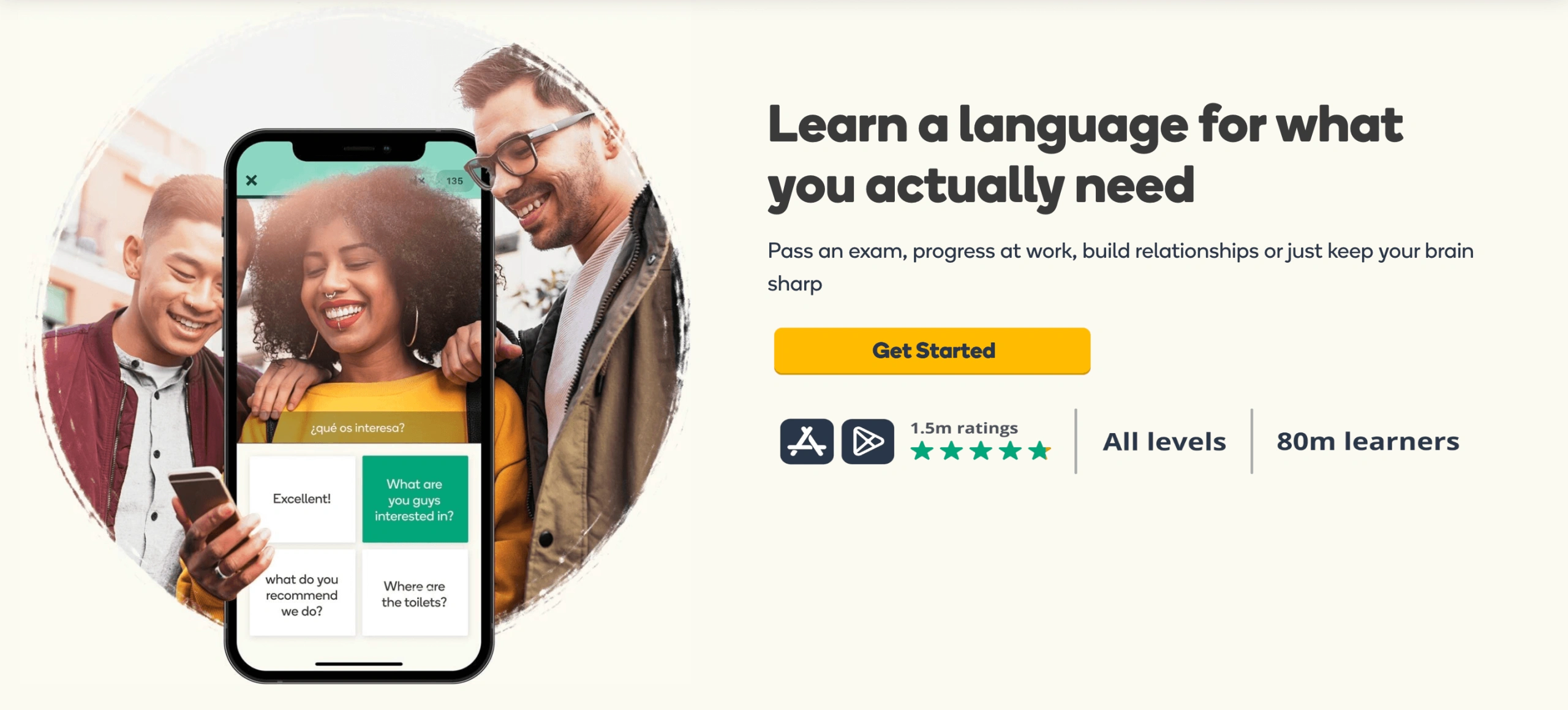
Memrise is an AI-based vocabulary learning platform that lets you practice vocabulary with pronunciation, which is extremely useful for people who learn better with a multisensory approach. The platform’s software employs real-life video snippets featuring native speakers to showcase authentic context and local accents as well. The app’s testing system evaluates students through diverse mechanics – tapping, typing, listening comprehension, and multiple-choice questions.
Features
AI-powered tools
Target wordlists
Grammar lessons
Pricing
Memrise suggests the following subscription plans:
Monthly – $24.99
Annual – $61.99
Lifetime – $329.99
Memrise: Pros and Cons
Pros
Cons
Plenty of learning tools beyond vocabulary
Open-access phrasebooks
AI-powered tools may not be efficient
Lingui
Best for: Learners looking for small swipe flashcards.
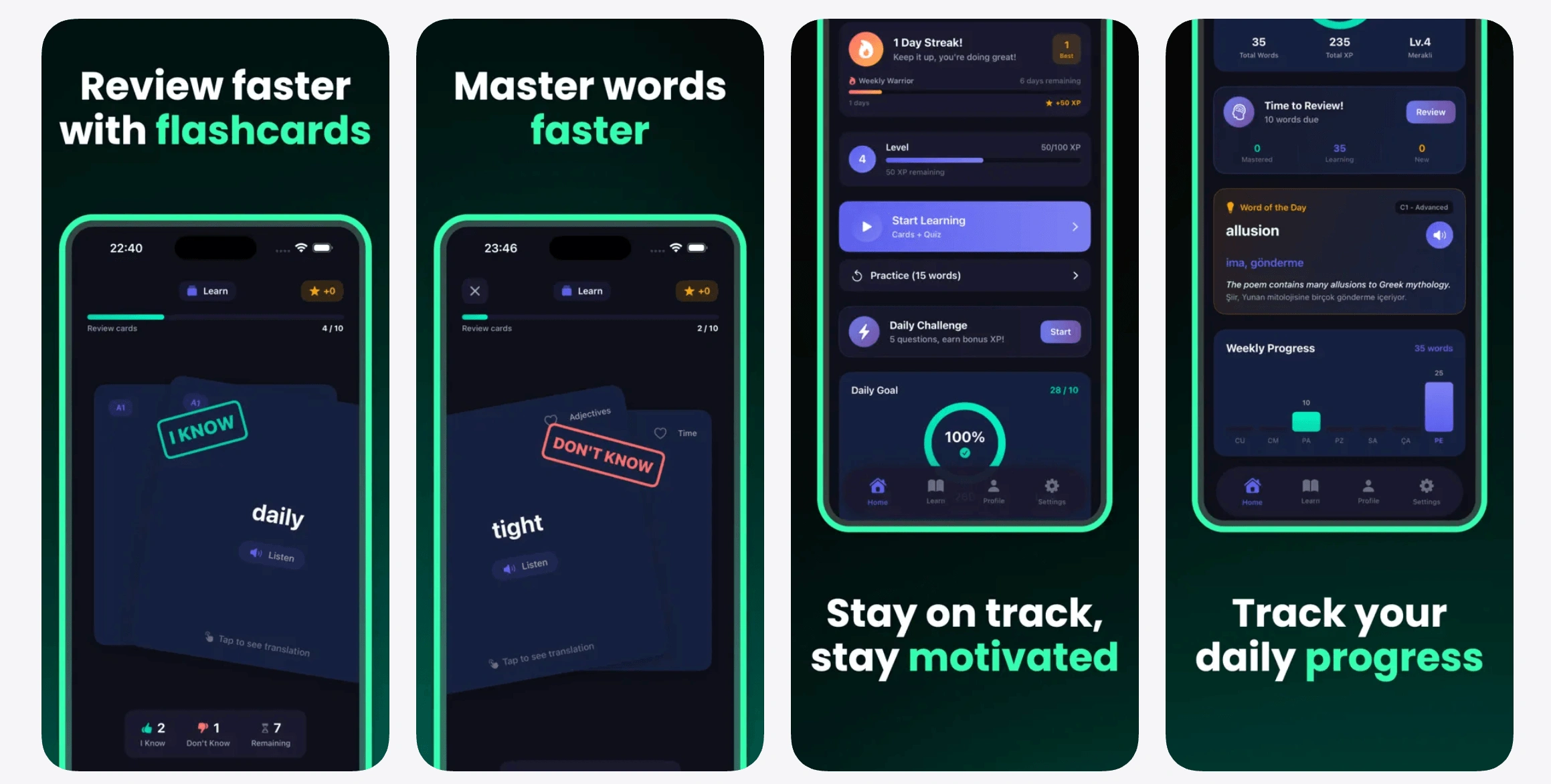
Lingui helps users memorize new English words using a swipe-based learning system that makes daily vocabulary practice intuitive and simple. Based on memory science, it’s built-in spaced repetition algorithm supervises card intervals to ensure maximum long-term word retention. The Lingui app suits best users upgrading their proficiency for particular purposes or preparing for exams like IELTS and TOEFL.
Features
Swipe-based flashcard system uses interactive gesture controls to shuffle and organize word cards.
Adaptive CEFR level filters allow users to narrow down vocabulary study sets in tiers from A1 to C2.
Tests short-term retention via multiple-choice question sets.
Pricing
Lingui has a free version with daily limits, yet for unlimited practice and advanced functional features expect to pay:
$3.99 per week – Weekly Pro
$9.99 per month – Monthly Pro
$49.99 per year – Yearly Pro.
Lingui: Pros and Cons
Pros
Cons
No info clutter
Audio pronunciations and progression maps
Strict daily limits on free version
LingQ
Best for: Those needing a language learning app who prefer audio-based vocabulary building.
LingQ is a platform that lets you improve your vocabulary and language skills through multimedia learning. Precisely, the service allows you to discover new words via songs, books, podcasts, TV shows, and books.
Features
Learning through listening to audio content with transcripts
Flashcard quizzes
Playlists
Pricing
LingQ offers to subscribe either to its Premium or Premium Plus packages, and prices vary according to the commitment period:
1-month Premium – $14.99
12-month Premium – $10 per month ($119.99/12 mo)
24-month Premium – $8.99 per month ($215.76/24 mo)
1-month Premium Plus – $29.99
12-month Premium Plus – $22.50 per month ($269.99/ 12 mo)
LingQ: Pros and Cons
Pros
Cons
Affordable pricing options
Multisensory learning approach
The free plan has very basic functionality
Drops
Best for:Visual learners who want gamified vocabulary sessions.
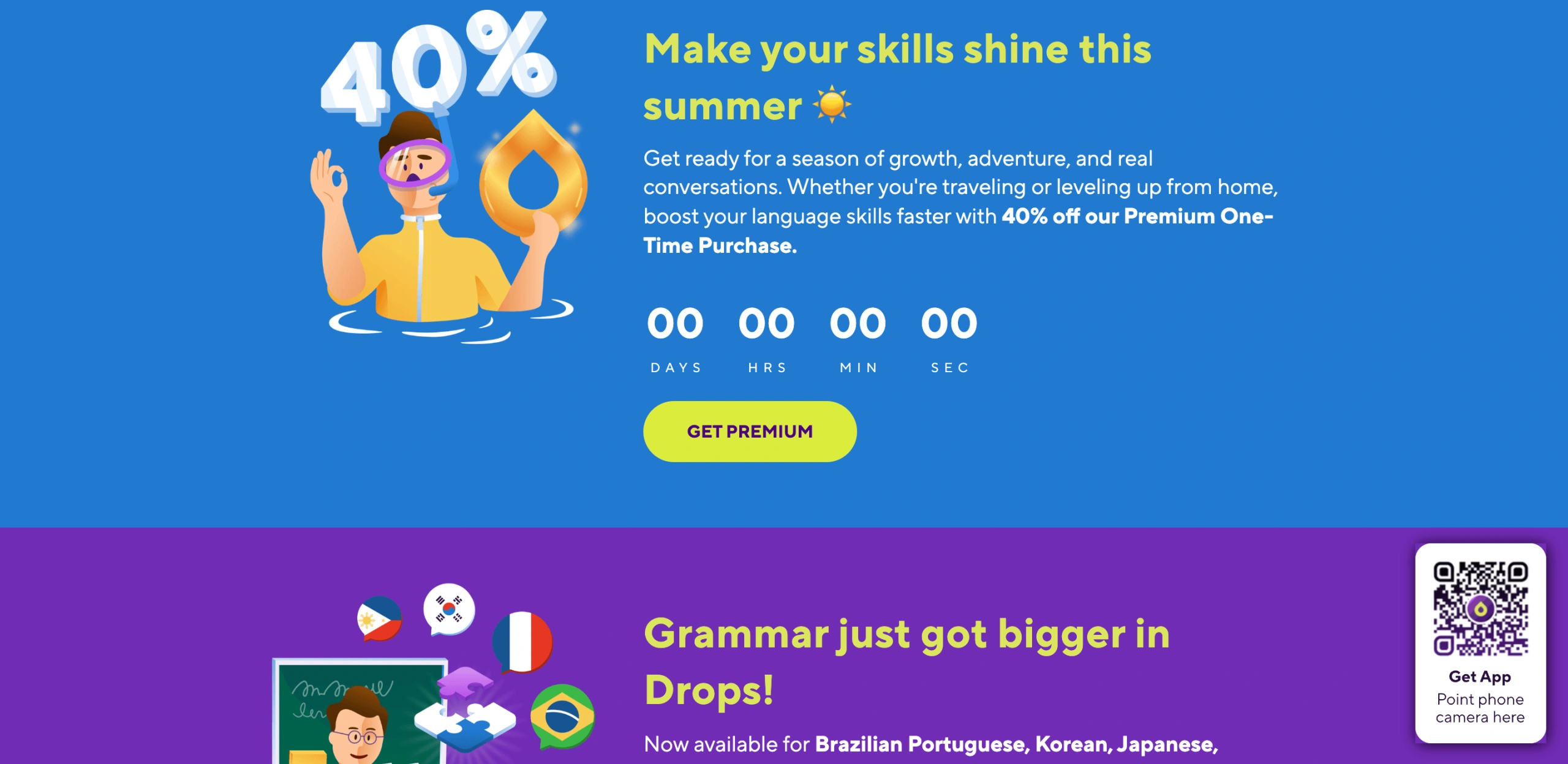
As one of the apps to improve vocabulary and its building, Drops is a fun and easy-to-follow quiz game with a slick interface.
Features
Drops as a gift to others
Multiplayer to study together with others
Vocabulary practiced in real-life phrases
Pricing
A monthly subscription to Drops costs $12.99/month. A yearly subscription goes for $69.99, and the option for lifetime access will cost users $159.99. Drops has ongoing free tier: 5 minutes every 10 hours.
Drops: Pros and Cons
Pros
Cons
A Kahoot-associated app that has good quiz functionality
Gamified learning experience suitable for quick and easy daily practices
Includes ads and limited content in a free version
Linked Words – A Reverse Dictionary
Best for: Writers and learners looking for synonyms, related words, and word connections.
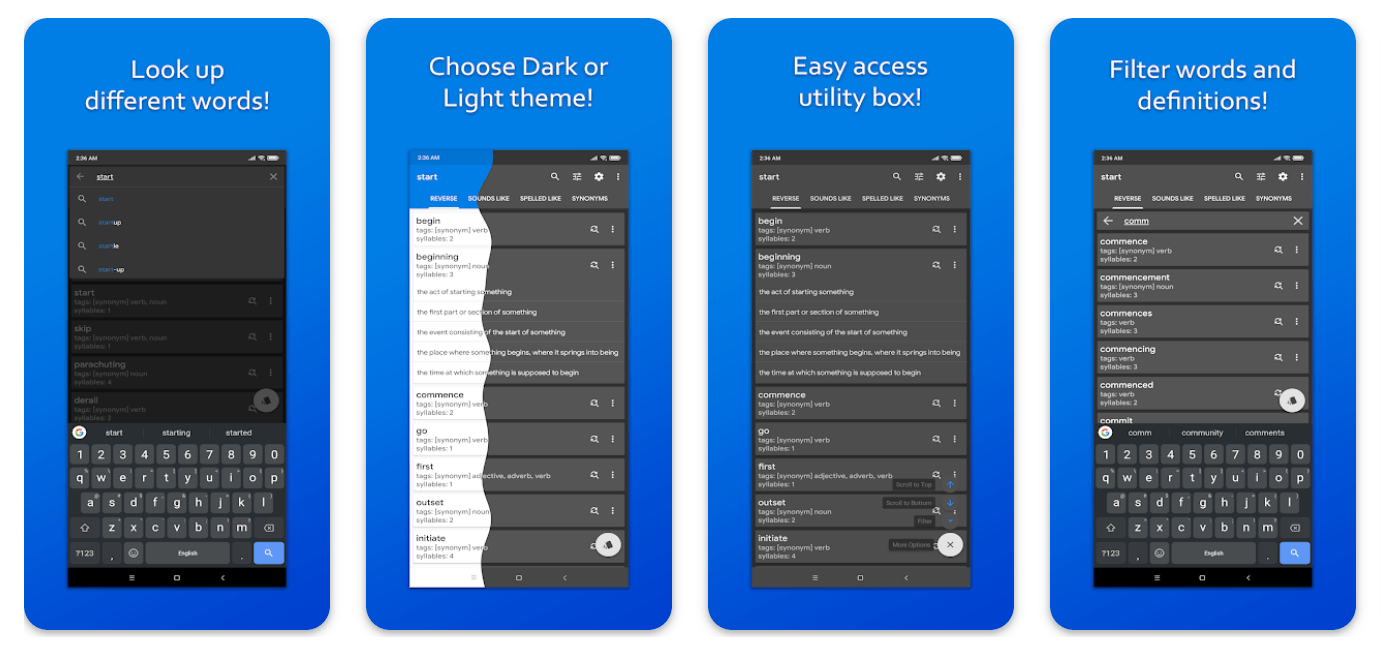
Linked Words is a free vocabulary learning app that helps users locate words through definitions, phrases, or descriptions. In contrast to traditional dictionaries, this app offers synonyms, antonyms, rhymes, and words with similar meanings or sounds, and assists with word-pattern searches.
Features
A simplified version of the app is titled Linked Words Lite
Lets users search for a word by its definition or a descriptive phrase
Includes filtering by definition and word (or both)
Pricing
Linked Words is among the best free vocabulary apps (according to user reviews in Google Play Store as of 2025-2026).
Linked Words – A Reverse Dictionary: Pros and Cons
Pros
Cons
Free app
Wide range of connections between words (similar-sounding words, synonyms, word patterns, etc.)
UI/UX may feel outdated
Word of the Day
Best for: Learners who prefer milestone-based daily learning habits.
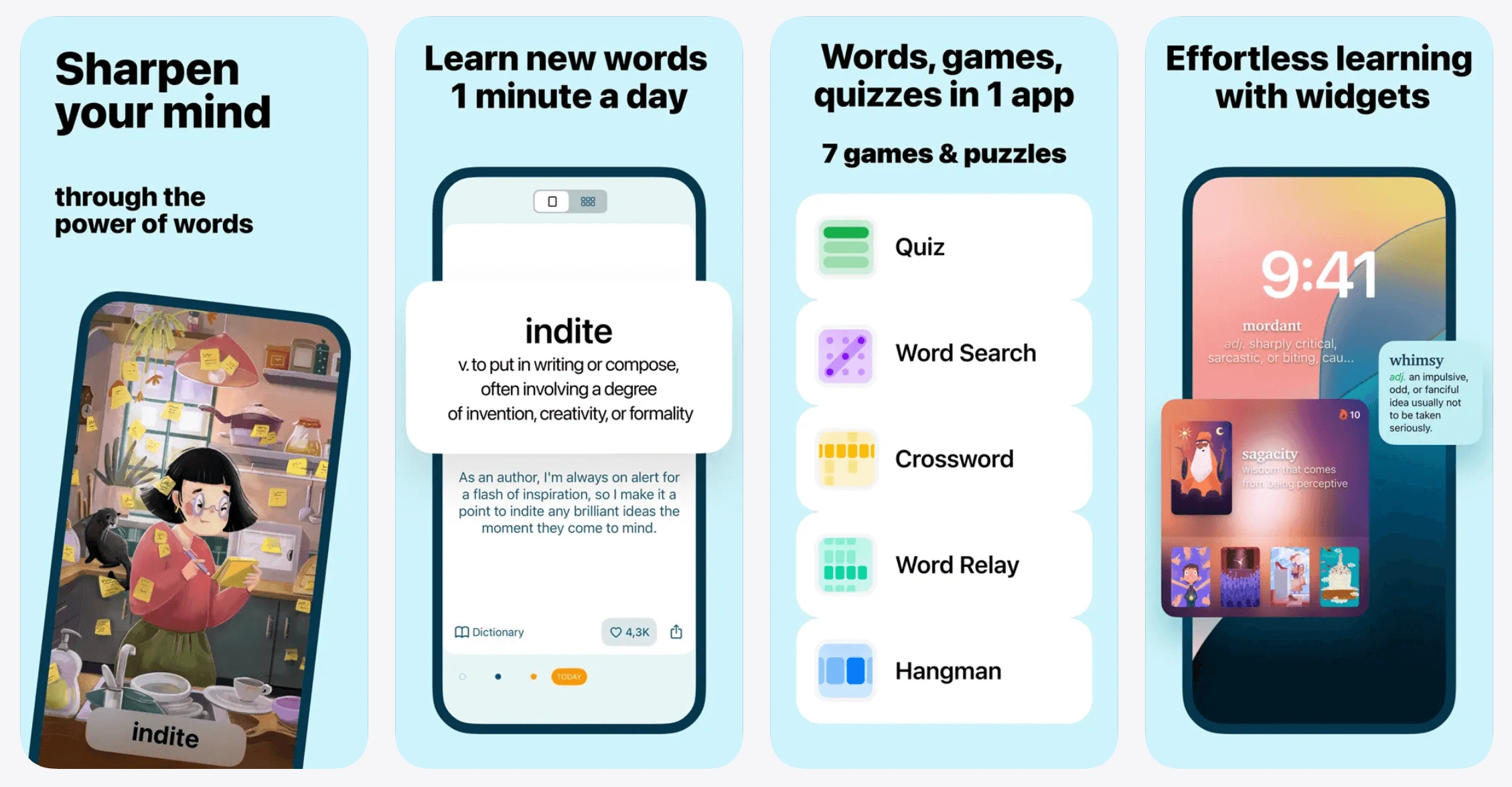
As its name suggests, the Word of the Day app automatically selects a word of the day and displays it for you to learn. It also offers various games for a more engaging learning experience, as well as the widgets you can set up on your phone to learn something on the go.
Features
Games and daily goals to keep track of your progress regularly
In-app resources you can exchange for accessing specific features
Automated proficiency test
Pricing
As you download the app, you can access some of the Word of the Day tabs for free. Still, you can be asked to buy add-ons upon completing a 7-day trial. Also, current US App Store has several active IAP SKUs like $49.99 annual, $59.99 Premium, $99.99 annual, etc.
Word of the Day: Pros and Cons
Pros
Cons
Multiple games, daily goals, and other interactive features
Ability to learn new words on the go
The app may quickly ask you to purchase in-app extras to unlock full functionality
How to Choose the Right Vocabulary App
Your Goal
Best App Type
GRE or SAT test prep
Magoosh Vocabulary App or Ultimate Vocabulary Builder
Vocabulary apps for kids in school and the classroom (K-5)
Vocabulary A-Z or Quizlet
Independent learning with custom flashcards (SRS)
Quizlet, Wordela, Anki, or Lingui
Language learning and learning through real-world context
Memrise, LingQ, or WordUp
Casual adult use and milestone-based habits
WordUp, Vocabulary.com, Drops, or Word of the Day
Advanced writing and research
Vocabulary.com, VocabMagic, or Linked Words – A Reverse Dictionary
Fully free options
Ultimate Vocabulary Builder, Linked Words – A Reverse Dictionary, VocabMagic (Quiz App), Anki (free for Web & Android), or Lingui
Best Vocabulary Building Apps 2026: Which One to Choose?
The choice of the best vocab learning app among the 15 options mentioned here depends on your budget, study goals, and learning style. The more features an app has, the more likely it is to fit your needs, yet it may still ask you to subscribe.
Vocabulary apps can be effective for independent practice, repetition, and building daily learning habits. However, children who struggle to transfer new vocabulary into reading, writing, or everyday communication may benefit from personalized instruction and real-time feedback from a tutor. With a reading teacher, your child can get support on their way to mastering English vocabulary, studying under a personalized plan that is tailored to their needs and matches their comprehension style.
If you consider supplementing vocab-building app practice with a 1:1 private tutoring system, book free lesson from Brighterly! This won’t cost you a thing, yet it can potentially lead to developing a strong willingness to study and build vocabulary in your child.
Frequently Asked Questions
What Makes the Best Vocabulary Learning App?
The best vocabulary learning app is age/level-appropriate, and…
Applies interactive forms like quizzes, flashcards, and games
Uses spaced repetition for long-term retention
Offers multimedia content – images, sounds, and example sentences – to engage various learning comprehension styles
Tracks progress
Do Vocabulary Apps Actually Work?
Yes. According to a 2024 study published in PubMed Central, personalized and mobile vocabulary tools help learners acquire and retain academic vocabulary, in particular due to spaced repetition and self-paced learning. Another 2024 study from Sisaket Rajabhat University (published in the Journal of Modern Learning Development) also found that reviewing vocabulary at spaced intervals improved students’ memory and vocabulary retention.
What Is the Best Vocabulary App for GRE or SAT Prep?
The best vocabulary apps for SAT and GRE prep are Magoosh and Ultimate Vocabulary Builder. Magoosh includes 1,200 expert-selected words, definitions, example sentences, and quiz-based practice across multiple difficulty levels. The app is especially useful for building academic and test-specific vocabulary, but students who need complete GRE or SAT preparation will need additional resources for math, reading, writing, and full-length practice tests. Ultimate Vocabulary Builder helps users learn over 1,500 advanced words, their meanings, and pronunciations – all precisely for test prep.
Are There Good Vocabulary Apps That Work Offline?
Yes, the good vocabulary apps that work offline are Anki and Ultimate Vocabulary Builder. Anki enables users to download and handle massive custom card decks (even exceeding 100,000 cards) with instant syncing. In the Ultimate Vocabulary Builder, you can also improve your vocabulary with flashcards and quizzes offline, and do so free of charge.
How Many New Words Can You Learn per Day with a Vocabulary App?
The number varies based on the app and learning method; however, if employing a spaced repetition system (SRS), it’s usually about 5-20 new words per day. According to spaced repetition mathematics, every new word triggers around 5-10 future automated review prompts during 30 days to catch it before it’s overlooked by the human so-called Ebbinghaus Forgetting Curve.
Marvi M. Andres is that very Brighterly reading tutor who will make your child fall in love with the subject. By showcasing the diversity of text genres, she demonstrates the impact of reading.
As a parent, you must know that writing an essay is not an easy task. A young writer should think of preparation, brainstorming, writing, and revising. If you’re a bit confused by these parts, why not get help writing an essay? At least some helpful tips. Read on to explore how to write an essay, […]
Vina Marie Cataloctocan
Nov 24, 2025
Next article
AllBrilliant vs Khan Academy: Complete Comparison 2026
Brilliant is better for learners who enjoy interactive STEM problem-solving, while Khan Academy is better for free, structured learning across a wider range of subjects and test prep. Brighterly is an alternative for K–12 students who need live 1:1 reading and math instruction rather than self-paced digital learning. Brilliant vs Khan Academy: Comparison Brilliant focuses […]
Rachelle Bencio Yu
Nov 25, 2025
Table of Contents
Math & reading from 1st to 12th grade
Exploring alternatives? Take a short quiz!
Choose kid's grade
Grade 1
Grade 2
Grade 3
Grade 4
Grade 5
Grade 6
Grade 7
Grade 8
Grade 9
Math & reading from 1st to 12th grade Looking for homework support for your child?
Wyzant is a massive, legitimate online tutoring marketplace connecting students with independent tutors across more than 300 subjects, beyond math and reading. Wyzant tutoring reviews 2026 and below are generally positive about the sheer variety of tutors available, but are more mixed when it comes to pricing consistency and customer support responsiveness. To provide a […]
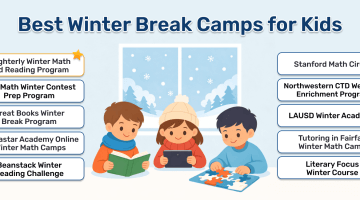
Kids might love their school holiday, but it can have a detrimental impact on their learning. In fact, studies have shown children experience 7.5% learning losses in math over winter break. An excellent way to keep your child sharp over the winter break is through winter break camps. As an experienced tutor, I have explored […]
How to Learn Math: Best Ways to Study and Get Better
This guide covers how to learn math for students at any level — from learning math from scratch to figuring out how to get better at math you’re already working on. You’ll find practical strategies for building stronger foundations, practicing effectively, and getting help when you need it. How to Learn Math Effectively The most […]
Jessica Kaminski
May 31, 2024
We use cookies to help give you the best service possible. If you continue to use the website we will understand that you consent to the Terms and Conditions. These cookies are safe and secure. We will not share your history logs with third parties.
Learn More