Handwriting Apps for Kids: 10 Apps to Support Better Writing in 2026
reviewed by Jo-ann Caballes
Updated on January 26, 2026
Wondering how to help your child write better and more clearly? As an experienced writing teacher, I’ve gathered the 9 best handwriting apps for kids and highlighted their main features, advantages, and disadvantages. My list includes both paid and free platforms with diverse functions to support learners with various needs.
Key points
- iWriteWords and Dexteria teach little learners how to handwrite in print and cursive on a digital device, while Handwriting Without Tears takes a more traditional approach, combining online instruction with offline practice. They all require a payment.
- TheLetterSchool, iTrade, and Writing Wizard handwriting app for kids come with a free download of the basic platform and in-app purchases for advanced features.
- Khan Academy Kids, ABC Kids, Touch and Write, and Effling Kids are entirely free options for families on a budget.
- Brighterly is opposed to handwriting apps, as it is based on teacher-led instruction, which has proven to work best for small kids. It features game-based practice for maximum engagement.
Exploring alternatives?

What is the best handwriting app for kids? Most important features
The best handwriting app for children offers guided letter formation, age-appropriate tracing levels, instant feedback, and progress tracking. It supports both print and cursive writing, adapts to the kid’s skills level, and keeps learners engaged with simple rewards. Additionally, it’s non-repetitive, and it’s affordable for the family.
What is the best handwriting app for beginners?
The best app for handwriting for beginners is the one featuring clear instructions and guidance, to make kids’ initial steps smooth and stress-free. Ideally, it also features a tutor’s support for better engagement and more personalized explanations.
How can Brighterly help kids with handwriting?
Brighterly reading and writing e-service is the best fit for students who are just learning how to write print and cursive. Unlike most apps, it provides real-time, 1:1 guidance by professional ELA teachers instead of relying entirely on technology. It combines interactive teaching with gamified practice to spark learners’ interest and build their confidence, along with their writing skills.
These are the features that make the Brighterly writing and reading program suitable for the youngest learners:
- Unlike other handwriting apps for kids, it has an individualized approach. Rather than offering generic tracing exercises and practice worksheets, Brighterly tutors create an individual learning plan and materials, customized to the strengths and weaknesses of each child but still aligned with US state standards.
- Through this e-service, your kid gets a chance to practice with professional teachers who have obtained a minimum of a Bachelor’s degree and 5 years of experience.
- Brighterly offers free-of-charge reading and writing worksheets that can be completed online or easily printed for additional handwriting practice away from the screen. They are just ideal for home practice!


Check the basics behind this term
Take our quick quiz to discover the perfect learning solution based on your child’s needs.
10 Best handwriting apps for kids
- LetterSchool
- iWriteWords
- Dexteria
- Handwriting Without Tears
- iTrace
- Writing Wizard
- Khan Academy Kids
- ABC Kids
- Effling Kids
- Touch and Write
Paid apps for handwriting practice: Comparison
| Key features | Age groups | Teacher support | Pricing | |
LetterSchool |
Writing & spelling Multiple fonts Several languages |
3-8 years | ❌ |
Free download In-app purchases |
iWriteWords handwriting app for kids |
Letter & number tracing Gamified learning Reward system |
4+ years | ❌ | $2.99 |
Dexteria |
Prewriting skills Finger strengthening Hand coordination |
2-6 years | ❌ | $3.99 |
Handwriting Without Tears |
Explicit handwriting instruction Multisensory activities Numerous tools |
PreK-6 grade | ❌ |
$59.95 for the starter kit Additional materials cost extra. |
Touch and Write |
Practice with writing textures Custom word list creation Visual, kinesthetic, and tactile elements |
4+ | ❌ | $2.99 |
Free handwriting apps for kids: Comparison
| Key features | Age groups | Teacher support | |
iTrace |
Cursive & block letters 3-time repetitions Tracking progress |
PreK-K2 grades | ❌ |
Writing Wizard |
Personalized level adjustment Custom word lists Printable worksheets |
4+ years | ❌ |
Khan Academy Kids |
All-inclusive early childhood education platform Interactive learning games Progress monitoring |
2-8 years | ❌ |
ABC Kids handwriting app free |
Tracing letters Phonics sounds Fun motivational gifts |
2+ years | ❌ |
Effling Kids |
Custom learning Unlimited writing & tracing practice Bilingual platform |
3-7 years | ❌ |
1. LetterSchool
Age group: 3-8 years
Best for: Engaging letter and number tracing
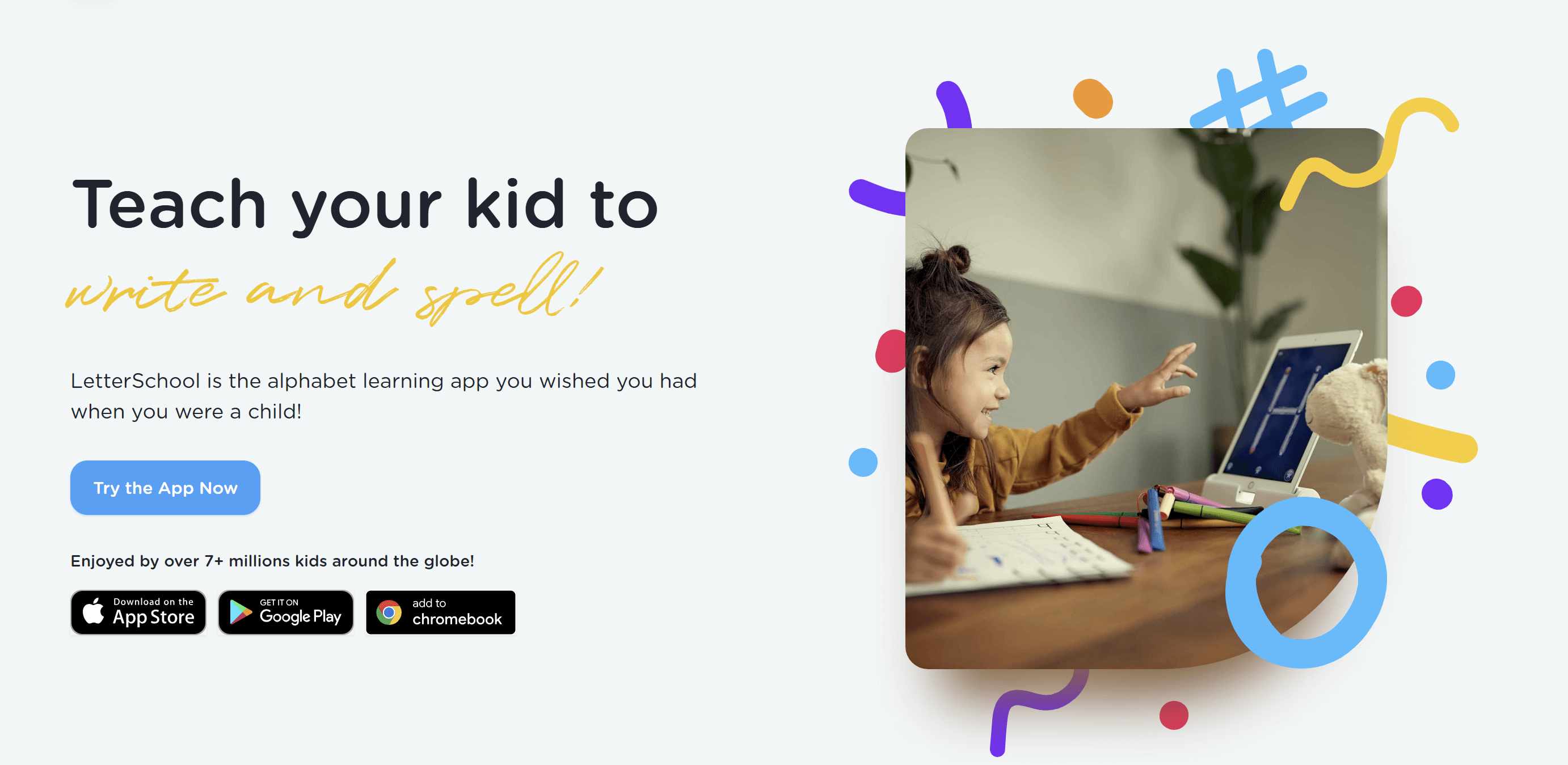
LetterSchool could be the best handwriting app for iPad, iPhone, and Android devices for early learners getting to know how to handwrite and spell.
LetterSchool features
- Tapping, tracing, and writing
- 3-step practice method
- Teaching handwriting and spelling
LetterSchool pricing
LetterSchool can be downloaded for free from the Apple App Store and the Google Play Store. The app requires in-app purchases, ranging from $4.99 for a monthly access pass to $59.99 for a yearly plan.
LetterSchool pros |
LetterSchool cons |
| ✅ Various font choices supported | ❌ Focus on young kids only |
| ✅ Distraction-free environment | ❌ Technical bugs |
| ✅ Multiple language availability | ❌ No offline materials |
2. iWriteWords
Age group: 4+ years
Best for: Gamified handwriting practice
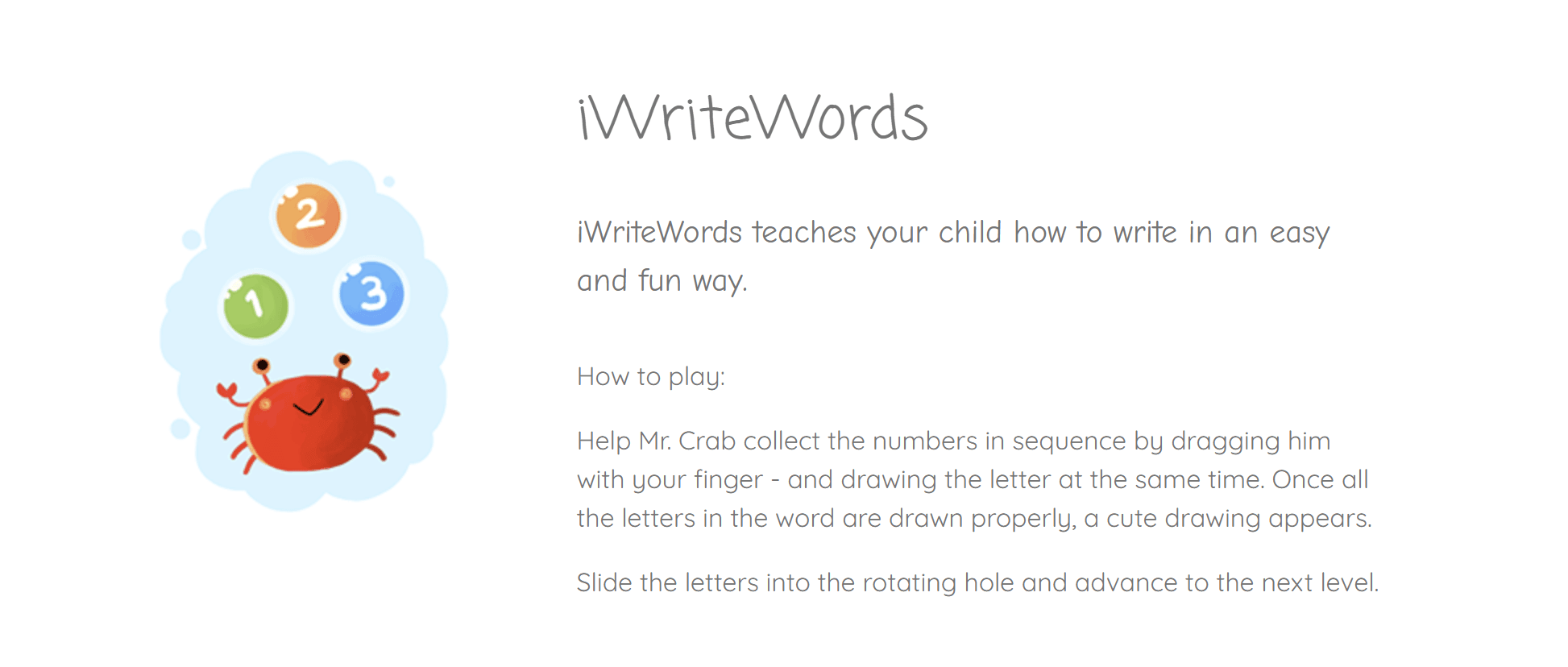
iWriteWords is the best iPad handwriting app for families looking for fun, game-based learning for their little ones.
iWriteWords features
- Tracing letters and numbers
- Cute drawings appropriate for young kids
- Achievement awards
iWriteWords pricing
The cost of downloading the iWriteWords app from the Apple App Store is $2.99. This makes it a very affordable option.
iWriteWords pros |
iWriteWords cons |
| ✅ Engaging for young learners | ❌ Not available for Android devices |
| ✅ Dexterity support | ❌ Lack of advanced features |
| ✅ Cheap for families | ❌ Basic graphics |
3. Dexteria
Age group: 2-6 years
Best for: Fine motor and pre-writing skills
Dexteria is among the best handwriting apps for kindergarten and preschool that allows them to learn and practice fine motor skills, coordination, and handwriting readiness before getting into actual writing and spelling.
Dexteria features
- Finger strengthening exercises
- Hand coordination games
- Prewriting skills focus
Dexteria pricing
Dexteria can be downloaded from the Apple App Store for $3.99.
Dexteria pros |
Dexteria cons |
| ✅ Perfect fit for the youngest learners | ❌ Not focused on letter formation |
| ✅ Fun, game-like practice | ❌ More abstract than tracing |
| ✅ Builds finger control before writing | ❌ Only available for iOS |
4. Handwriting Without Tears
Age group: PreK-6 grade
Best for: Instruction-based handwriting learning
The Handwriting Without Tears app provides a research-based handwriting program that incorporates instruction and practice.
Handwriting Without Tears features
- Explicit instruction
- Multisensory activities
- Research-backed curriculum
Handwriting Without Tears pricing
The initial set required to learn with Handwriting Without Tears costs $59.95. Additionally, families can purchase various books and tools to further develop specific skills. The total cost can easily exceed a few hundred dollars for instruction without a dedicated teacher.
Handwriting Without Tears pros |
Handwriting Without Tears cons |
| ✅ Digital & printed materials | ❌ More curriculum than an app |
| ✅ Structured learning flow | ❌ Lack of gamification |
| ✅ Classroom & home use | ❌ Costly pricing structure |
5. iTrace
Age group: PreK-K2 grades
Best for: Structured handwriting practice with progress monitoring
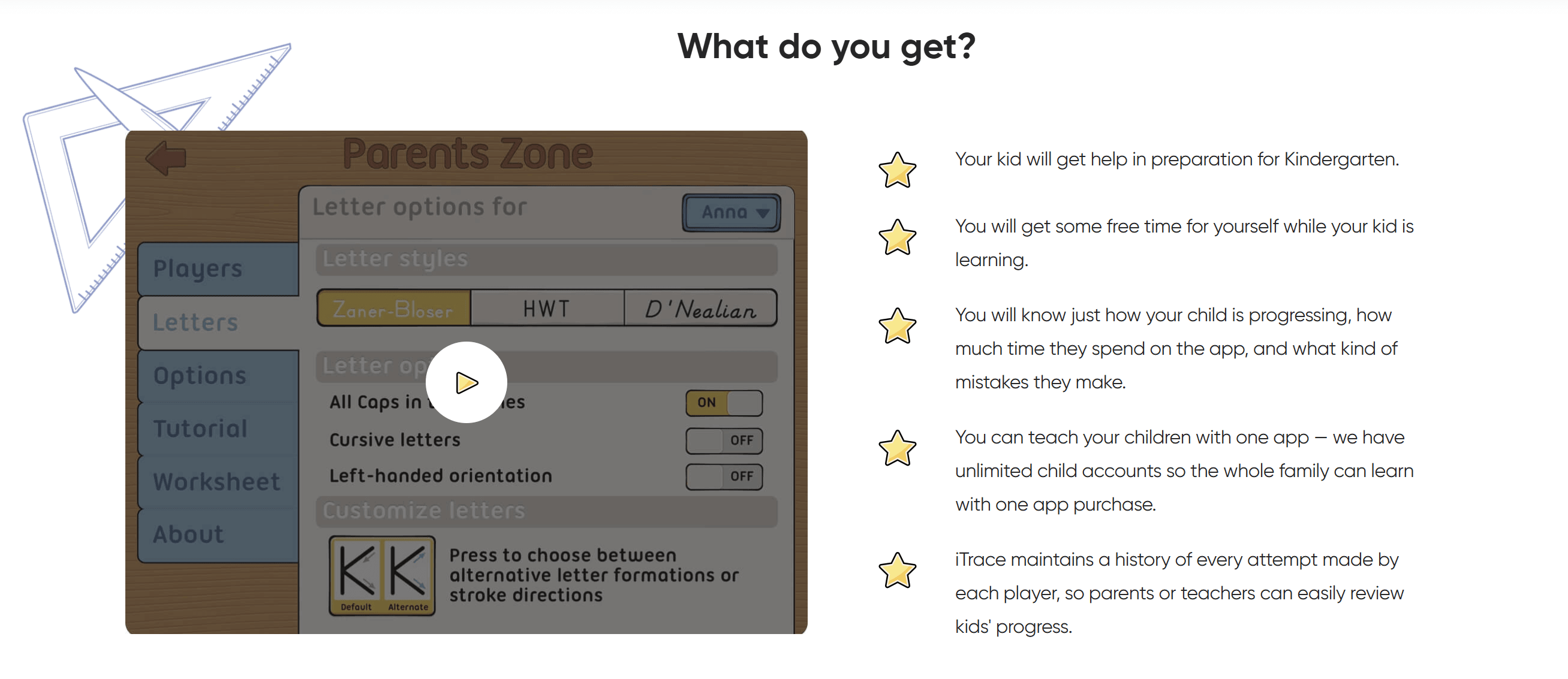
iTrace is one of the top free handwriting apps for iPad and iPhone that offers practicing words and letters, both in the classroom and at home.
iTrace features
- Block and cursive letters
- 3-time repetition for optimal memorization
- Progress tracking
iTrace pricing
iTrace offers a basic version of the app – with a limited set of letters, words, and settings – for free to be downloaded from the Apple App Store. Unlocking the premium features costs $3.99.
iTrace pros |
iTrace cons |
| ✅ Customizable letters & fonts | ❌ Somewhat outdated design |
| ✅ Free basic version available | ❌ Might feel repetitive |
| ✅ Up to 6 kids | ❌ Full access requires an in-app purchase |
6. Writing Wizard
Age group: 4+ years
Best for: Personalized tracing with custom word lists
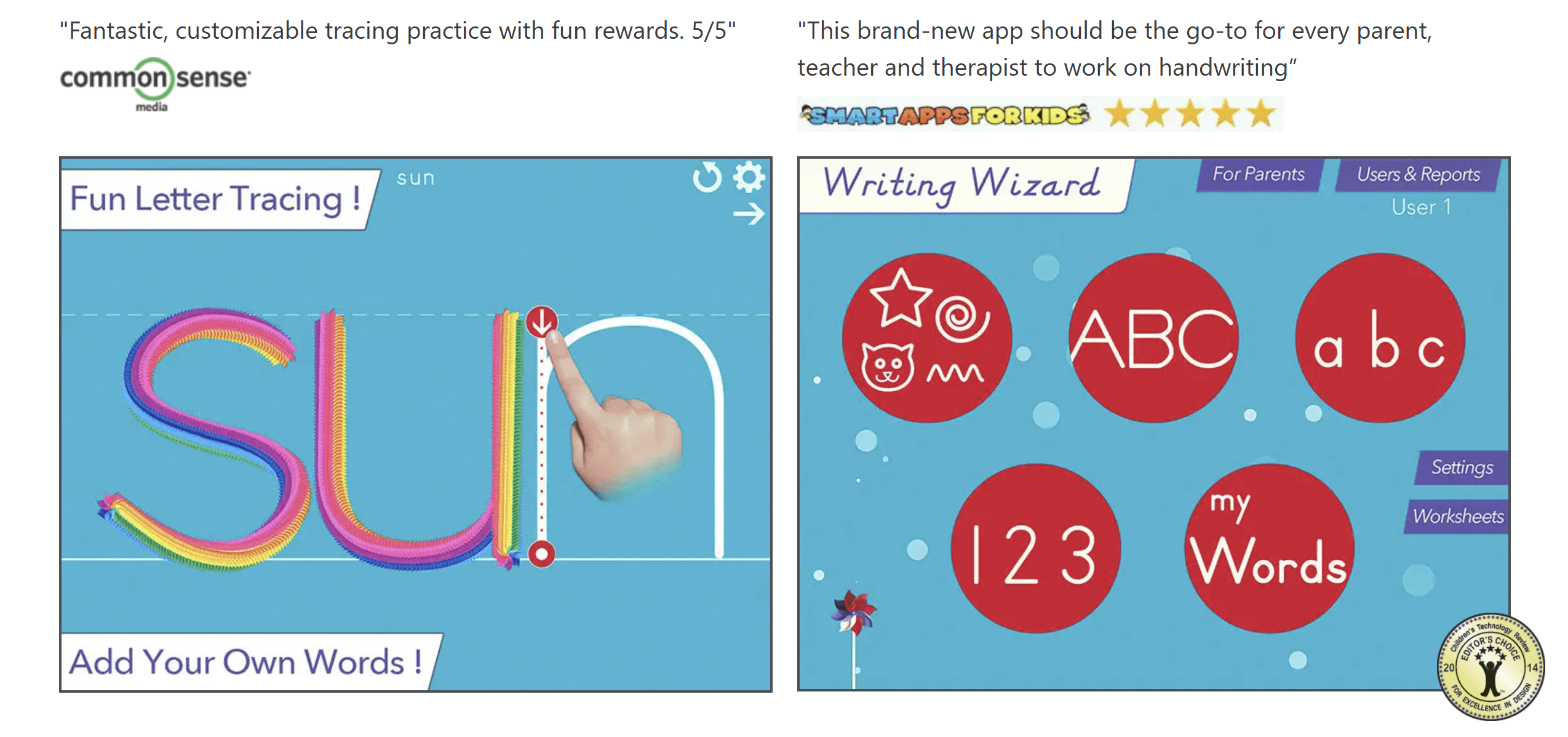
Writing Wizard is easily one of the best handwriting apps for kids with free download, as it offers level customization and personalized word lists.
Writing Wizard features
- Customizable levels
- Animated stickers and colored pencils
- Ability to add your own words
Writing Wizard pricing
Writing Wizard can be downloaded for free from the Apple App Store, the Google Play Store, and the Amazon Appstore. However, this free version has very limited capabilities. Unlocking all available features costs about $4.99.
Writing Wizard pros |
Writing Wizard cons |
| ✅ Practice upper case & lower case letters, numbers, and words | ❌ Not a good fit for the youngest learners |
| ✅ Multiple handwriting font options | ❌ Learning curve associated with customization |
| ✅ Offline practice with printable worksheets | ❌ Limited free features |
7. Khan Academy Kids
Age group: 2-8 years
Best for: Year-round learning through fun practice
My review of Khan Academy Kids shows that this is really a handwriting practice app free of charge. While most free apps actually have a freemium and premium version, Khan Academy Kids doesn’t charge anything.
Khan Academy Kids features
- Early writing and literacy skills development
- Creative, interactive lessons
- Progress tracking
Khan Academy Kids pricing
Khan Academy Kids can be downloaded for iPhone, iPad, or Android device from the Apple App Store, the Google Play Store, and the Amazon App Store for free. There are no advanced paid features.
Khan Academy Kids pros |
Khan Academy Kids cons |
| ✅ Step-by-step learning path | ❌ Not entirely focused on handwriting |
| ✅ Gamified approach to handwriting | ❌ No structured tracing learning |
| ✅ Comprehensive set of skills | ❌ Lack of advanced features |
8. ABC Kids
Age group: 2+ years
Best for: Beginner-level letter and phonics practice
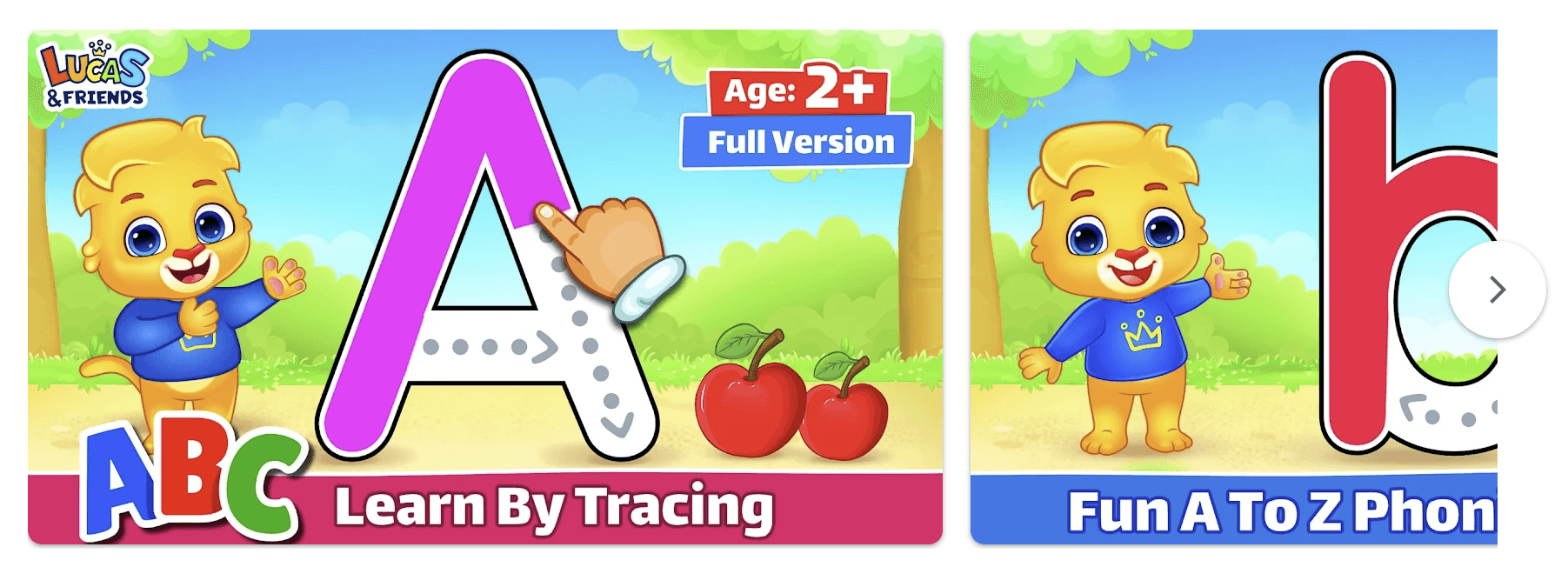
ABC Kids is a handwriting app free of charge that helps the youngest children start learning phonics and tracking the letters of the alphabet.
ABC Kids features
- Letter tracing
- Phonics sounds
- Simple letter case learning
ABC Kids pricing
The ABC Kids handwriting app for iPad, iPhone, and Android devices is available for free on the Apple App Store and the Google Play Store. You don’t have to pay for any premium features.
ABC Kids pros |
ABC Kids cons |
| ✅ Kid-friendly & easy interface | ❌ Limited depth for older learners |
| ✅ Combining phonics with handwriting | ❌ Very basic tracing |
| ✅ Entirely free app | ❌ Minimal progress tracking |
9. Effling Kids
Age group: 3-7 years
Best for: Unlimited digital handwriting practice
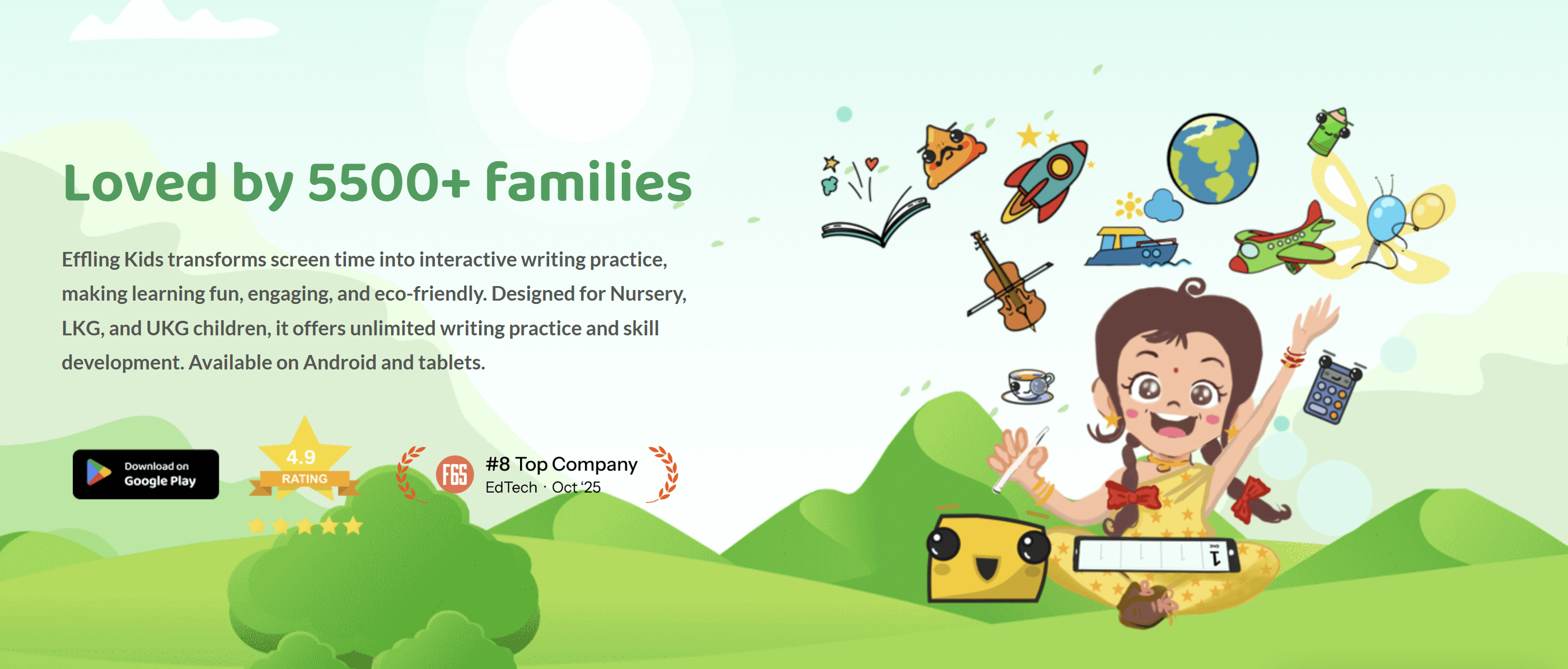
Effling Kids could be the best handwriting notes app for families that are looking for fully digital learning resources to replace traditional methods and outdated notebooks.
Effling Kids features
- Focus on real handwriting practice
- Building foundational writing skills
- Customized lessons for personalized learning
Effling Kids pricing
The Effling Kids app is available for free for Android users. The iOS platform is under development.
EfflingKids pros |
Effling Kids cons |
| ✅ Adaptive lessons for diverse learners | ❌ Limited to smaller kids only |
| ✅ Bilugual app (English & Hindi) | ❌ No iOS app |
| ✅ Fully digital experience | ❌ Lack of printable worksheets for on-paper practice |
10. Touch and Write
Age group: 4+ years
Best for: Kids benefiting from multisensory practice
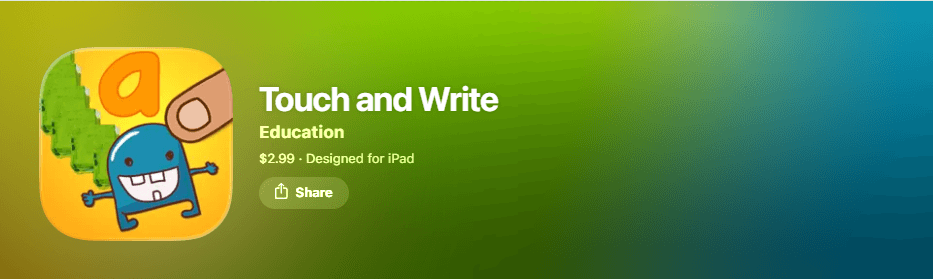
Touch and Write is the handwriting practice app for kids that encourages multisensory practice. It teaches writing letters, numbers, and some simple words in a personalized way.
Touch and Write features
- Helps to build early reading literacy
- Adjustable list of words for practice
- Reward animations
Touch and Write pricing
Touch and Write is available in the App Store only with a one-time purchase of $2.99.
Touch and Write pros |
Touch and Write cons |
| ✅ Catchy visuals | ❌ Visuals can disturb learning |
| ✅ Builds early phonics awareness and reading literacy | ❌ No iOS app |
| ✅ Animated feedback | ❌ Mainly for early learners |
How to fix kids’ bad handwriting?
- Start with the basics
- Build fine motor strength
- Practice correct letter formation
- Use a good handwriting practice app for kids
- Track progress
Start with the basics
How to improve handwriting in kids starts with teaching them the basics. Before getting into writing, you need to teach your child how to sit upright, how to hold the pencil correctly (known as pincer grasp), and how to position the paper at a small angle. These tiny changes can immediately improve your child’s control over letter writing and spacing between words. This will make their handwriting look better right away.
Build fine motor strength
If your child’s handwriting looks messy, the cause might be weak hand strength rather than a lack of effort. That’s why you should have your little learner practice activities that make hand muscles stronger, such as squeezing a stress ball, using play dough, cutting with scissors, or tracing different shapes, not just letters and numbers. This will help your kid control their hands better, which is key to tidy handwriting.
Practice correct letter formation
Another strategy of how to get better at writing involves working together on the right way to write letters by learning each of their components. You should encourage your child to practice letter tracing carefully and slowly, without rushing to finish. Repetition might feel boring, so it’s a good idea to find different exercises and worksheets that incorporate letter formation into fun drawings and entertaining visual cartoons.
Use a good handwriting practice app for kids
Making use of a handwriting practice app is a must nowadays when children are used to studying with online learning platforms. I’d recommend a website that combines human teacher learning with fun games to bring together the positives of more and less traditional learning methods. It’s even better to get the platform that provides instant feedback and that enhances handwriting skills along with confidence, like Brighterly.
Track progress
When fixing your kid’s bad handwriting, you have to be patient and not expect your child to become an amazing writer right away. Give them time to develop hand strength, learn how to form letters correctly, and practice letters and numbers. Encourage them with small rewards along the way. Sometimes even a single “Good job!” is enough to keep your kid going. In other words, celebrate even the tiniest achievements, such as clearer letters or better spacing. Always be supportive.
Conclusion: Choosing the best handwriting app for your child
My practice shows that these are the top 10 handwriting apps for kids. They provide letter tracing, word recognition, and phonics learning, and help develop comprehensive writing skills. With their diverse features, these apps can meet the needs of any student and satisfy the expectations of any family.
- If you’re searching for a fully digital app, you can try iWriteWords or Dexteria, while you can test Handwriting Without Tears if you favor a more traditional approach based on paper practice.
- In case you’d like to start with a free test before having to pay for advanced features, you can consider LetterSchool, iTrace, or Writing Wizard.
- Parents looking for entirely free apps can check out Khan Academy Kids, Touch and Write, ABC Kids, or Effling Kids.
And if you want fully personalized support that can turn your child into a handwriting master, then Brighterly is the right choice for you.
The Brighterly writing and reading tutoring program brings to your child:
✅Individually developed learning path and materials
✅Qualified teachers exhibiting strong personal skills
✅Plenty of free educational resources
Ready to provide your child with the 1:1 support they need to learn handwriting? Book free lesson now to help your child succeed at school.




Nowadays, mental health is not a topic that can be ignored. Stress, anxiety, and emotional exhaustion are part of young people’s lives, with almost 60% of teenagers experiencing mental health challenges. In this article, you can look at the latest statistics on student mental health in 2026. What should you expect, and how can you […]

Jan 05, 2026

ADHD and writing? It’s a tough mix. Creativity often falls victim to anxiety and fear of actually getting stuff on paper. As a tutor, I’m used to seeing students with amazing ideas struggling to get them out. But, luckily, there are real ways to help your child. Key points Writing difficulties in children with ADHD […]

Jan 06, 2026
Math & reading from 1st to 9th grade
Exploring alternatives?
Take a short quiz!
Choose kid's grade